Chat
All communication to our key contacts within the platform, across all channels that use email, will from now on take place via the chat system. This gives receptions and administrators the ability to start a conversation directly with the guest or student themselves.
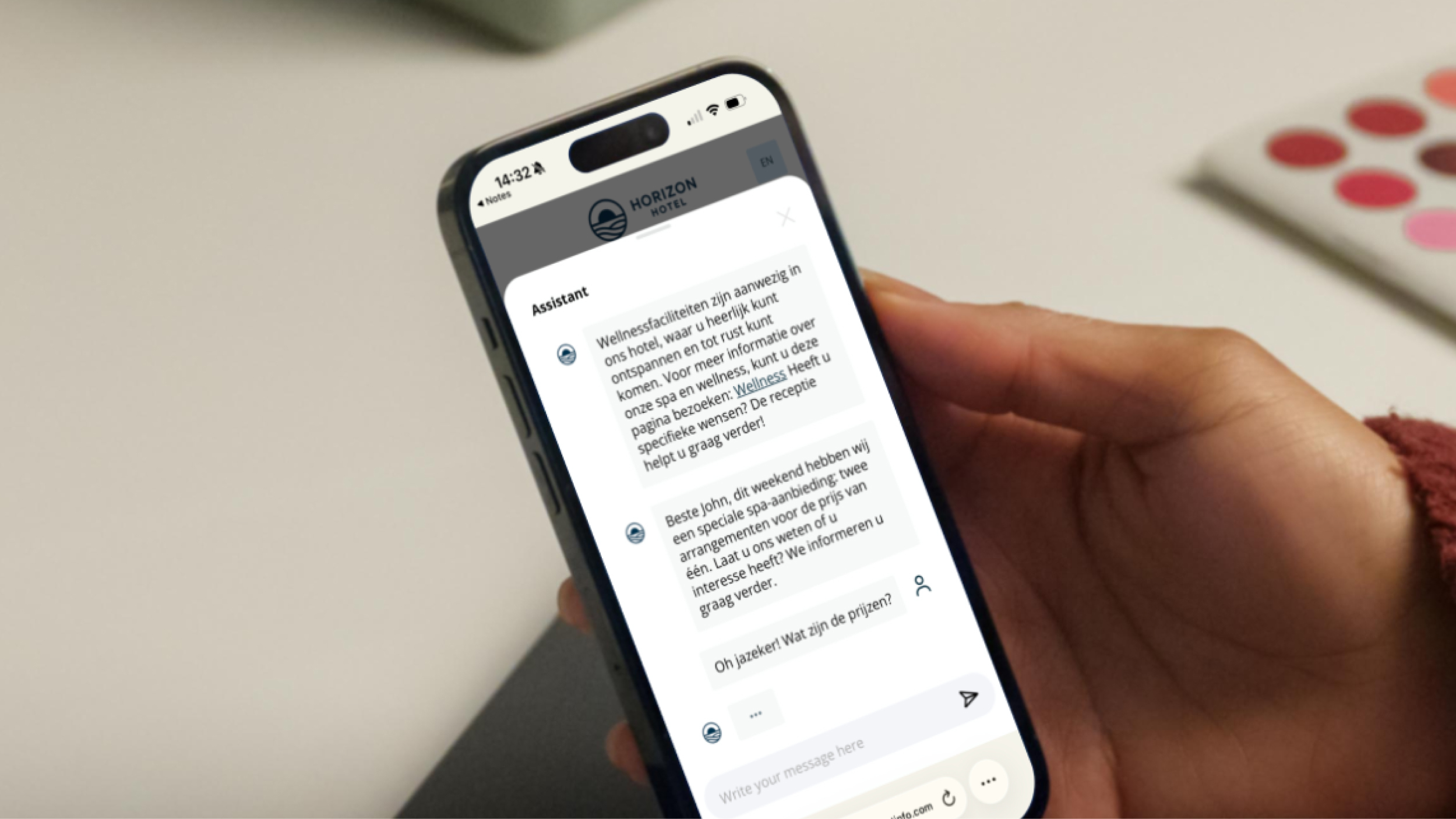
In addition, the assistant is linked to the chat system. It can be configured so that incoming messages from guests and students are automatically answered using the configured assistant.
Step in at any time
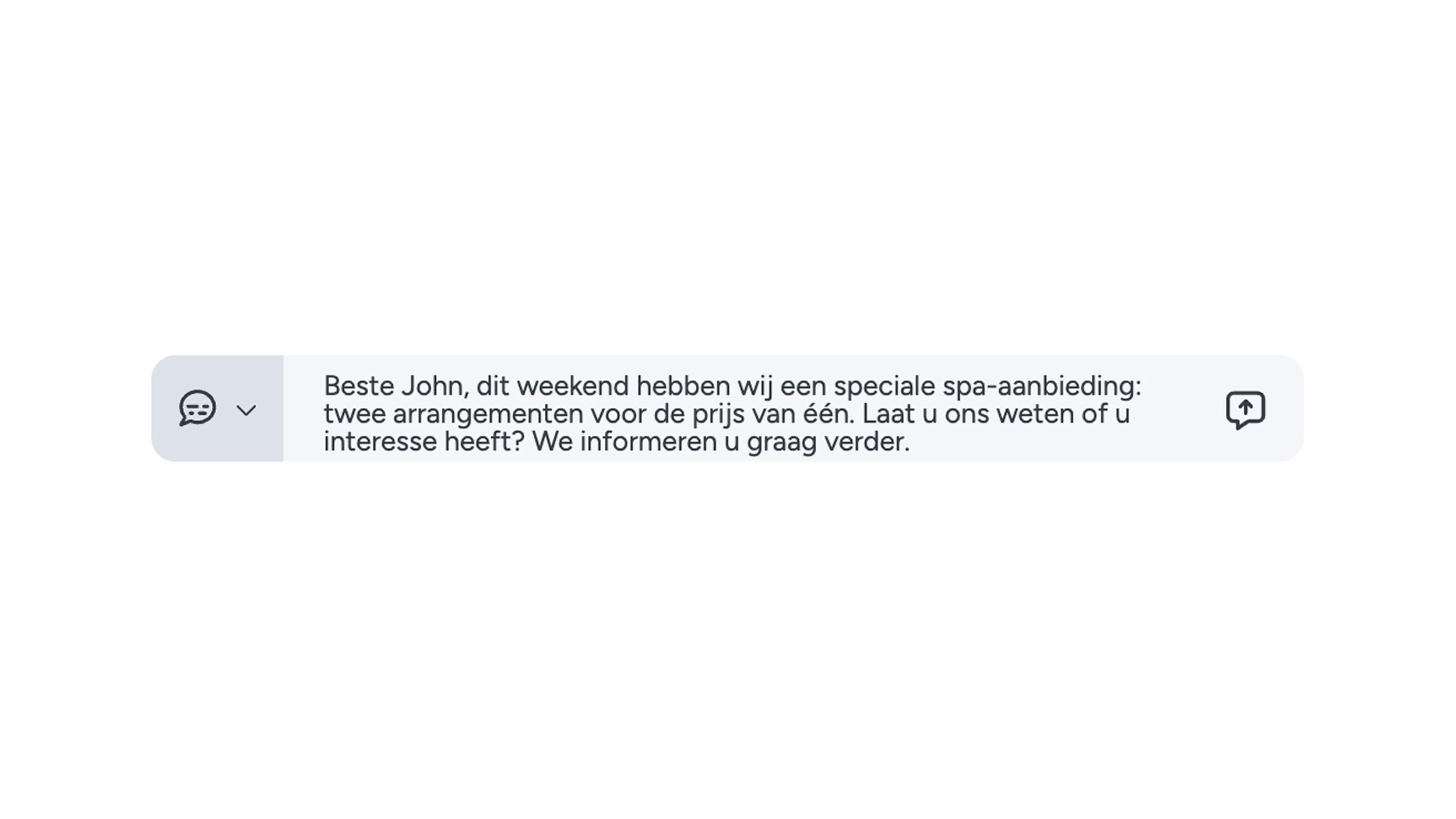
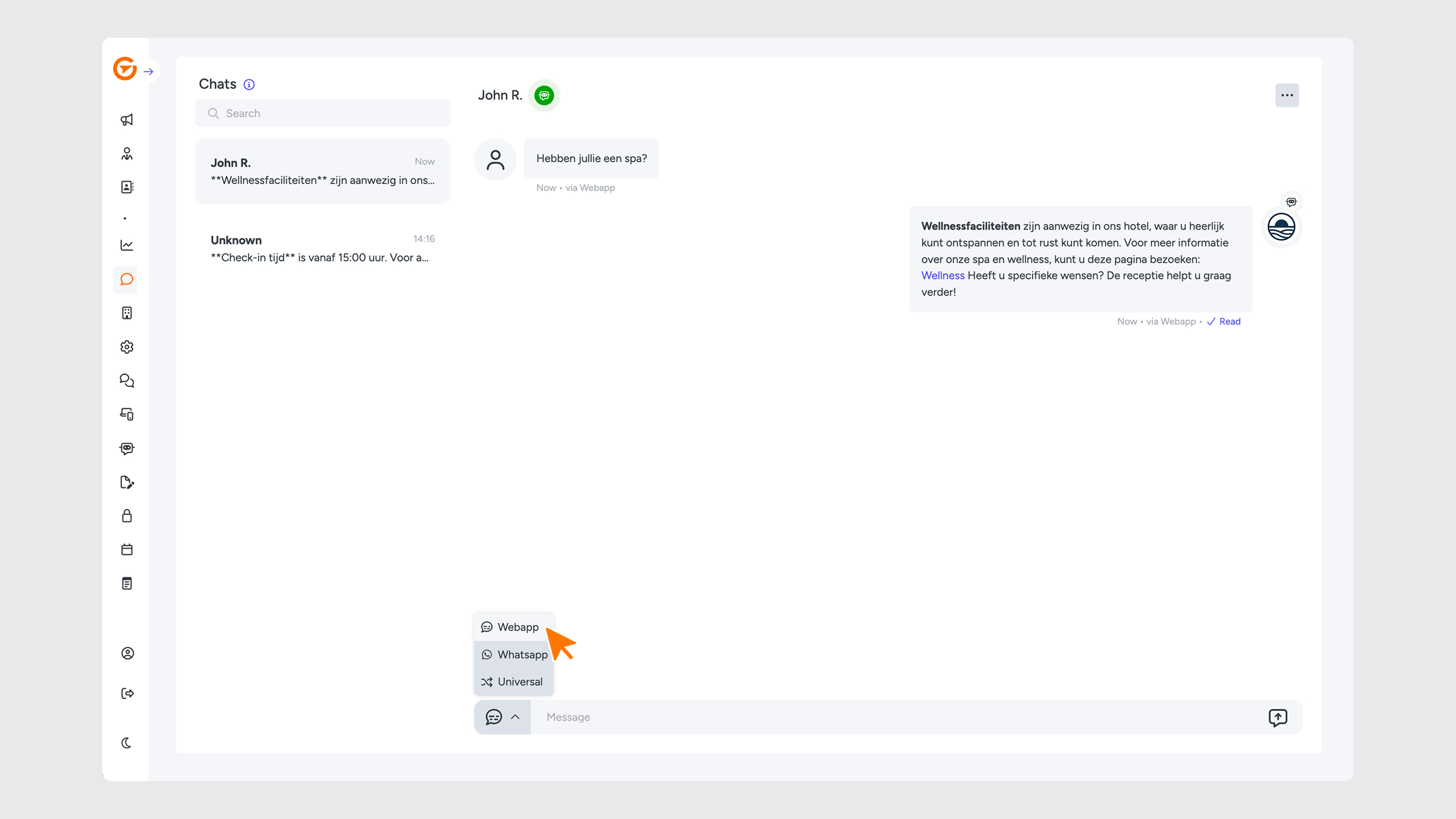
In the menu, you will see a notification icon. Here, you can type a message and then choose the desired channel to send it through. It is also possible to send your message through all channels at the same time.
Please note: additional costs may apply. For more information, contact support@guestcompass.nl.
Why is this chat useful? This feature makes fast and direct communication with guests or students much easier.
Email notifications
Email notifications inform guests or students when they have received a message. These notifications apply exclusively to the web app channel. The email is sent automatically if the end user has not read the message after a certain period of time.
If you would like to enable this feature, please contact support@guestcompass.nl.
Social media integration
In addition to the module added to the web app, it is also possible to connect the chat to the web app via the social media option.