Module – My Neighbours (iLOQ)
Adding to the app
The My Neighbours module can only be added to an empty page.
Drag the “My Neighbours” module to the phone view. Once you have done this, the module is automatically saved.
Please note: no automatic settings page appears when adding this module.
Get to know your neighbours
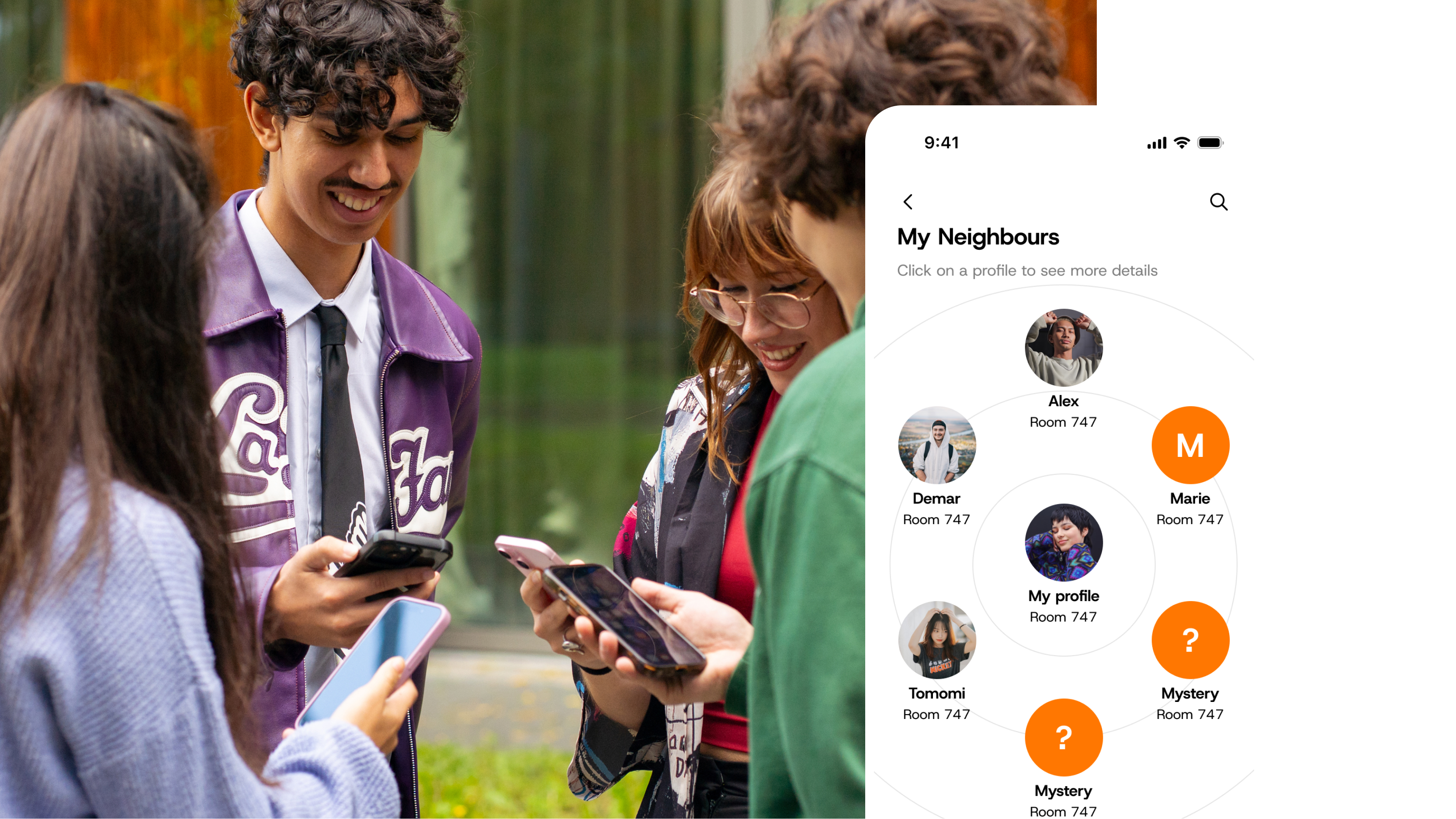
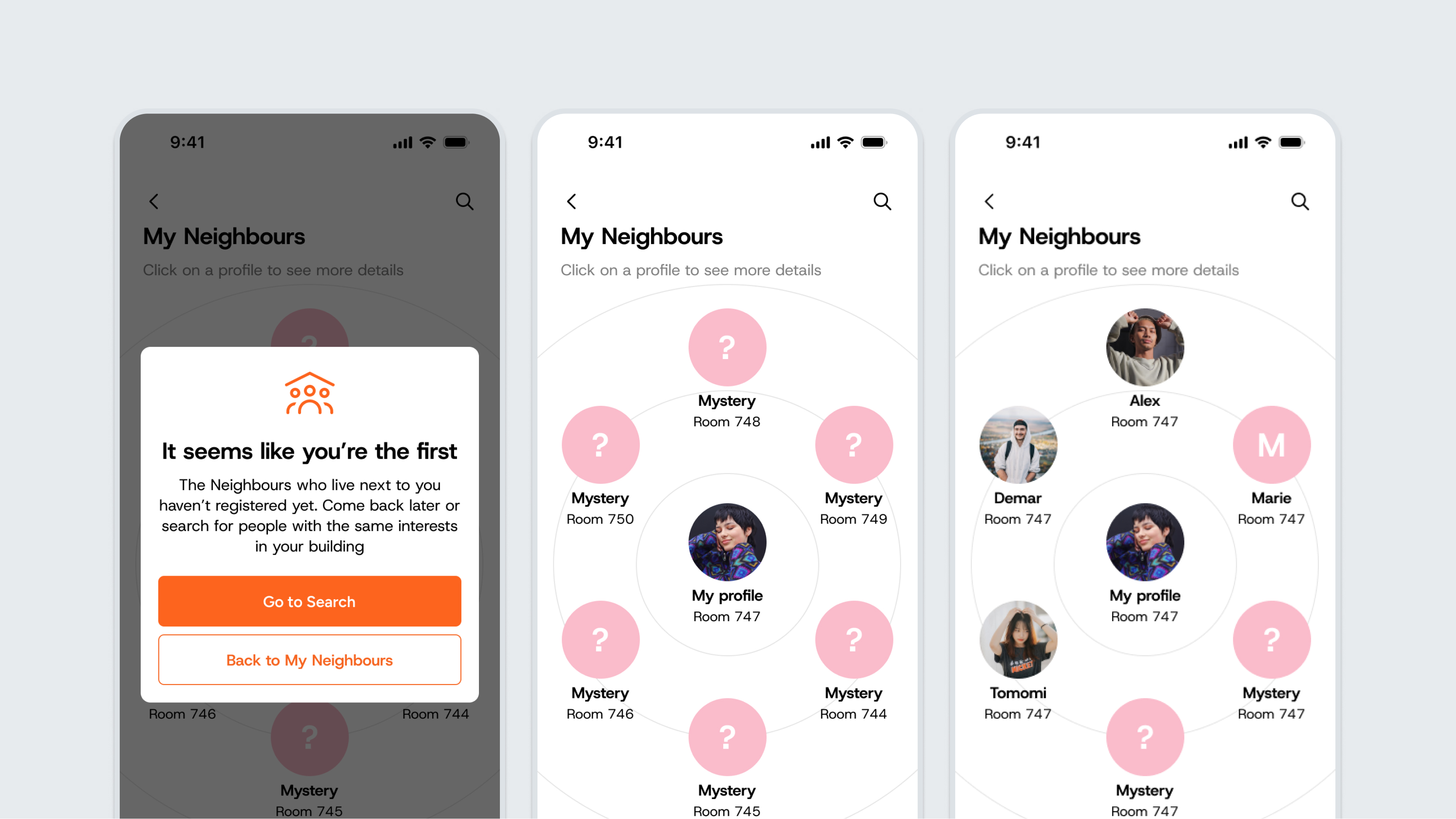
The My Neighbours module allows residents to get to know their neighbours without being physically present at the location. Before or during your stay, you can register, create, and manage your profile. You can then see who lives next door or in the same building and what their interests are.
You can only register for My Neighbours if you have a registered key in the app.
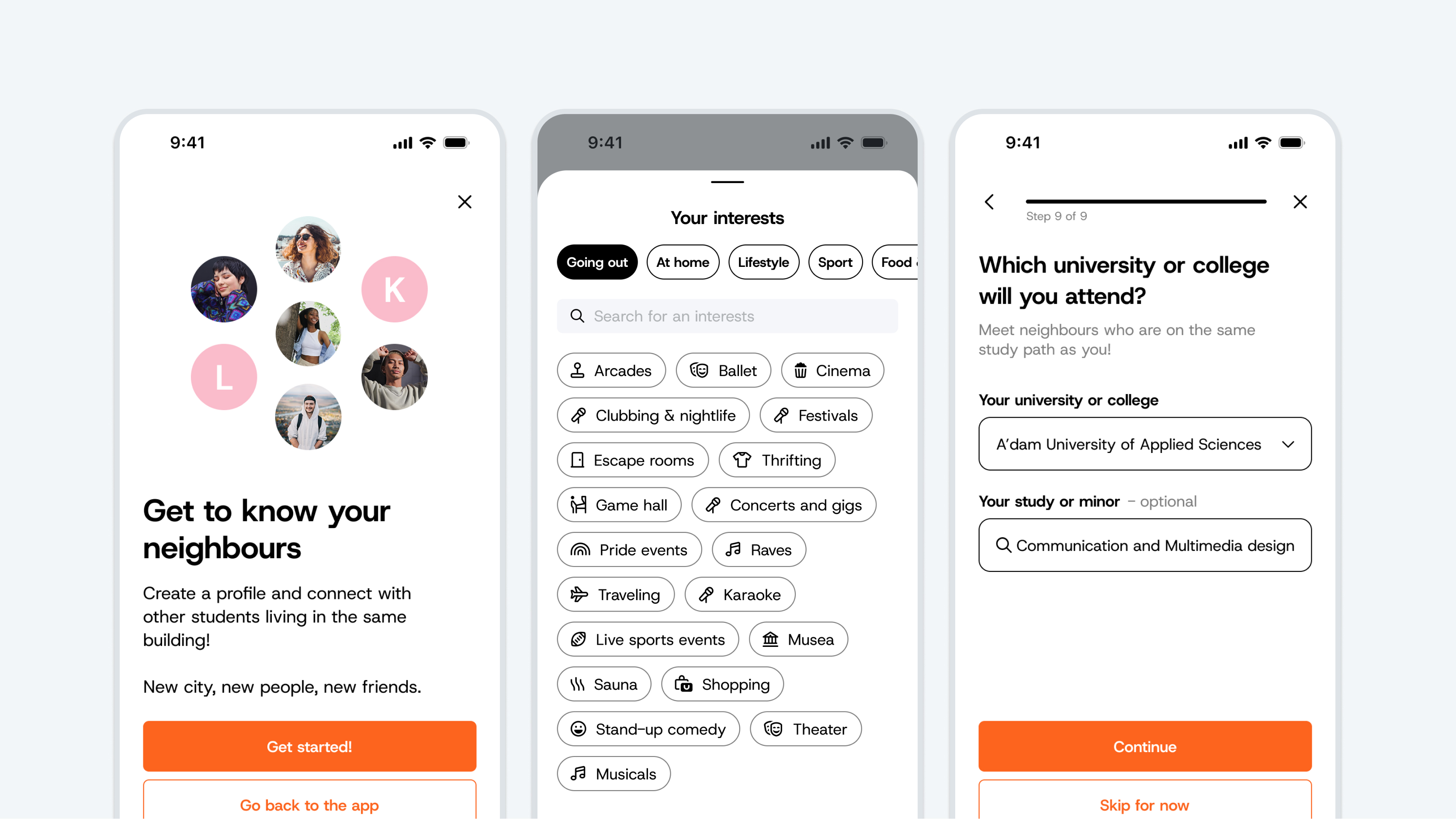
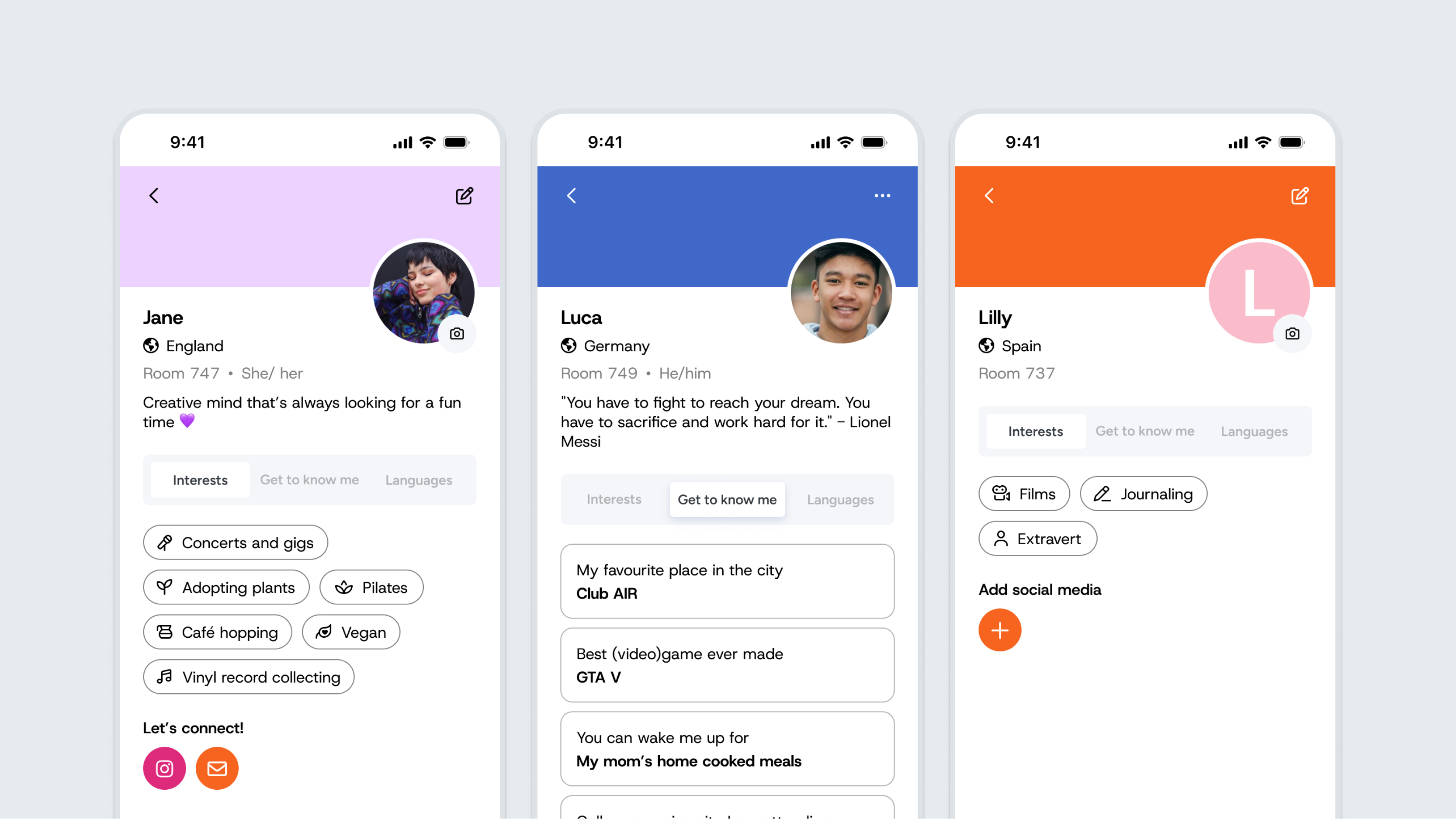
As a resident, you can enter the following details in the My Neighbours module:
- Name (a nickname is also allowed) – Required
- Country (where are you from?) – Required
- Languages (which language(s) do you speak?) – Required
- Profile photo or avatar – Required
- Interests (choose up to 5) – Optional
- Study (what are you studying?) – Optional
- Get to know me (choose 3 questions and fill them in) – Optional
- About me (write something in your bio, add your Instagram, provide your email address, or include your Facebook URL) – Optional
Registration takes only 1 minute. Set your preferences for social media channels and then you can start connecting with your neighbours (if they have also created a profile).
Managing or leaving My Neighbours
Do you want to unsubscribe from My Neighbours or edit your profile? You can!
Click the three-dot button in the top-right corner and choose the desired action.
Profiel
Richt je profiel helemaal in zoals jij dat wilt en deel alleen wat je prettig vindt. Woon je samen met internationale studenten in jouw gebouw? Dan is het handig om je tekst in het Engels te schrijven, zodat iedereen je begrijpt en het leggen van contact nog gemakkelijker gaat.
Plaats bij voorkeur een duidelijke foto zodat je buren je herkennen. Ben je wat terughoudend? Geen probleem, je kunt er ook voor kiezen om alleen je initialen als avatar te tonen. Als je je social media toevoegt, kunnen medestudenten buiten de app eenvoudig contact met je opnemen.
Notice Board
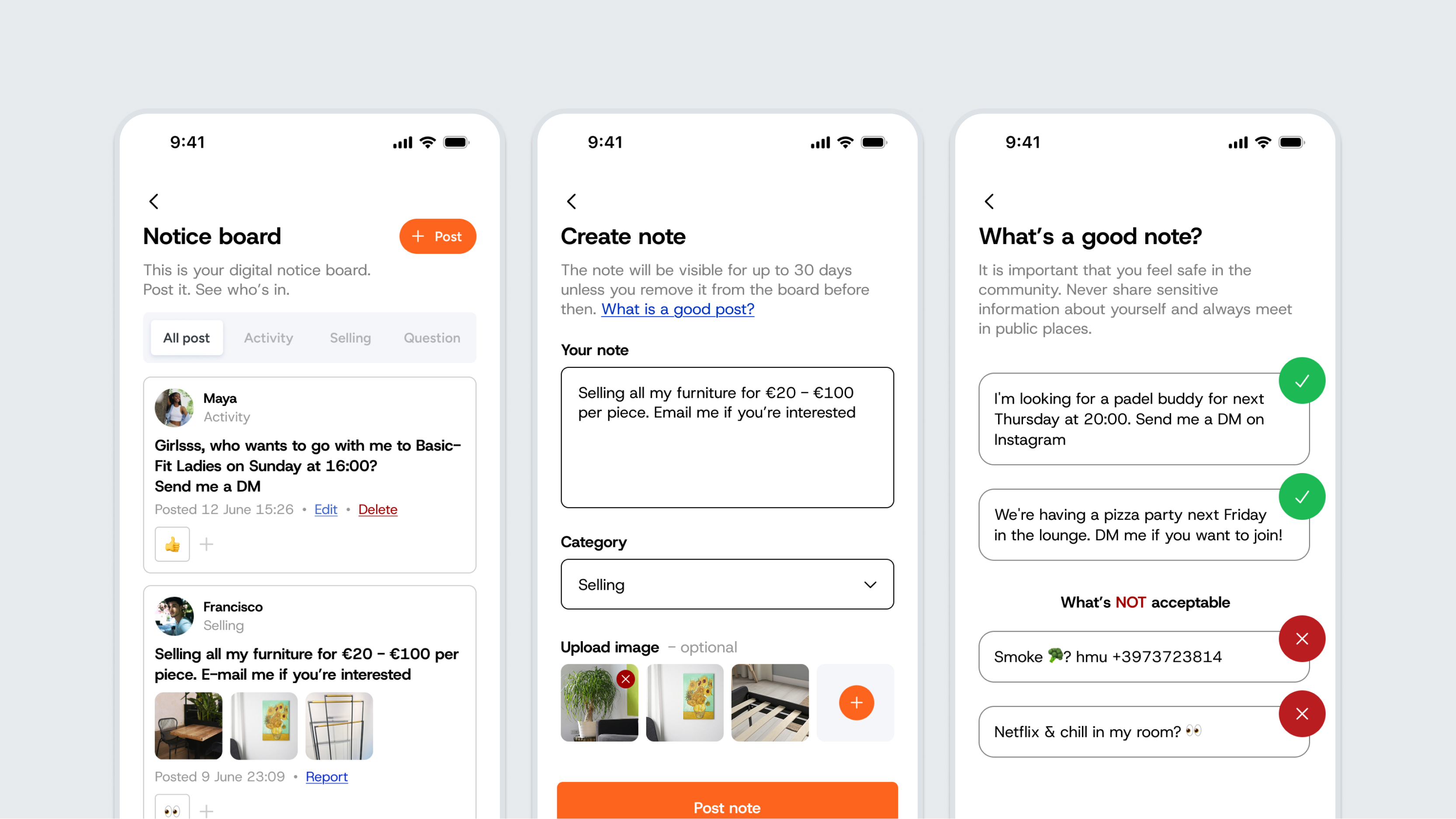
Zoek je een sport- of studiebuddy, iemand om gezellig een kop koffie mee te drinken, of wil je spullen verkopen voordat je weer verhuist? Dan is het Notice Board de perfecte plek!
Hier plaats je snel en zonder gedoe een oproep of een advertentie. Het voordeel van het Notice Board is dat je zelf kiest welk socialmediakanaal je vermeldt. Zo bepalen studenten via welk platform ze je benaderen en behoud je de regie over je privacy.
Zoekfunctie
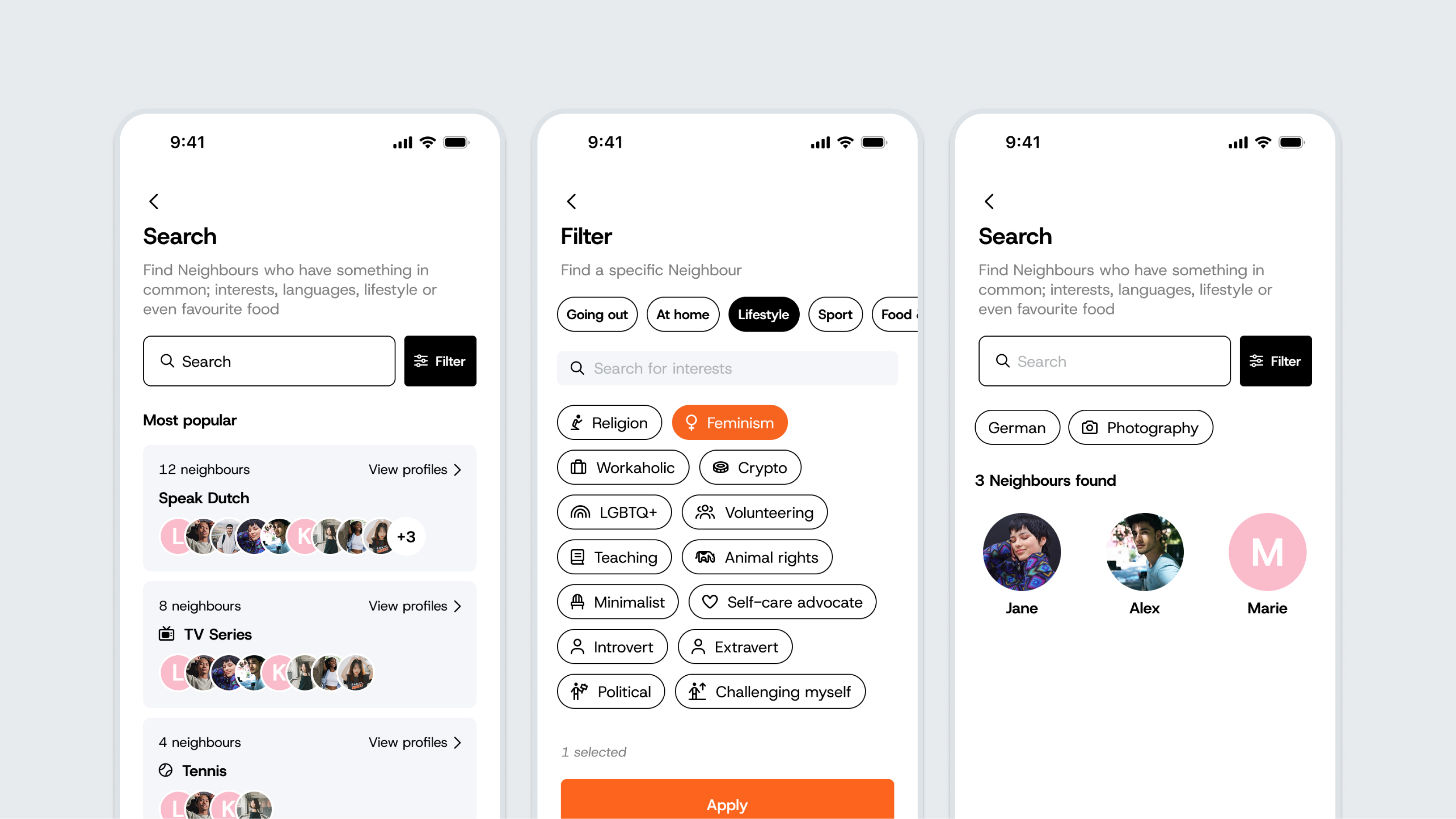
Via jouw Neighbours-profiel zoek je eenvoudig naar studenten met dezelfde interesses. Elke student geeft tijdens de registratie 3 interesses op. Door op een interesse te klikken, krijg je direct een overzicht van alle bijbehorende profielen.
Rapporteren
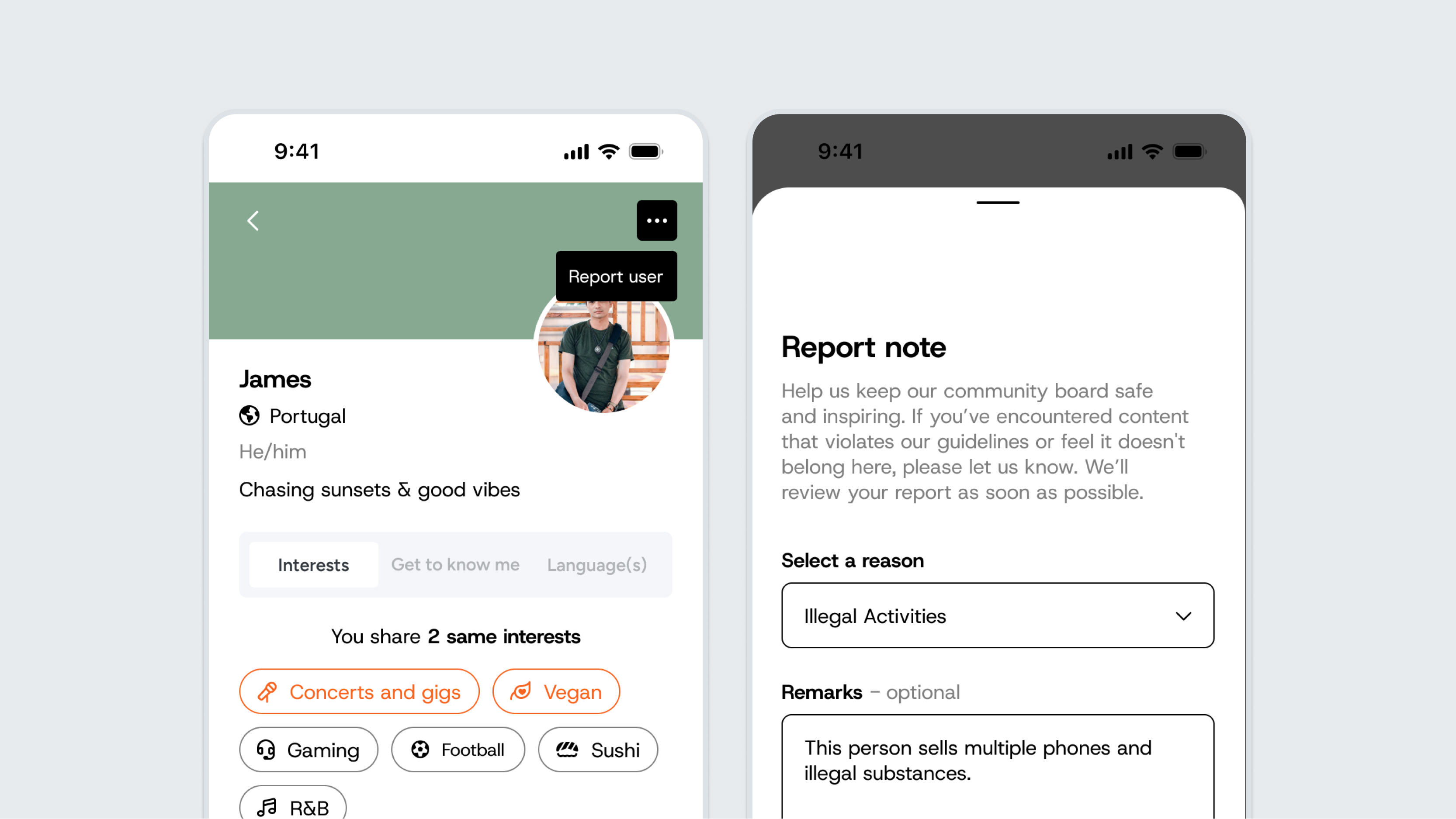
We willen dat de community gezellig en veilig blijft voor iedereen. Nieuwe mensen leren kennen in een nieuwe omgeving kan spannend zijn. Daarom kunnen bewoners ongepaste content eenvoudig melden, of het nu gaat om iets op een profiel of een bericht op het Notice Board. Beheerders bekijken de melding in Connect en kunnen het betreffende profiel of bericht indien nodig verwijderen.