Light and dark mode
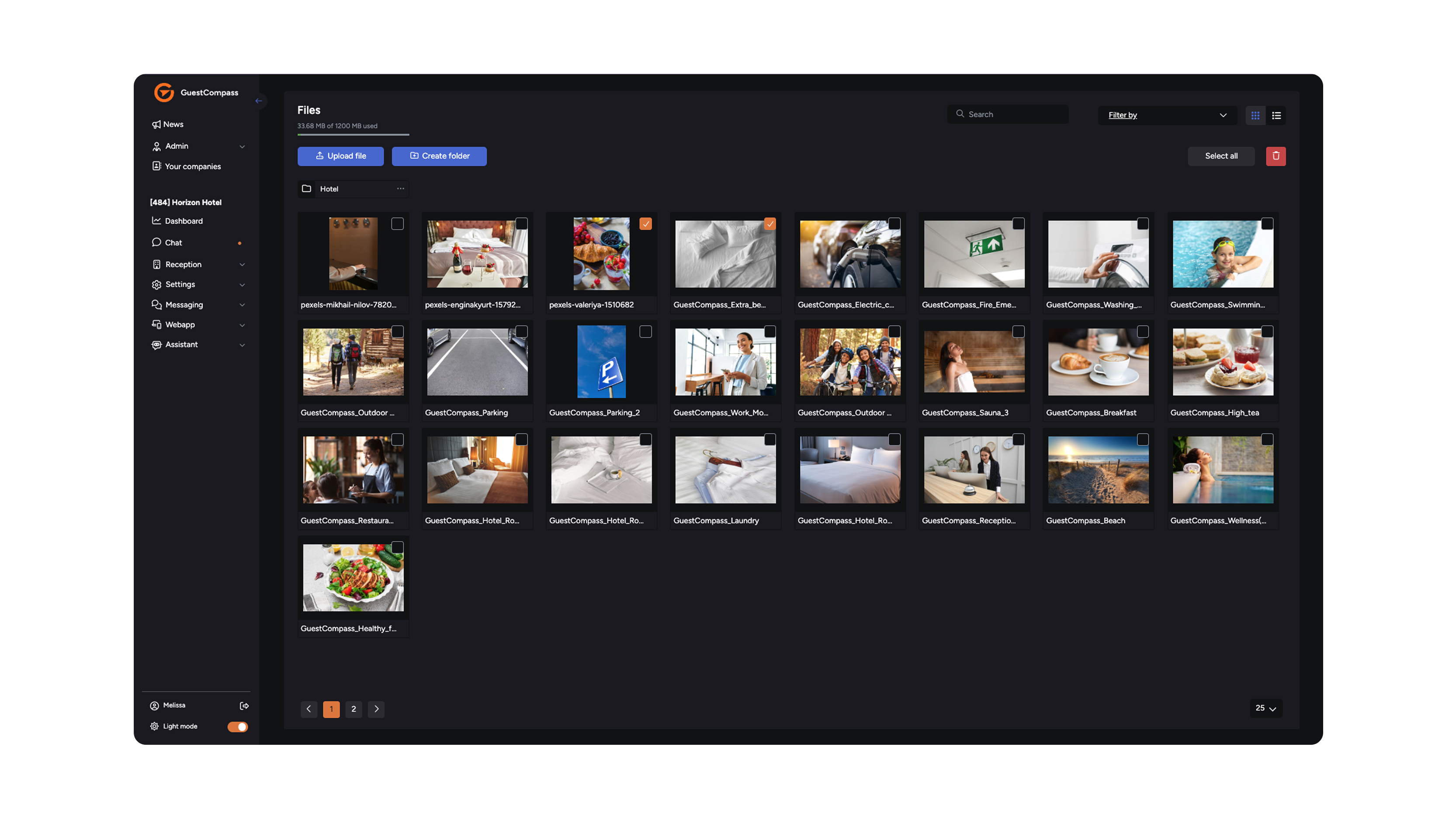
Personalize your view On our platform, you decide how you work. Whether you prefer a crisp, bright look or a view that's easier on the eyes: you can easily switch between light and dark themes.
Why choose a specific mode? Not everyone works the same way or in the same environment. Here are the key benefits of both options:
- Optimal reading comfort: Light theme mimics the 'ink on paper' experience, which is ideal for reading long texts in a well-lit room.
- Reduced eye strain: Dark theme reduces the amount of blue light and overall screen brightness. This is more comfortable for your eyes in darker environments or during long work sessions.
- Better focus: With a dark background, colorful accents and important buttons stand out more, making you less likely to be distracted by white space.
- Energy saving: Using a device with an OLED or AMOLED screen? Dark mode consumes significantly less battery, as dark pixels require less power.
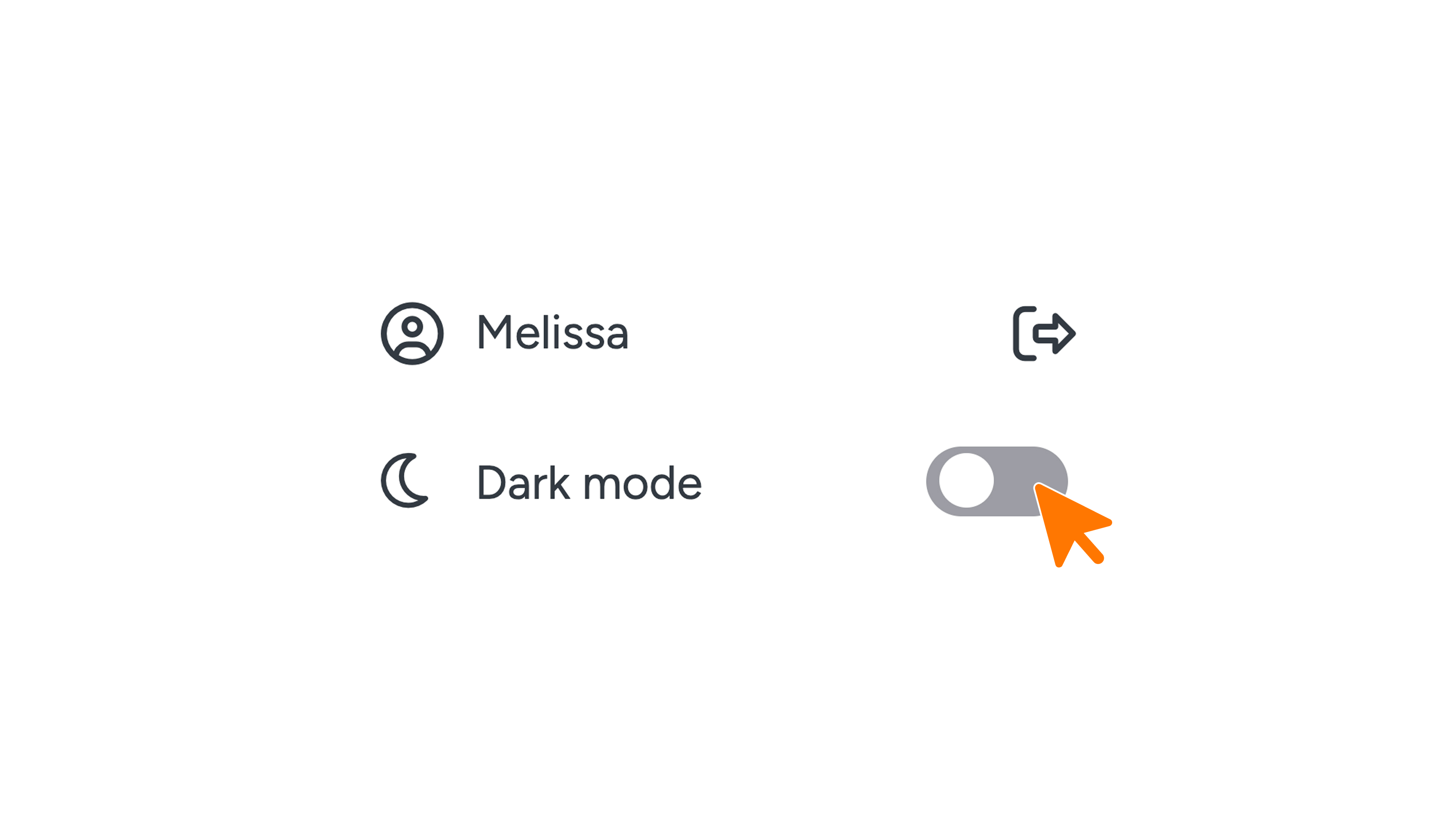
Want to adjust your theme? You can easily switch modes using the toggle in the bottom-left corner of your screen.