Session Expiry
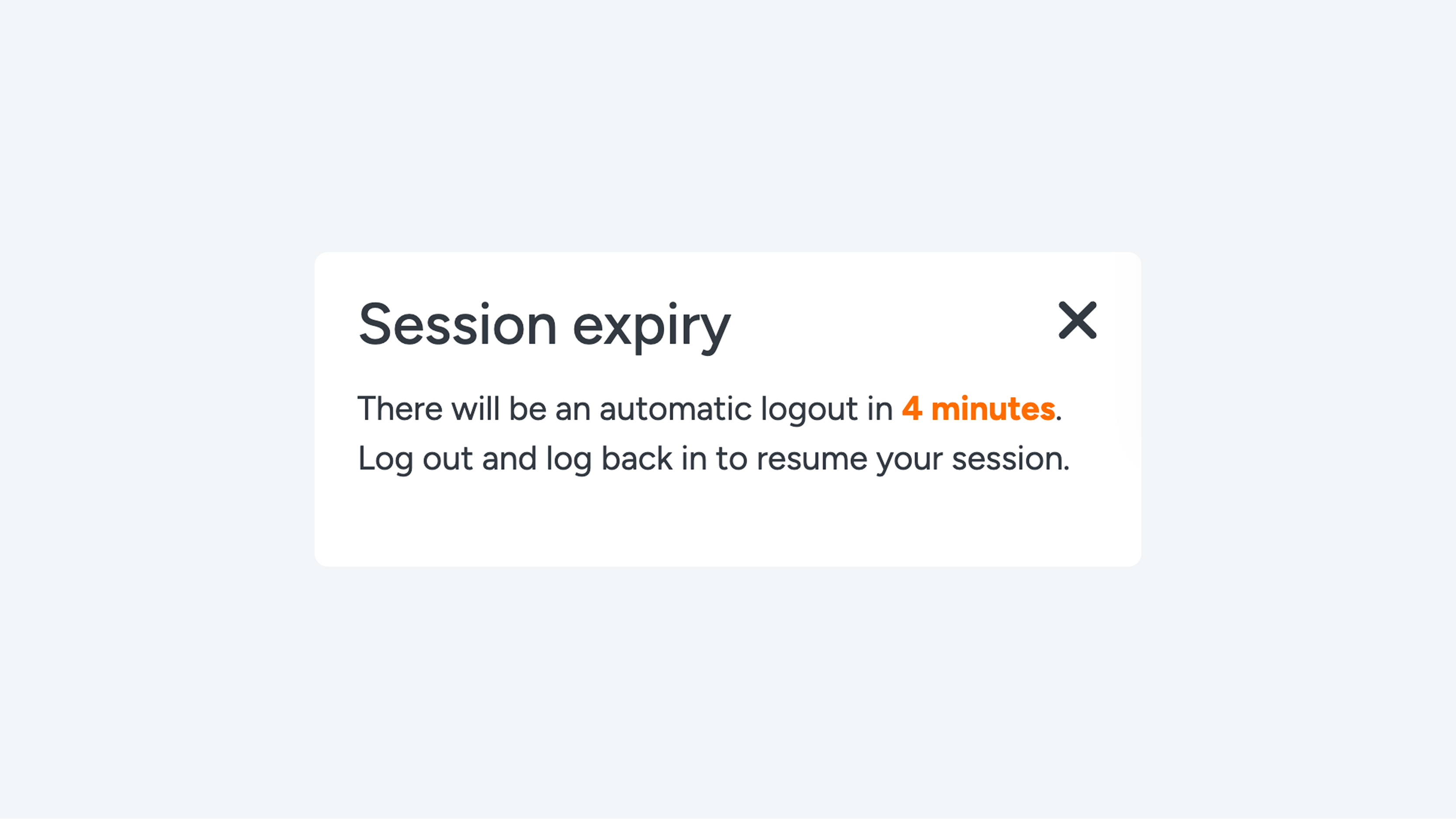
You will be logged out automatically soon In the bottom-right corner of Connect, you may occasionally see a 'Session expiry' notification. Don’t worry—this is a standard security measure that automatically logs you out after 24 hours. It is not possible to remain logged in for longer than 24 hours.
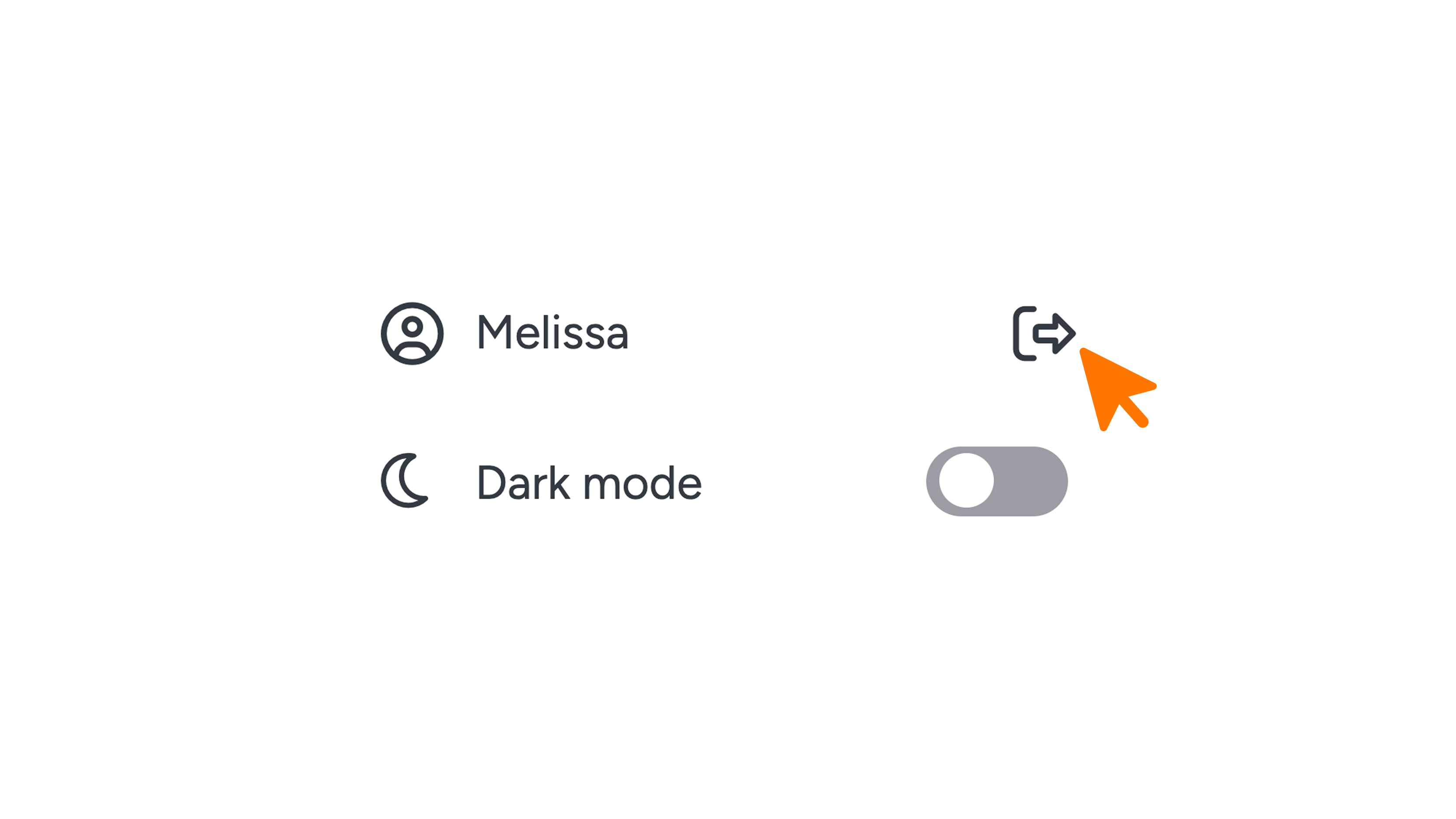
Important: Save your work before the timer runs out to ensure no data is lost! You can log back in immediately afterward. Don’t want to wait? Simply click the logout icon in the menu and log in again right away.