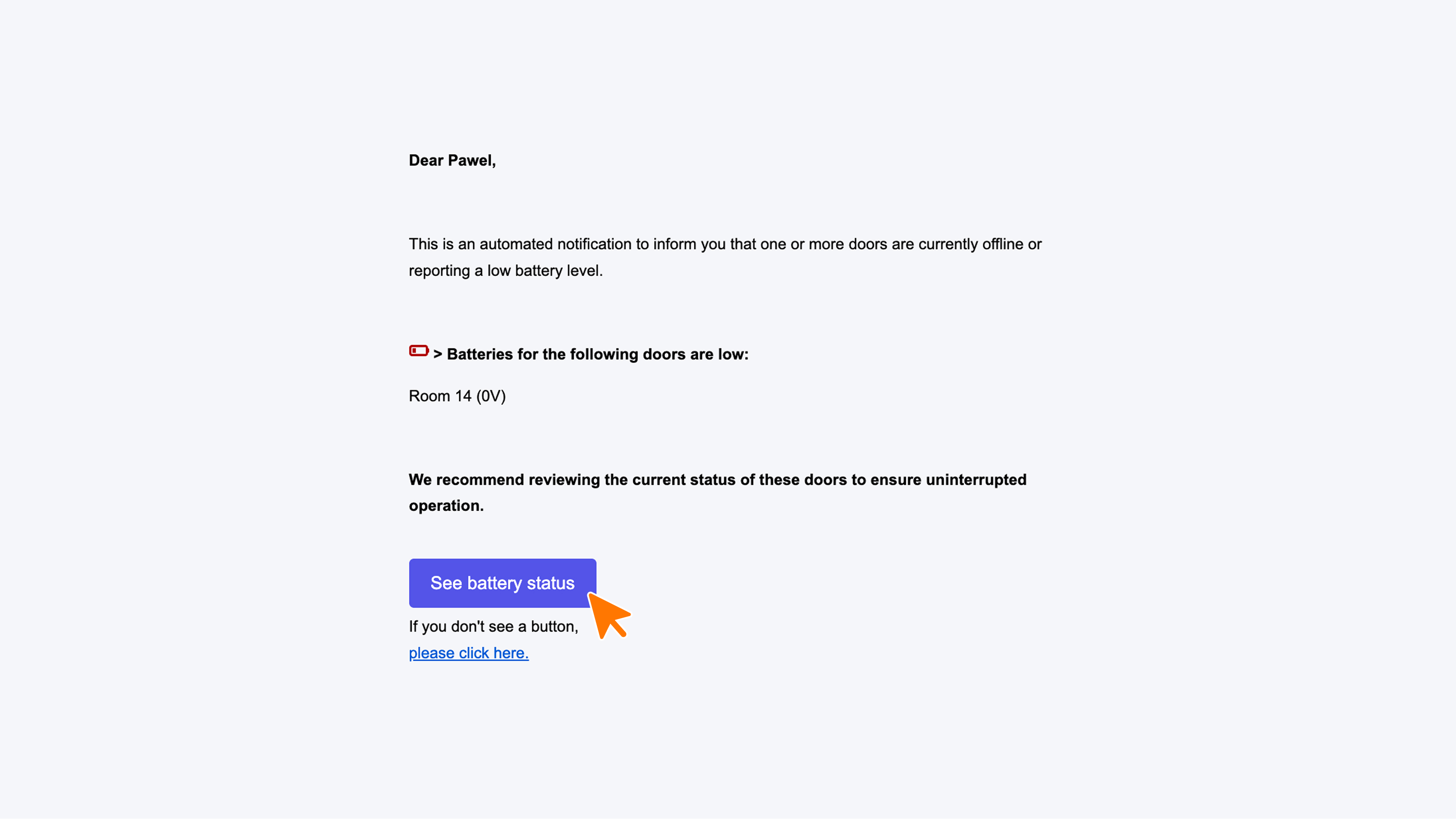
Battery Status Email (Offline / Low Battery)
No more unexpected dead batteries: Receive a daily status update!
Avoid any surprises at the door. With our automated notifications, you receive an update every morning. You are only notified in the event of low battery levels or if a lock goes offline. This ensures you are immediately informed each morning, allowing you to take proactive measures before a guest faces a locked door."
Important! To use this feature, Messaging must be enabled for your WebApp. Don't see this option in Connect yet? Just send an email to our support via support@guestcompass.nl.
Configuration Steps
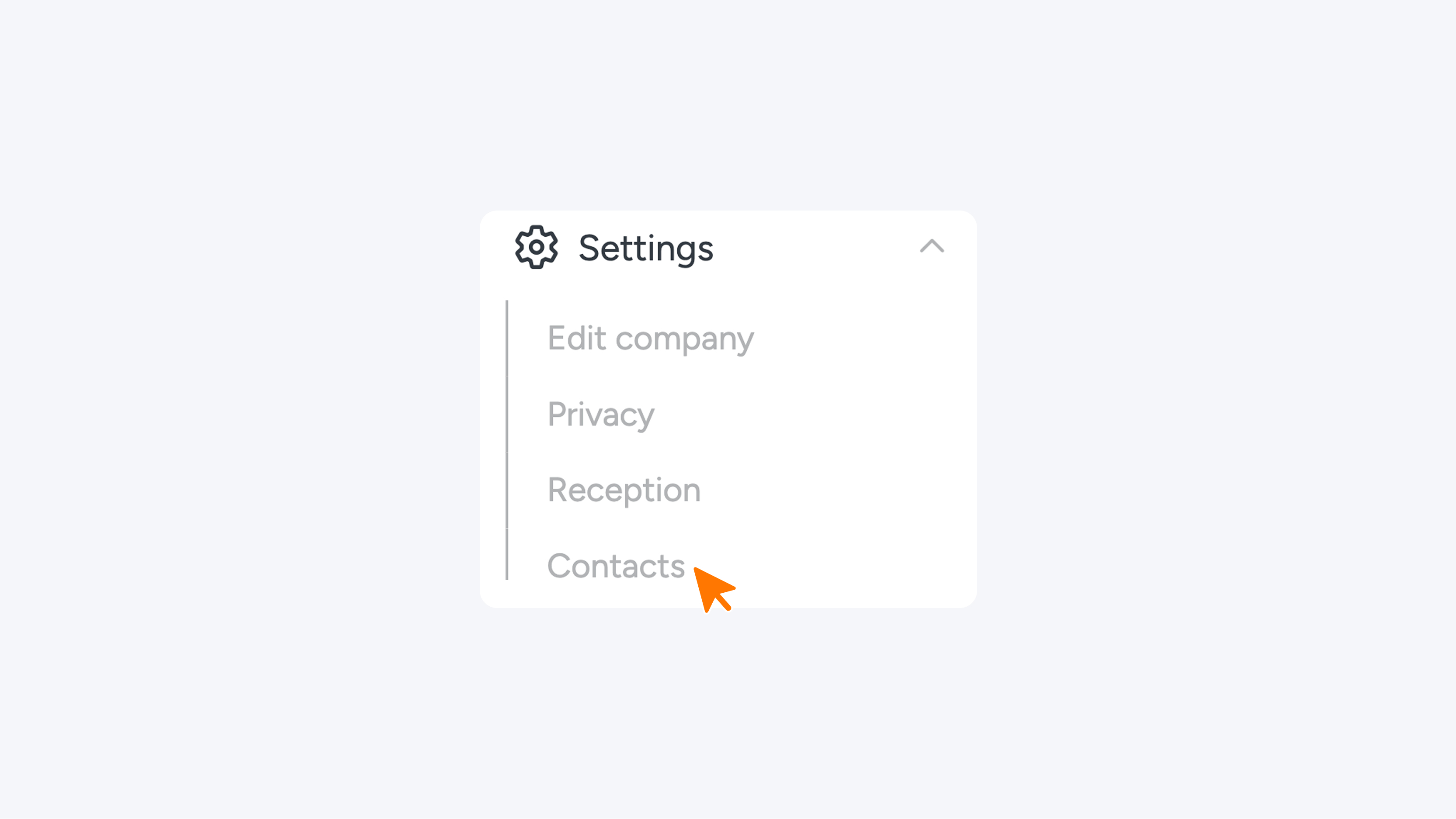
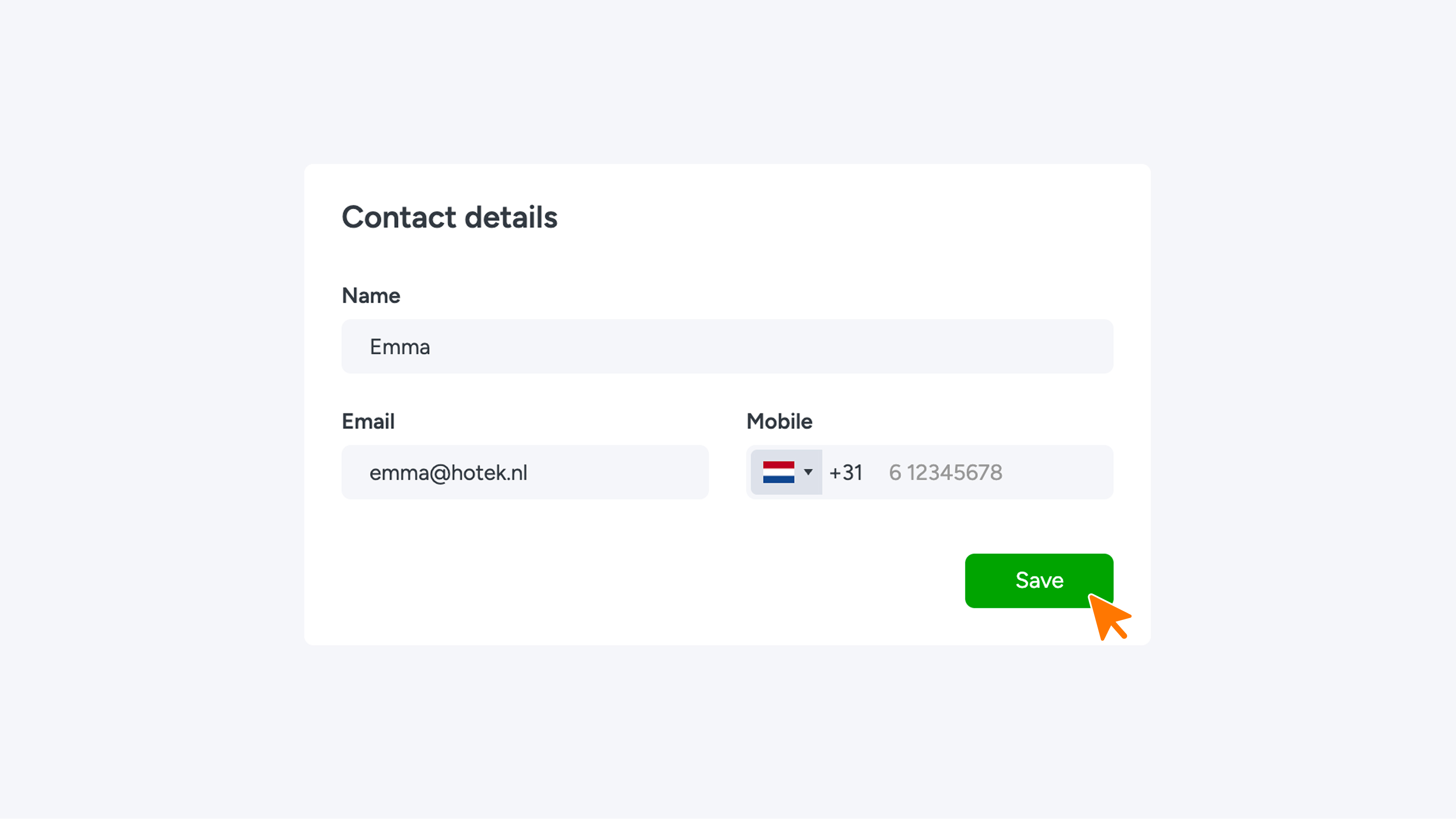
1. Check your contacts Make sure there is at least one Company Contact with a valid email address in the system.
You can find this under: Settings → Contacts
2. Enable the notification
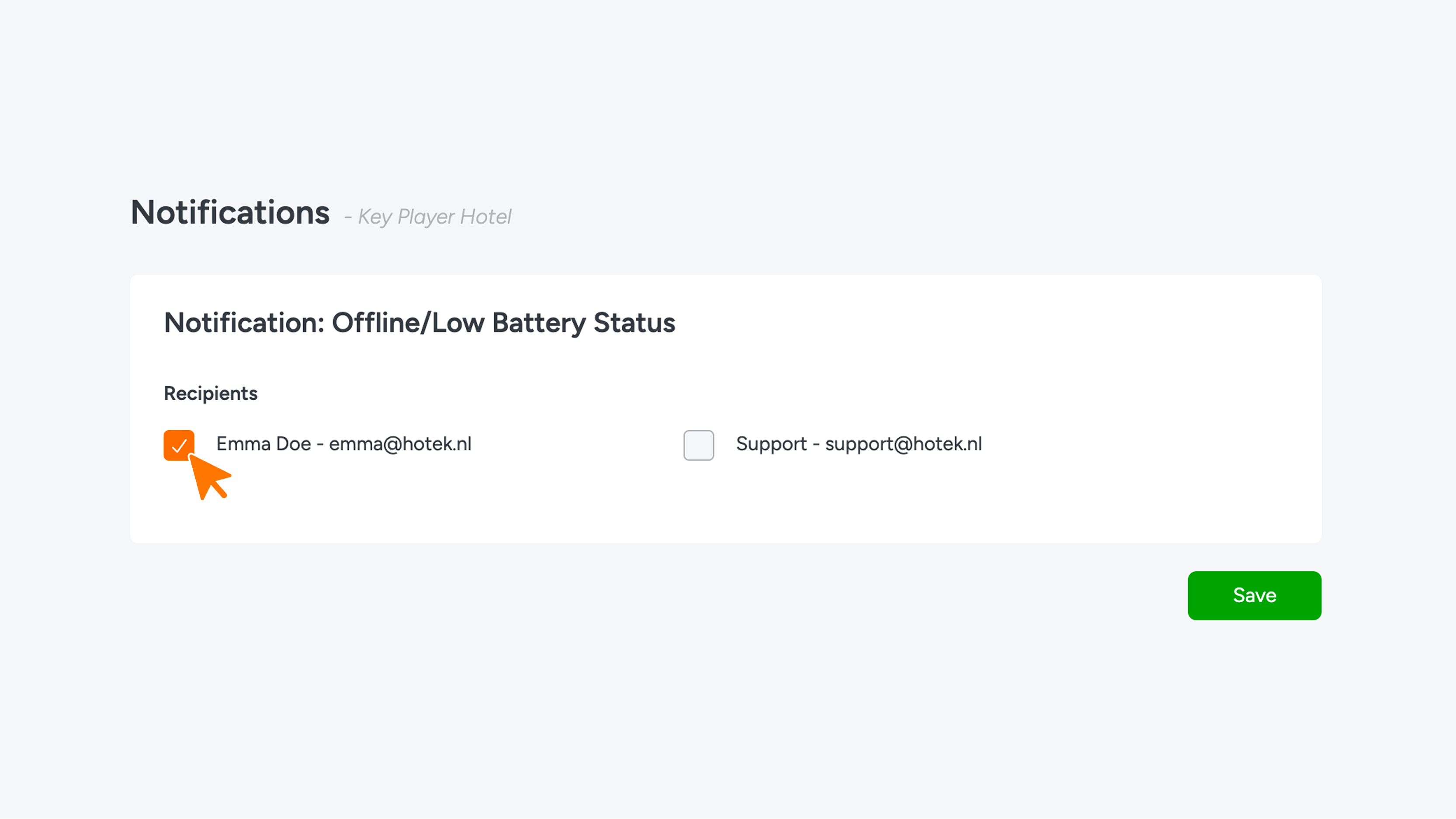
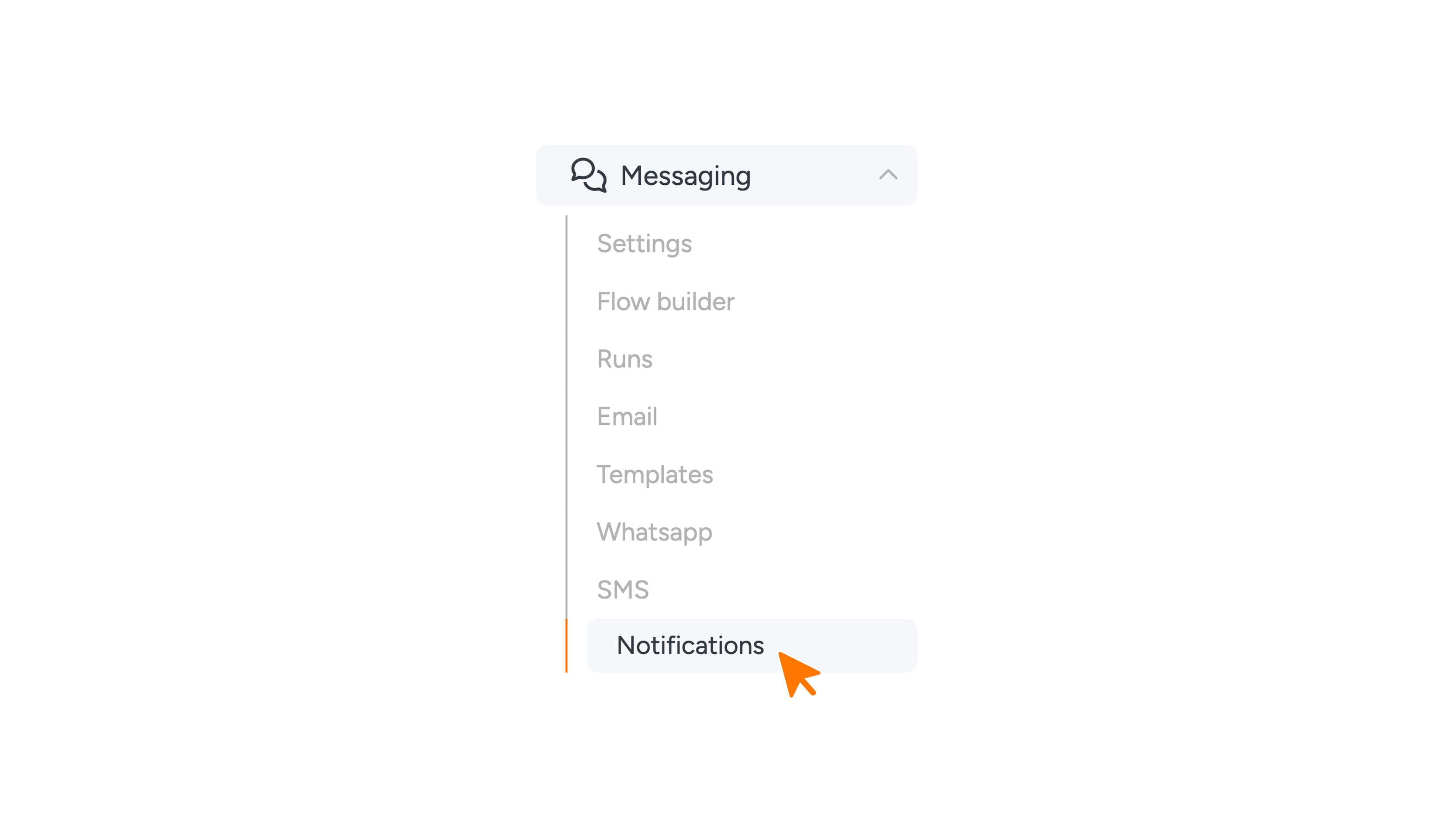
- Go to Messaging and click on Notifications.
- Locate the option "Offline / Low Battery Status".
- Select the colleagues who should receive the notification.
- Click the green Save button.
All set! From now on, you’ll start every day with a clear overview in your inbox, ensuring you’re always one step ahead.