Key status
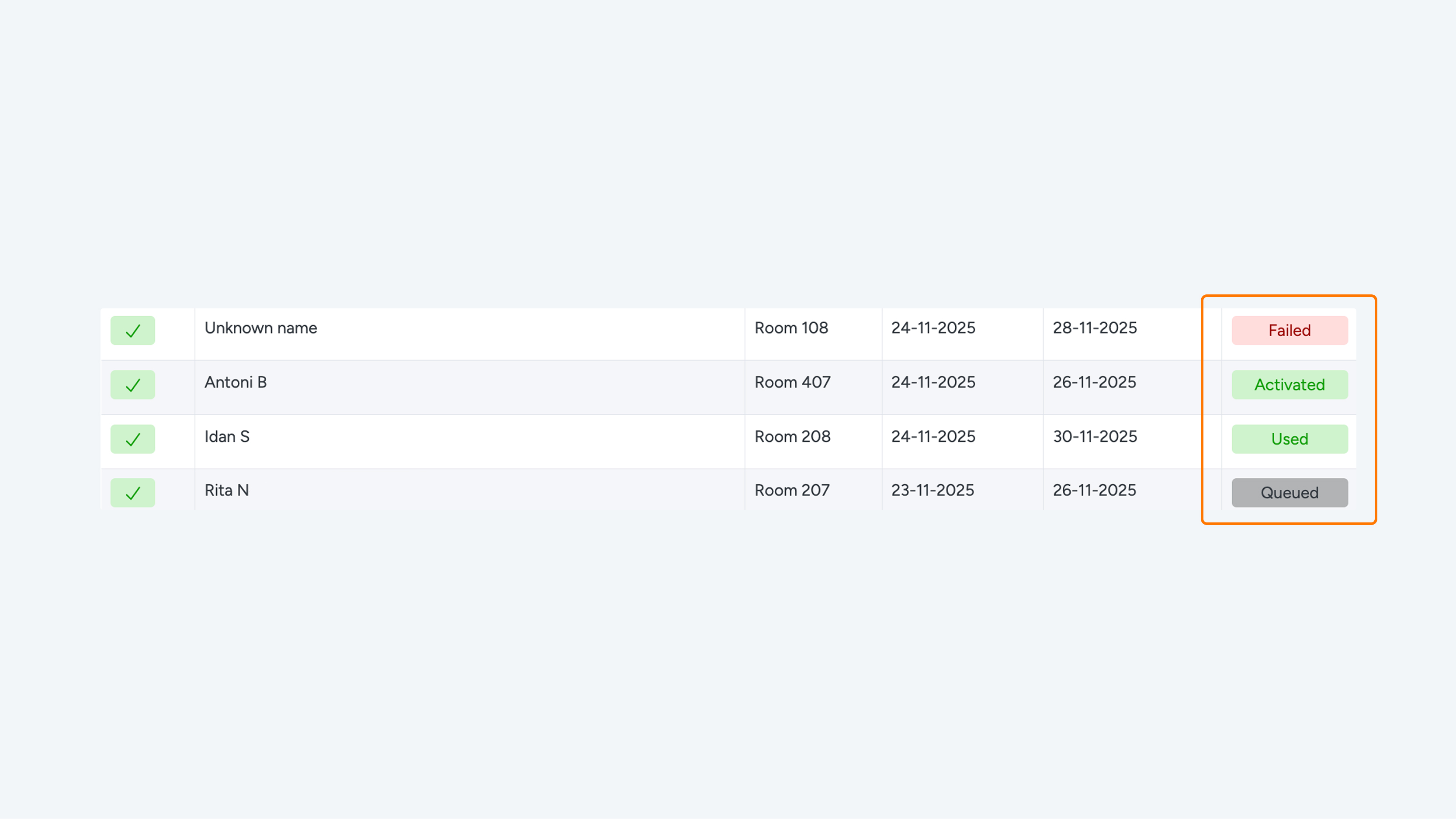
The platform displays the status of each key in a table. Each key has one of the following statuses:
- Sent – sent
- Delivered – delivered
- Activated – activated
- Used – used
- Disabled – disabled
- Failed – failed
Sent: Digital access has been sent (in any way), but this does not necessarily mean it has been delivered.
Delivered: Digital access has been sent and we are certain that the message has been delivered.
Activated: The guest has clicked on the smart link and opened the web app.
Used: The guest has used a slider at least once.
Disabled: The key has been completely disabled. The guest can no longer use the keys.
Failed: Sending the key has failed. This can have multiple causes, including an incorrect email address or an invalid mobile number.
Active/inactive: A key can be registered before it becomes active. However, when a key is inactive, the guest cannot yet use it to open doors, even if the check-in time has already passed.
Enabled/disabled: When a key is disabled, it can no longer be used for anything. The smart link no longer works, the keys and My Stay are no longer displayed in the web app, and no automatic messages are sent to the guest.
Check-in/check-out: The displayed time shows the current status.
