How does iLOQ work?
To open a door with an iLOQ lock, you need a charged and registered smartphone with NFC. The way you open the lock differs between iOS and Android.
Opening the lock – iOS (Apple)
- Open the app.
- The Keyless screen appears. Tap the button with the lock icon.
- Hold the top of your iPhone against the lock at a 90-degree angle. The screen will show where the NFC location is.
- Do not move! The phone supplies power to the lock.
- Wait until the screen shows “Access granted.”
- Within 15 seconds, turn the black knob on the door to the left or right (depending on the lock).
- The door is now open.
Closing the door?
Follow the same steps, but turn the black knob in the opposite direction.
Watch the video below for more explanation.
Opening the lock – Android
- Hold your phone against the lock at a 90-degree angle (follow the NFC location shown on your screen).
- Do not move! The phone powers the lock.
- Wait until “Access granted” appears.
- Within 15 seconds, turn the black knob to the left or right.
- The door is now open.
Closing the door?
Follow the same steps, but turn the black knob in the opposite direction.
Watch the video below for more explanation.
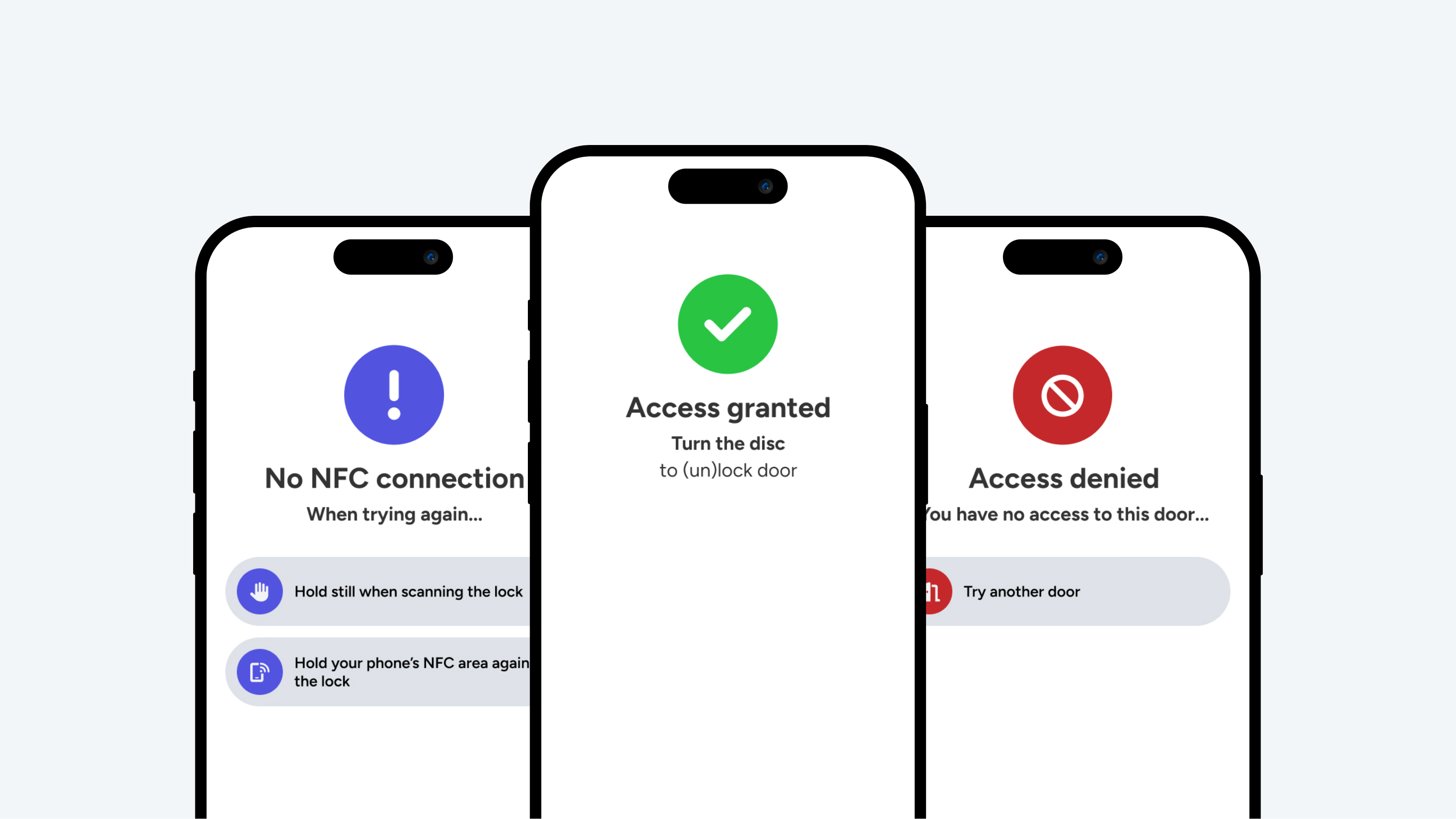
No “Access granted”?
- If you see “Access granted”, you can turn the black knob to open or close the lock. You have access rights for this lock.
- If you see “No NFC connection”, try again. The scan did not work properly. Hold your phone still against the lock until you receive “Access granted.”
- If you see “Access denied”, you do not have access rights for this door. Try another door or contact your administrator.
PIN keypad
Opening the door with your phone
You can open a door with the PIN keypad in two ways:
- Tap the door icon in the app’s menu bar.
- Hold your phone still against the PIN keypad. Do not move!
Wait until the screen shows “Access granted” and the light on the PIN keypad turns green. The door is now unlocked.
Entering a PIN code
On the “My digital key” page, you will find your personal PIN code.
- This code is valid for your entire stay.
- It consists of 5 digits + a hashtag (#).
Want to generate a new personal code?
You can create one yourself. Please note that it may take a few seconds before the new code becomes visible on the page.
