Keyfob with a button (K55S.2)
Keyfob with a Button (K55S.2)
1.1 Placing the Key on the Reader Antenna
1.2 Opening and Closing the Lock
1.3 Access Denied
2.1 Activating the Keyfob
2.2 Keyfob LED Functions
2.3 Charging
2.4 Keyfob Not Working/Updating
3. Complete Manuals (PDF)
Activate keyfob
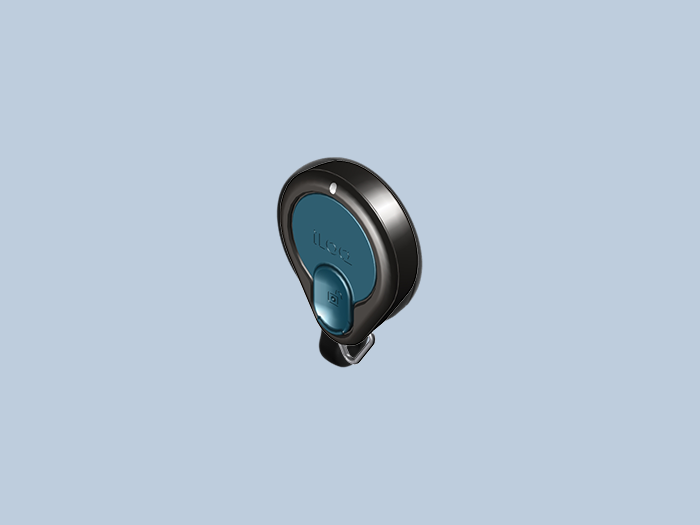
Briefly press the button on the iLOQ K55S.2 key fob to activate it. The LED will flash amber.
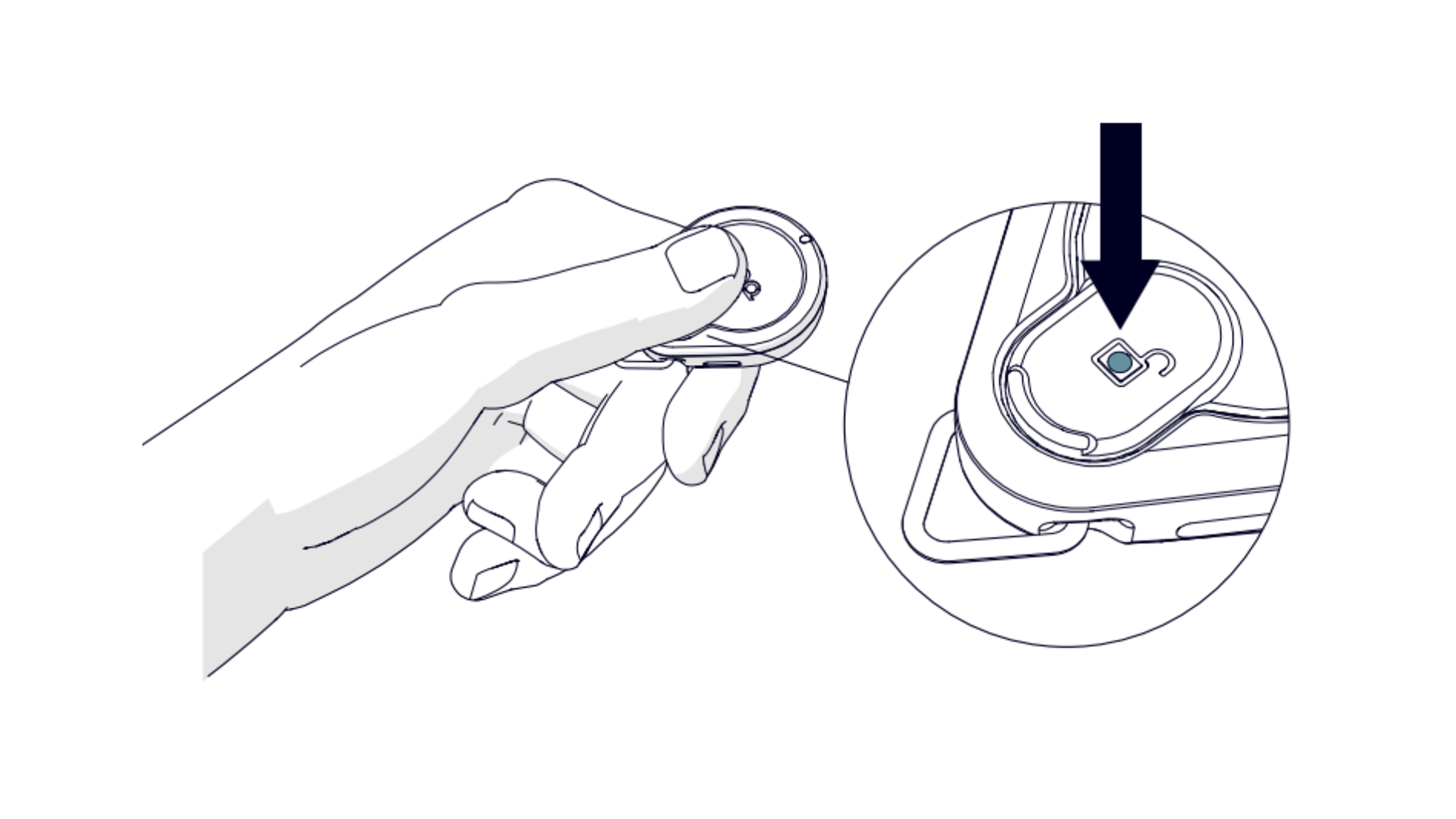
1.1 Place the key on the reader antenna
For optimal performance, place the touch reader antenna on the underside of the key.
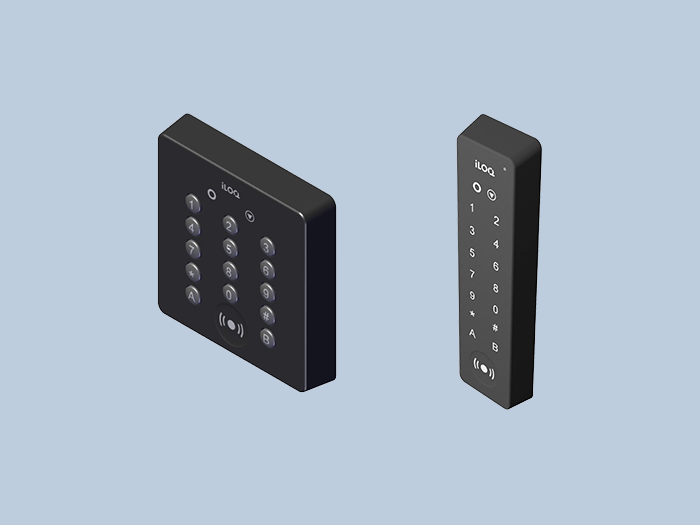
Touch the iLOQ reader button or iLOQ NFC reader with the bottom of the K55S.2 within 5 seconds of pressing the button to activate the lock.
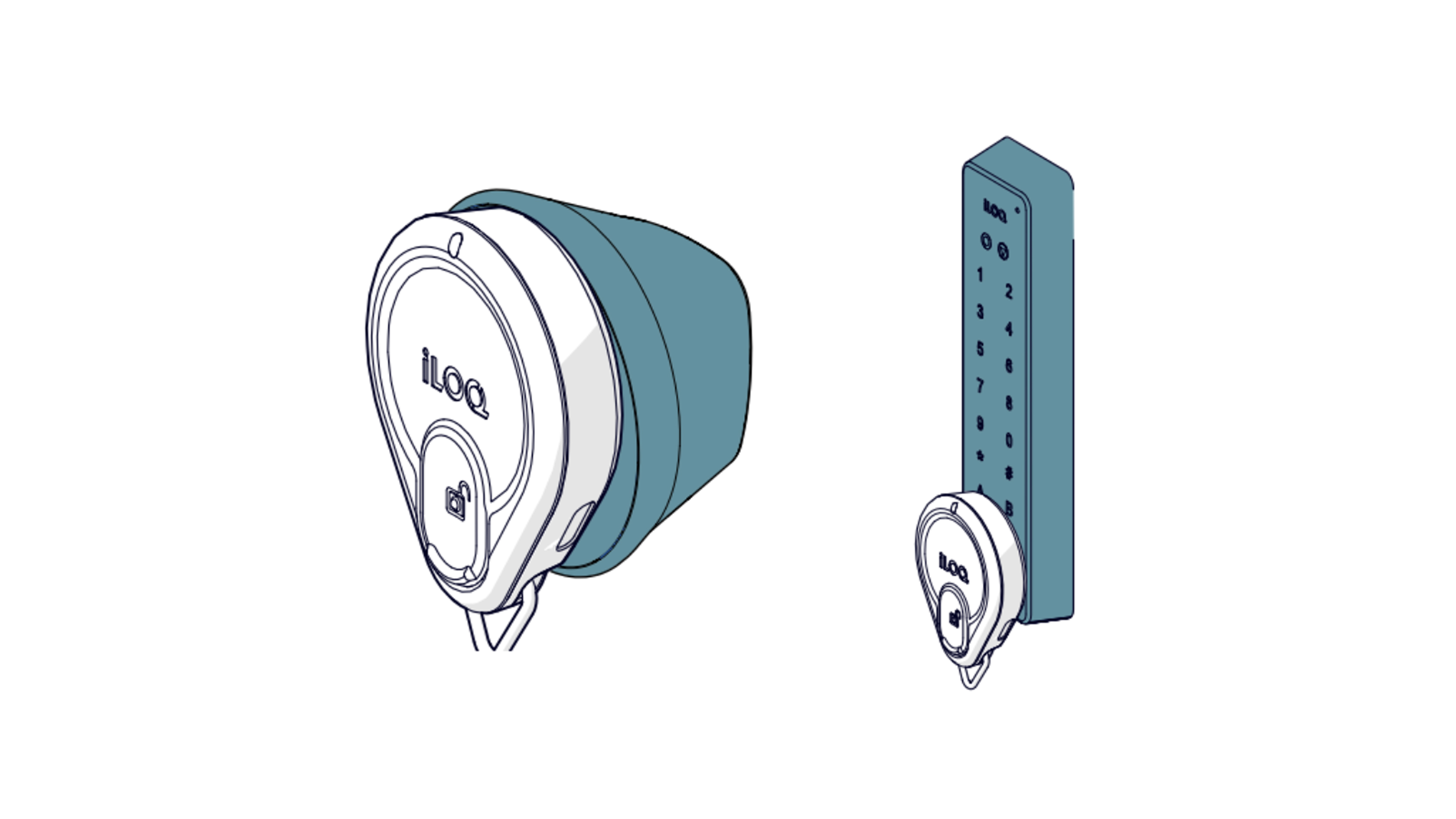
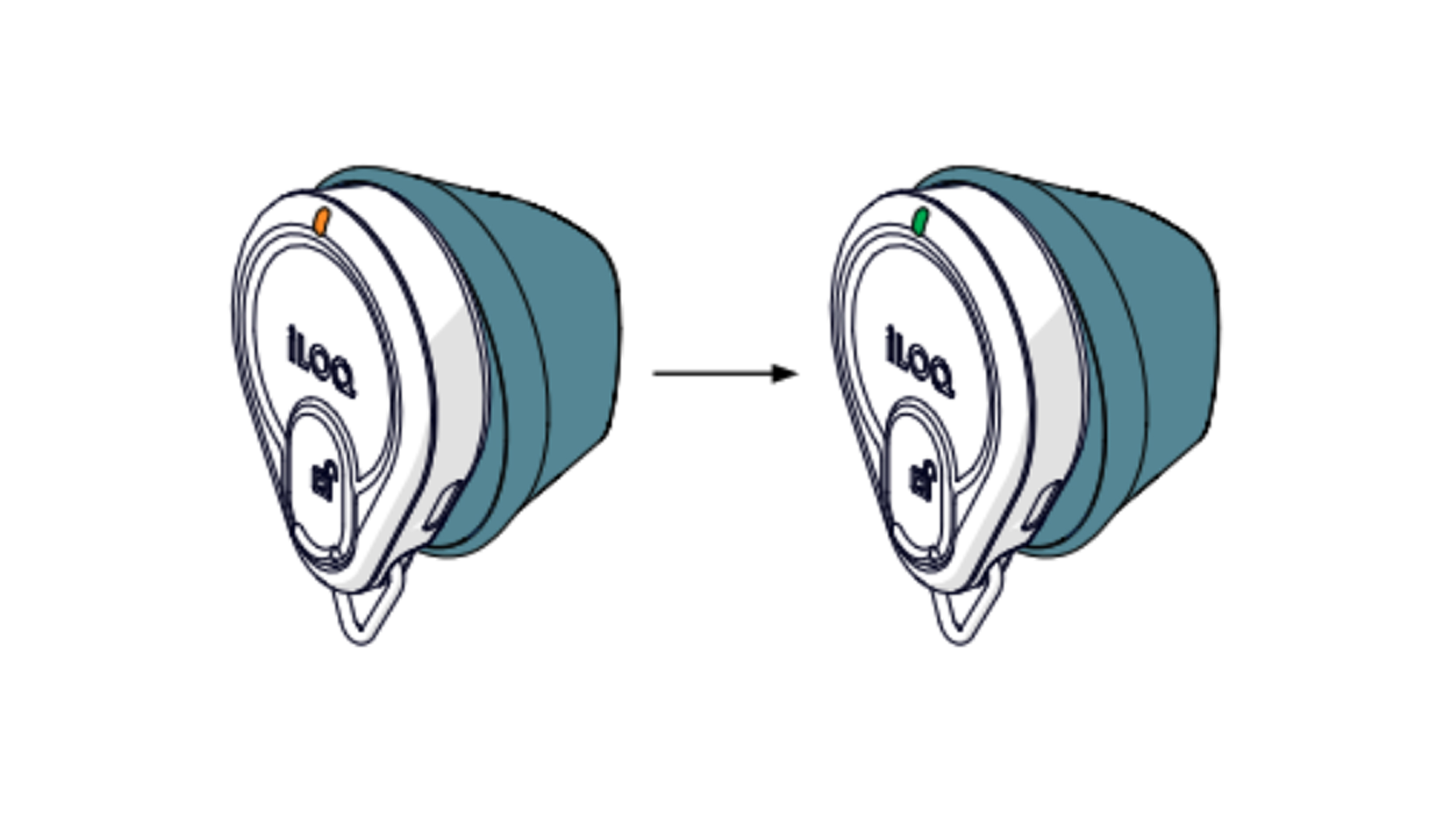
3. Wait until the K55S.2 lights up green to indicate that access has been granted. The K55S.2 lights up orange while scanning the iLOQ NFC reader and purple while communicating with the iLOQ NFC reader.
4. Turn the iLOQ reader knob to operate the lock (open or close)
Note! After 5 seconds (default), the cylinder will automatically lock. Once the cylinder is locked, the iLOQ reader knob can no longer be turned.
When locking a door, try turning the iLOQ reader knob clockwise and counterclockwise to ensure the knob is in the locked position and the door remains closed.
1.3 Opening and Closing the Lock
Hold a valid key against the reader button. Wait until the key lights green to indicate that the reader button is unlocked. You now have 5-15 seconds to manually open the lock. Turn the reader button away from the door frame to open the lock. After 5-15 seconds, the reader button will lock, but the lock will not close automatically. To close the lock, follow the steps for opening, then turn the reader button toward the door frame.
1.4. Access denied
If the key flashes red twice after presenting it, it is not authorized to open this lock. Please contact the locking system administrator to determine your access rights.
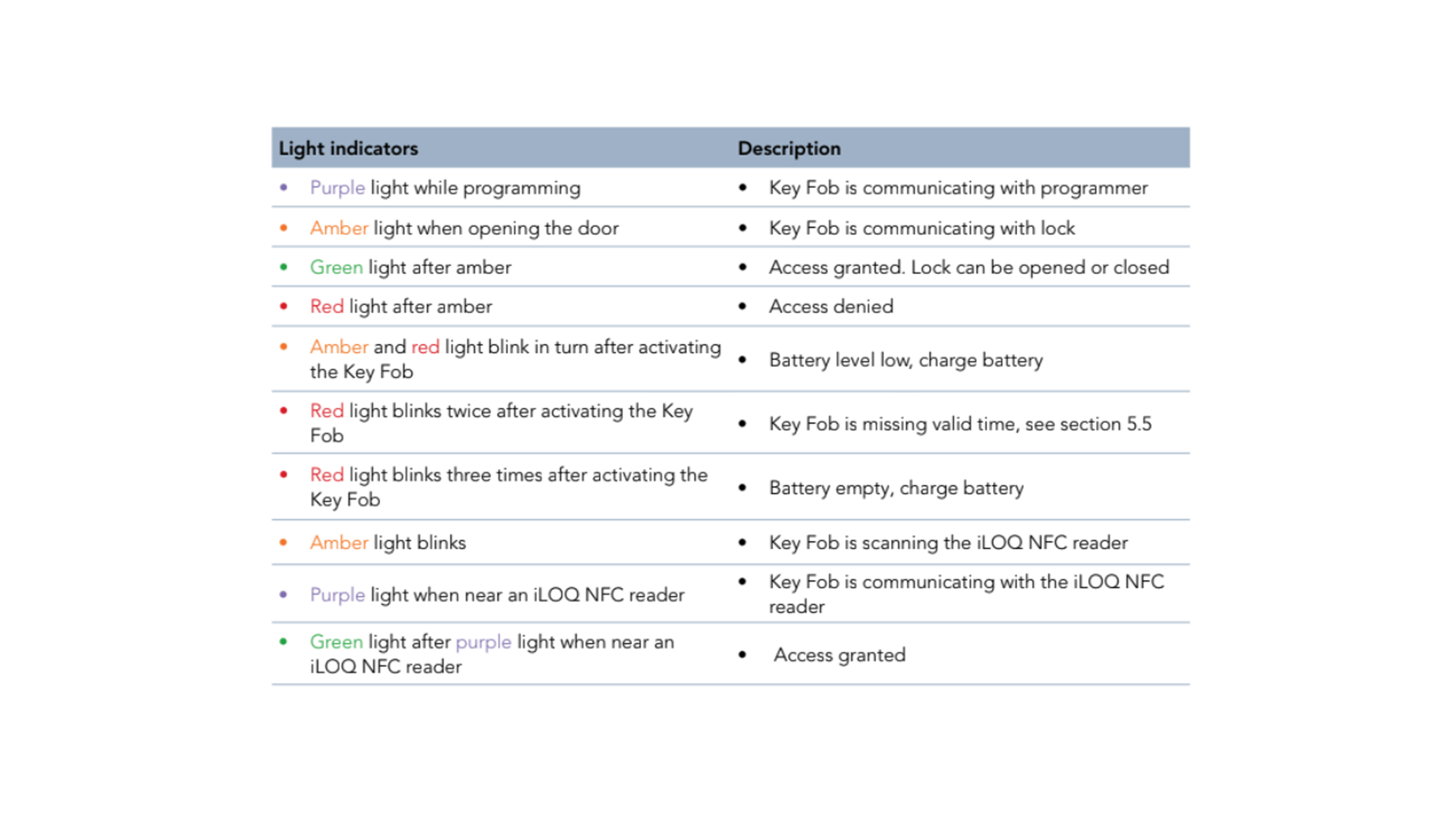
LED-functies van de iLOQ K55S.2-Keyfob
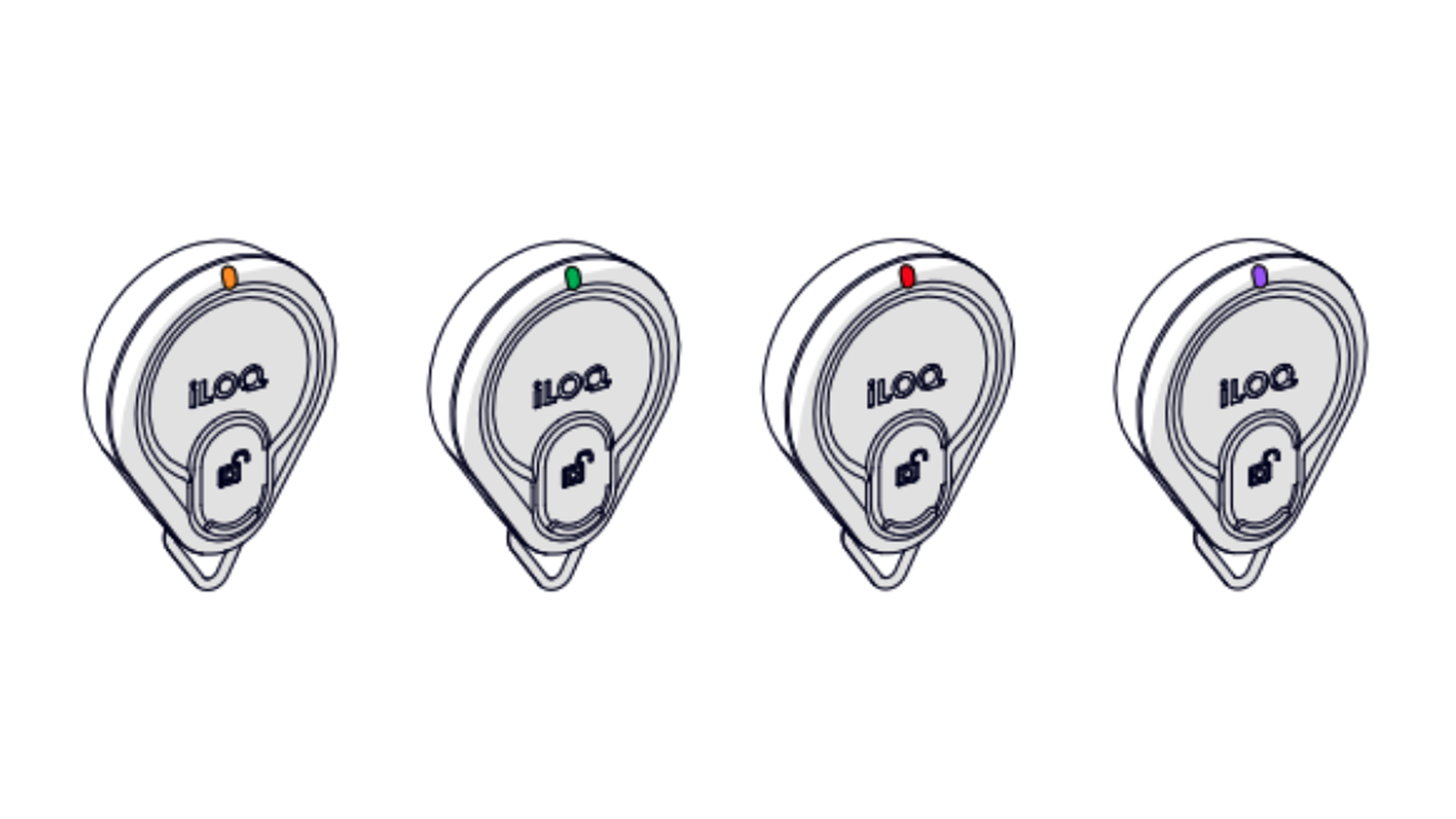
- Purple light during programming - Keyfob communicating with the programmer
- Amber light when opening the door - Keyfob communicating with the lock
- Green light after amber - Access granted. Lock can be opened or closed.
- Red light after amber - Access denied
- Amber and red lights flash alternately after activating the keyfob - Low battery, please charge the battery
- Red light flashes twice after activating the keyfob - Valid time is missing on the keyfob (see Updating the iLOQ K55S.2 keyfob)
- Red light flashes three times after activating the keyfob - Low battery, please charge the battery
- Amber light flashes - Keyfob scanning the iLOQ NFC reader
- Purple light near an iLOQ NFC reader - Keyfob communicating with the iLOQ NFC reader
- Green light after purple light near an iLOQ NFC reader - Access granted
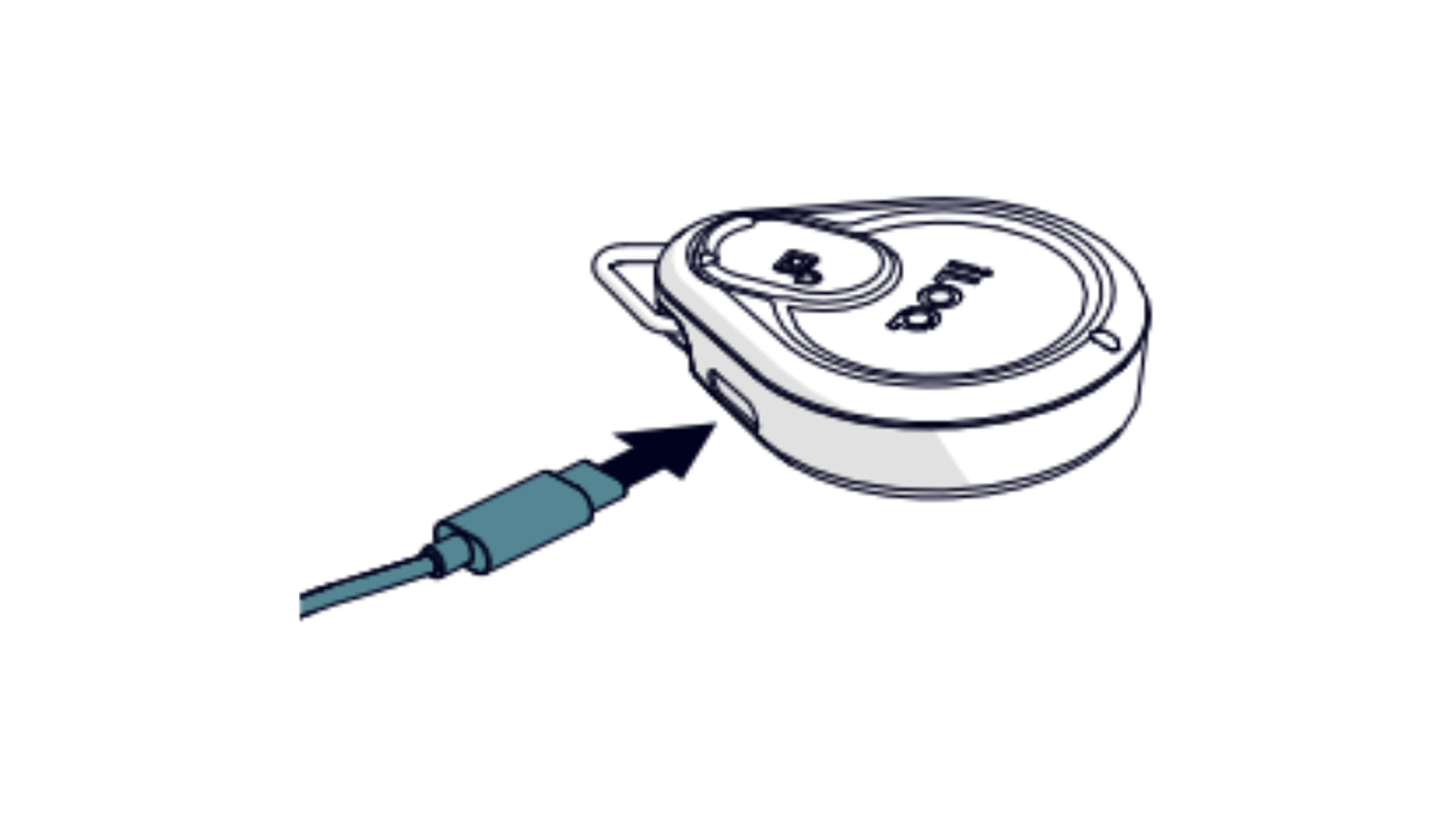
Charging the iLOQ K55S.2 Keyfob
To charge the iLOQ K55S.2 Key Fob, use the USB-C® charger with USB-C® cable.
Programming the iLOQ K55S.2 Keyfob
The iLOQ K55S.2 keyfob can be programmed by the locking system administrators. Contact your administrators if you need to change your access rights. Contact your administrators if you lose your K55S.2. This is important so administrators can disable the lost K55S.2 and prevent unauthorized access with the lost keyfob.
Complete manuals (PDF)
See the full manuals here:
