Keyfob without a button (K55S)
Table of Contents
1.1 Placing the Key on the Reader Antenna
1.2 Opening and Closing the Lock
1.3 Access Denied
1.4 Keyfob LED Functions
1.5 Charging
1.6 Keyfob Not Working/Updating
2. Complete manuals (PDF)
1. Keyfob without a button (K55S)
1.1 Placing the key on the reader antenna
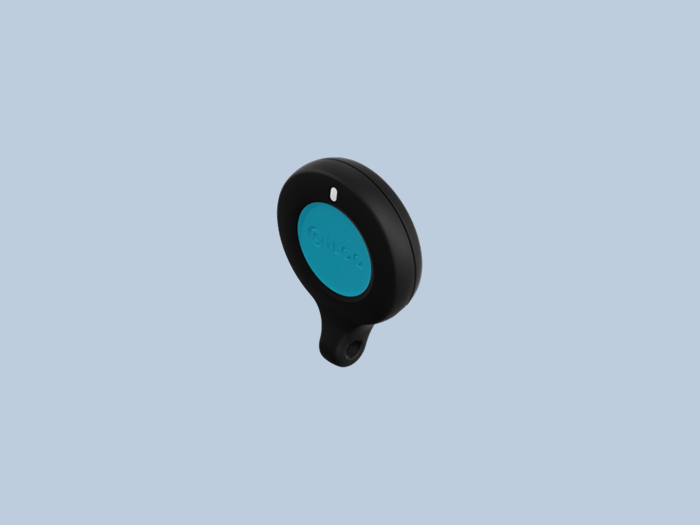
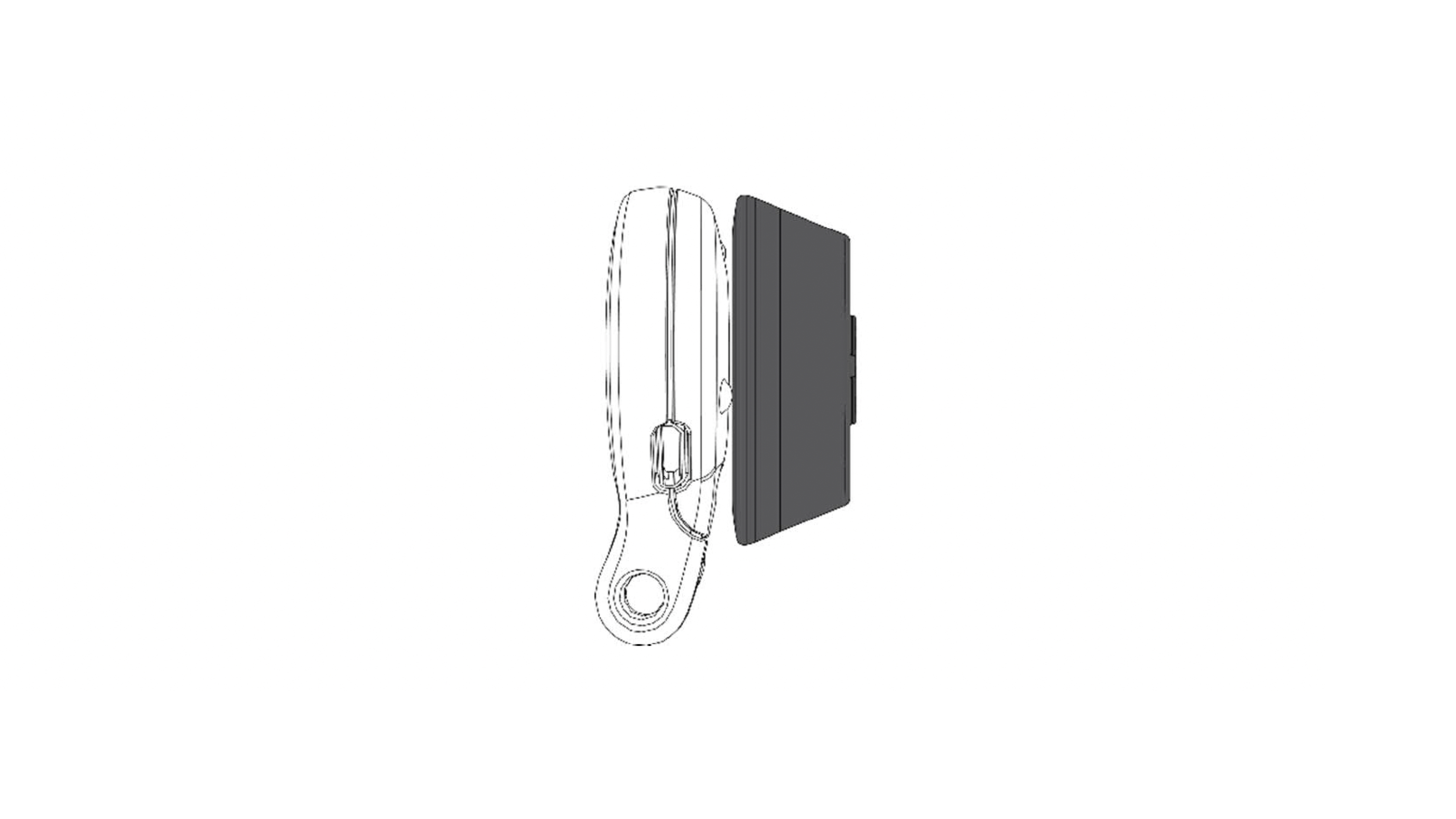
Touch the reader antenna with the bottom of the key for optimal performance.
1.2 Opening and closing the lock
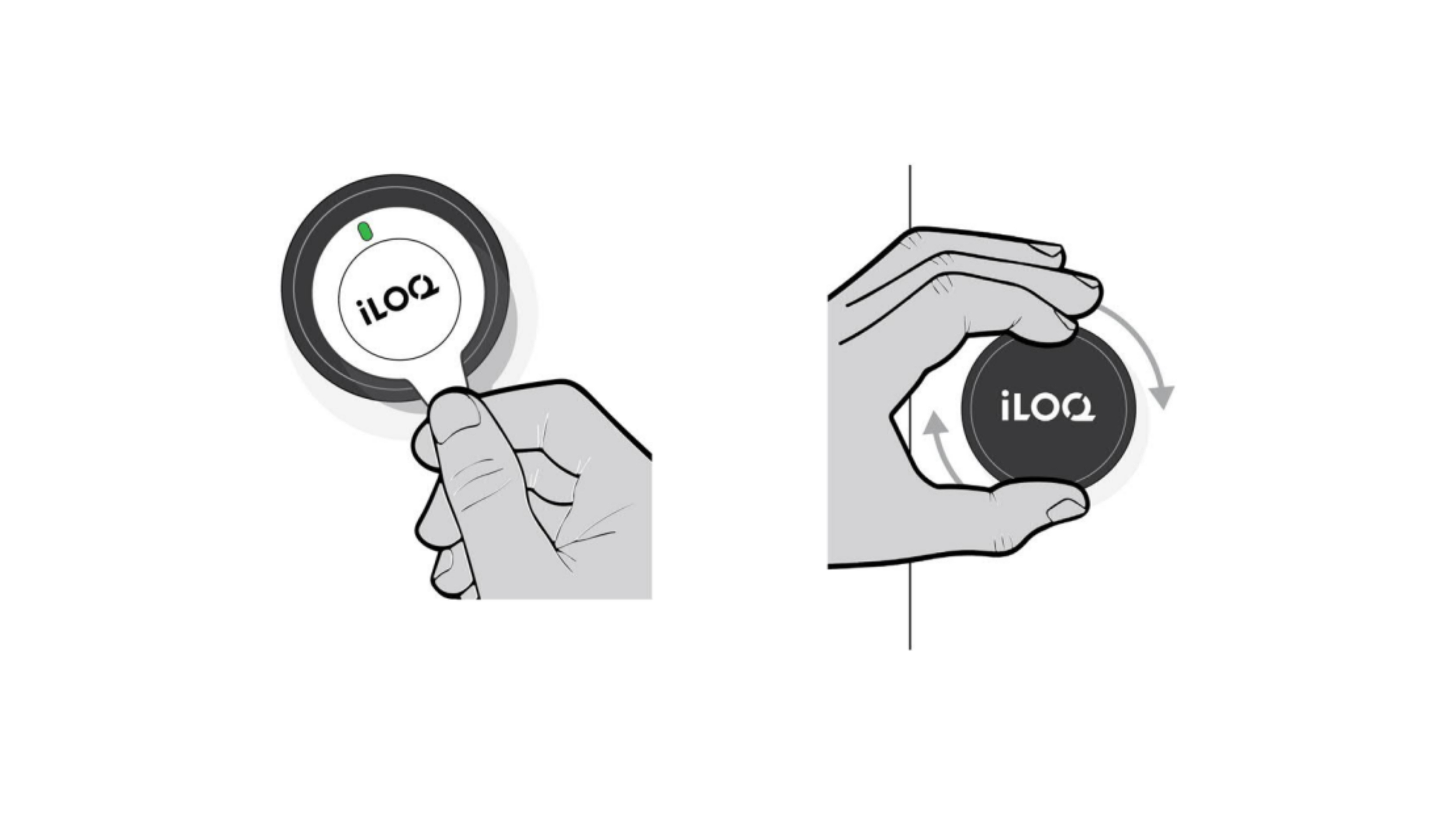
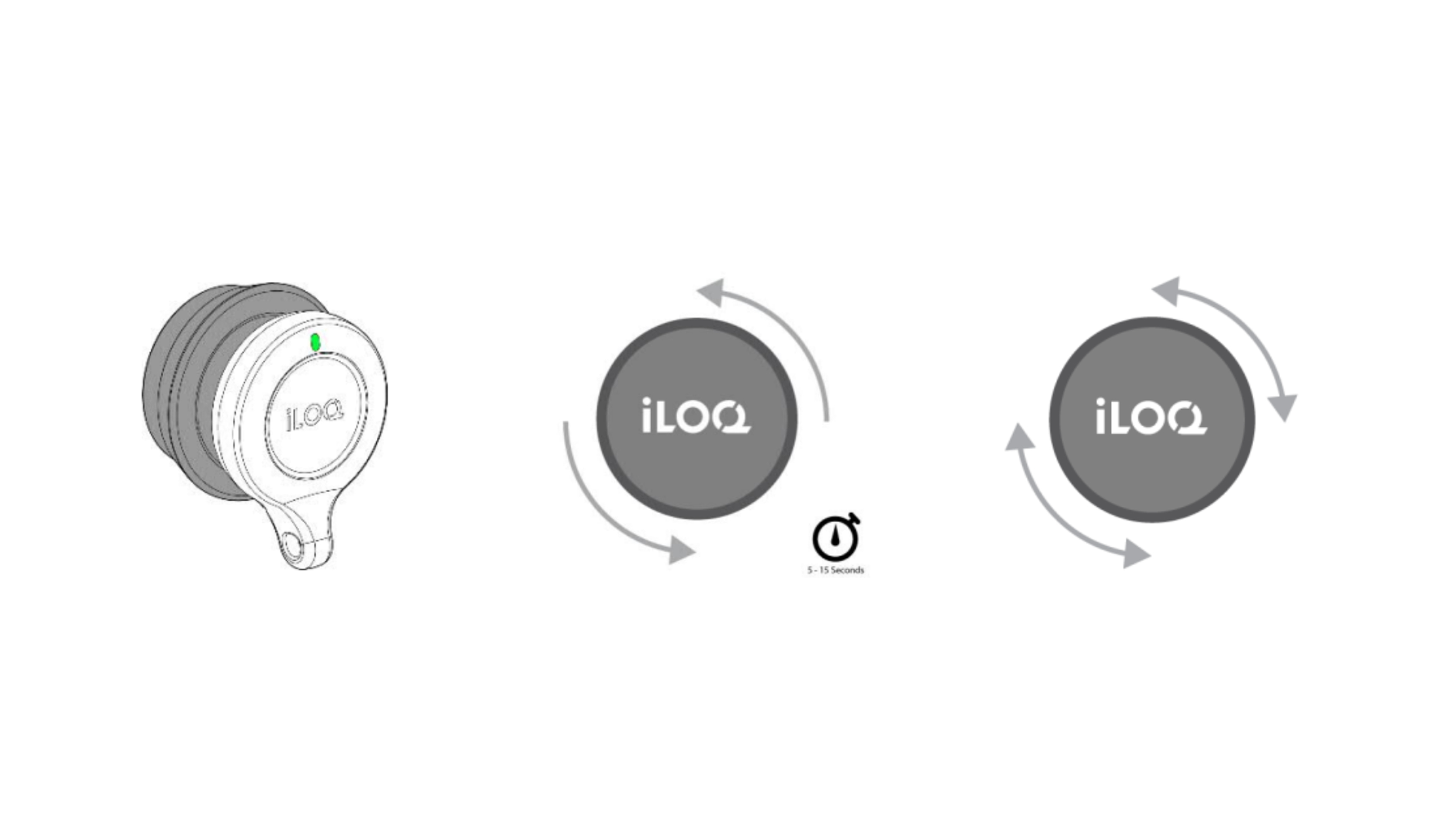
Hold a valid key in front of the reader knob. Wait until the key lights up green to indicate that the reader knob is unlocked. You now have 5–15 seconds to manually turn the lock open. Turn the reader knob away from the door frame to open the lock.
After 5–15 seconds, the reader knob locks again, but the lock does not close automatically. To close the lock, follow the same steps as for opening, then turn the reader knob toward the door frame.
1.3 Access denied
If the key flashes red twice after being presented, the key does not have permission to open this lock. Contact the lock system administrator regarding your access rights.
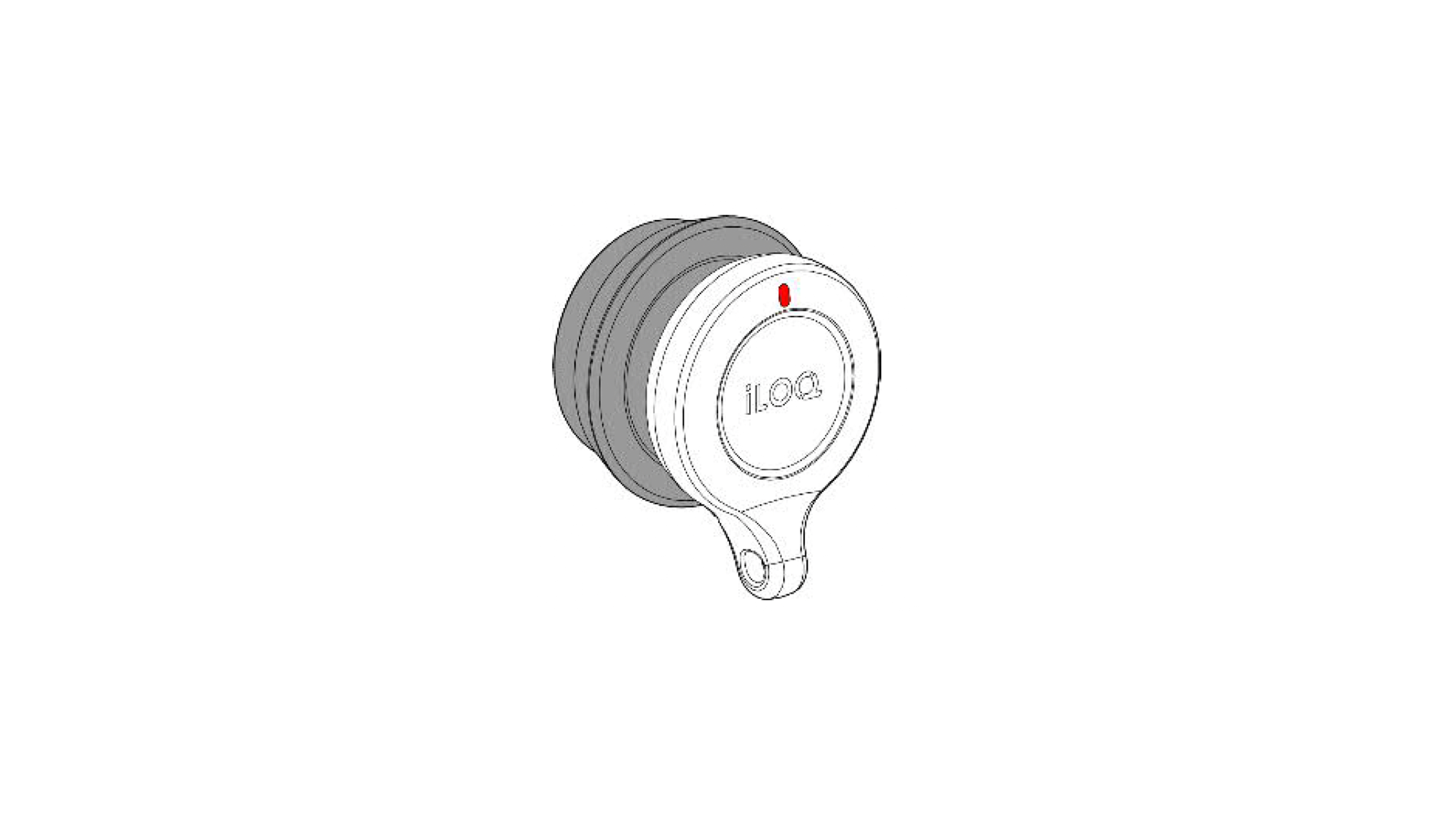
1.4 Keyfob LED Functions
Amber light when opening the lock: The key is communicating with the lock.
Green light after orange: Access granted, the lock can be opened or closed.
Red light after orange: Access denied.
Blinking red 0.1 sec. once per minute: low battery, charge the battery.
Blinking red: Fast 0.1 sec. twice per minute, key missing validity period, contact the administrator.
1.5 Charging
The USB charging port is a Micro B connector on the side of the key. Nominal charging current: 5 V, 100 mA, charging time up to 3 hours, depending on the charger used, for a depleted battery.
Battery capacity: 150 mAh.
The red LED lights continuously while the battery is charging.
The green LED lights continuously when the battery is fully charged.
A fully charged battery has a nominal capacity of 5,000 lock openings at room temperature.
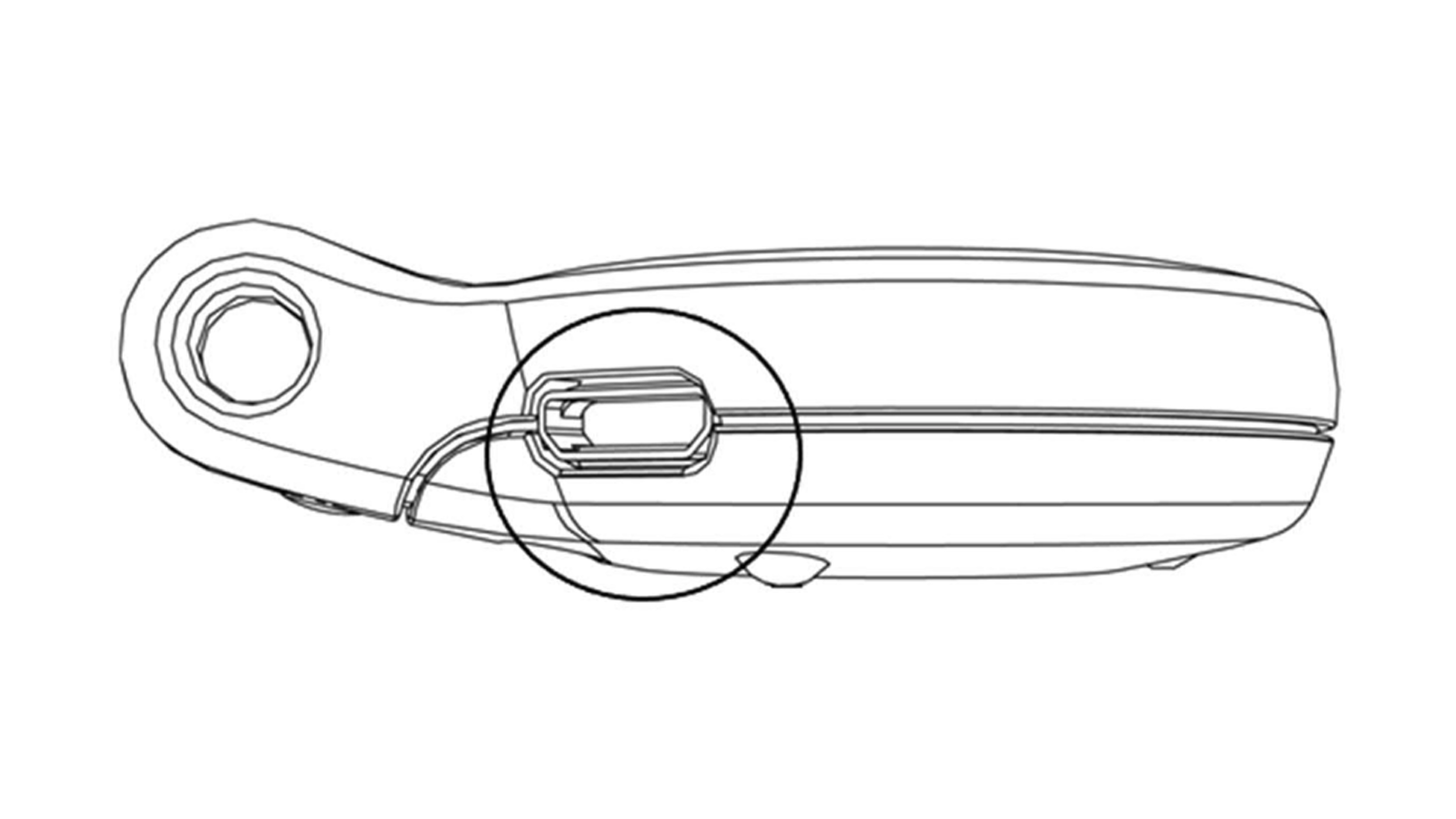
1.6 Updating the Keyfob
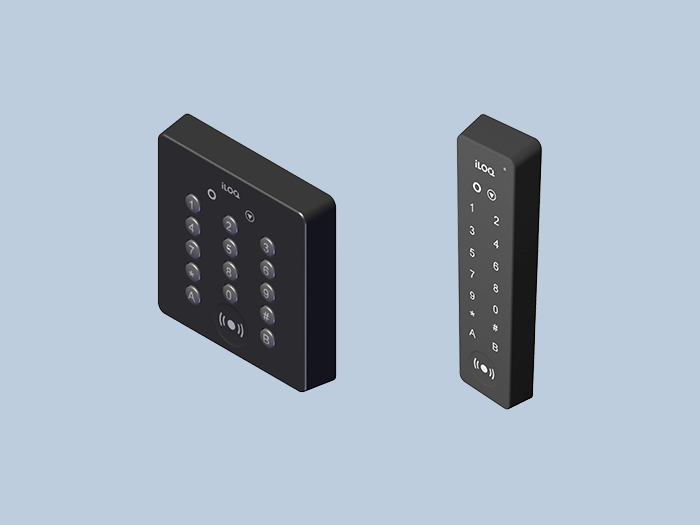
Charge the keyfob. To update your keyfob, hold it against a wall reader or use the iLOQ app. Contact your administrators if you need to change access permissions or if you're experiencing problems with your keyfob. Also, contact your administrators if you lose your key. This is important so administrators can block your lost key and prevent unauthorized access.
Complete manuals (PDF)
See the full manuals here:
