Module – Course (iLOQ)
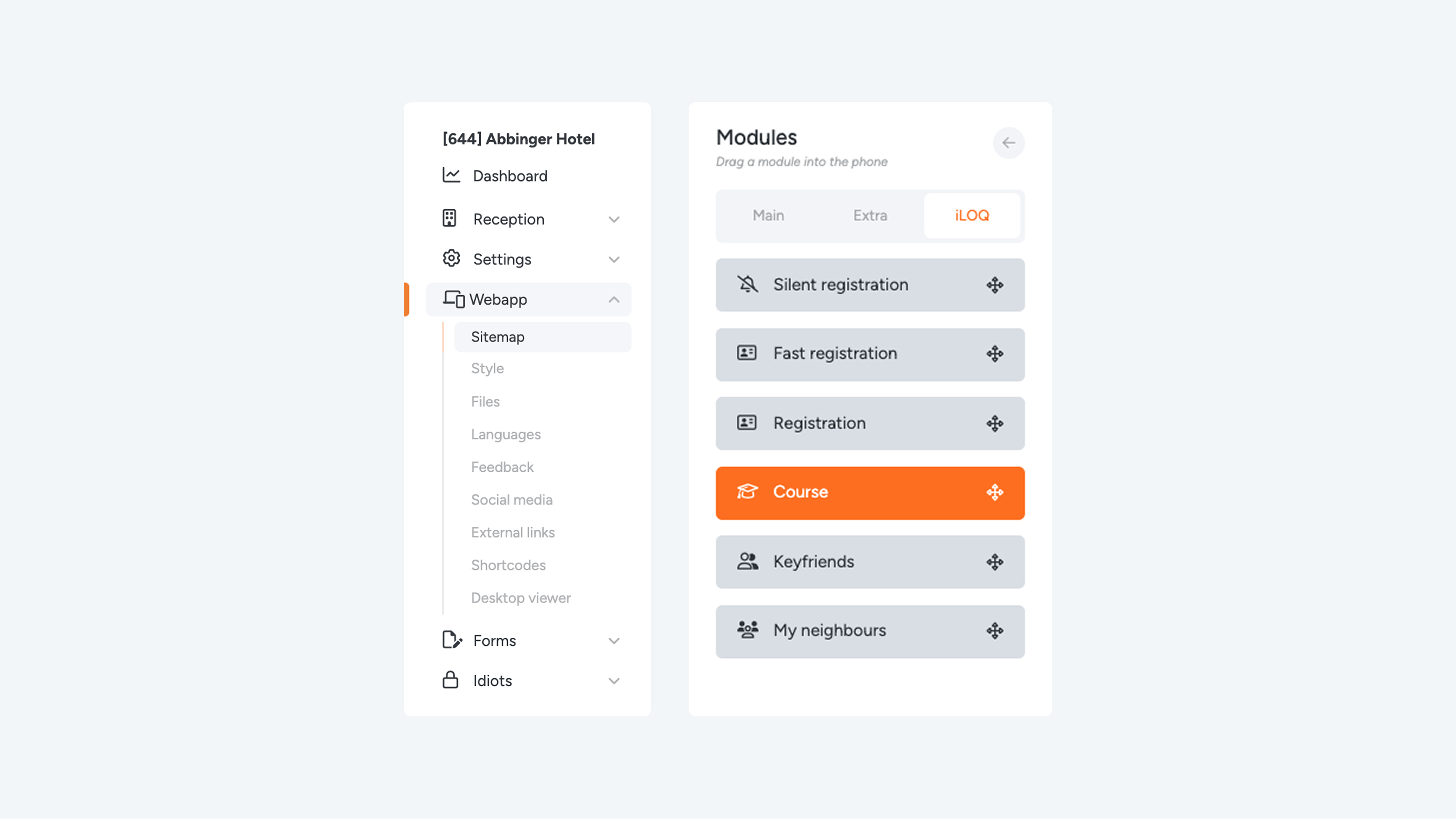
The course module can only be added to an empty page.
Drag the “Course” module to the phone view. Once you have done this, the module is automatically saved.
Please note: no automatic settings page appears when adding this module.
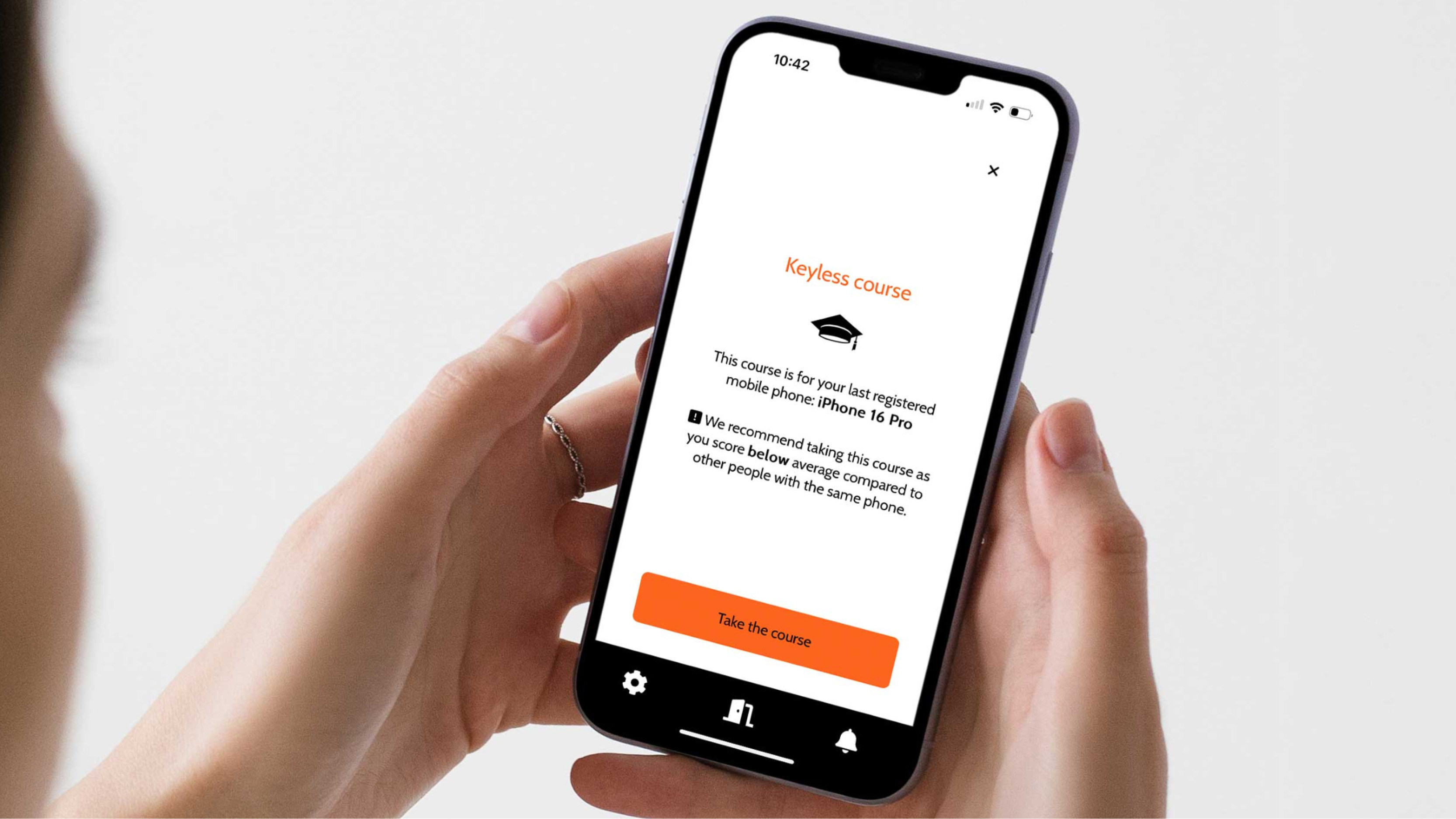
The course can detect which phone you are using. Based on your performance within the course, the module can indicate whether your “door score” is below average. This provides insight into how well you master the steps required to use Keyless access.
Watch closely – instructional video:
The course starts with a short video. This video shows how to unlock your door with your mobile phone using Keyless technology.
Duration: 19 seconds
Objective: Learn how to correctly use your phone to gain Keyless access.
After watching the video, three quiz questions follow to test your knowledge.
Quiz Questions
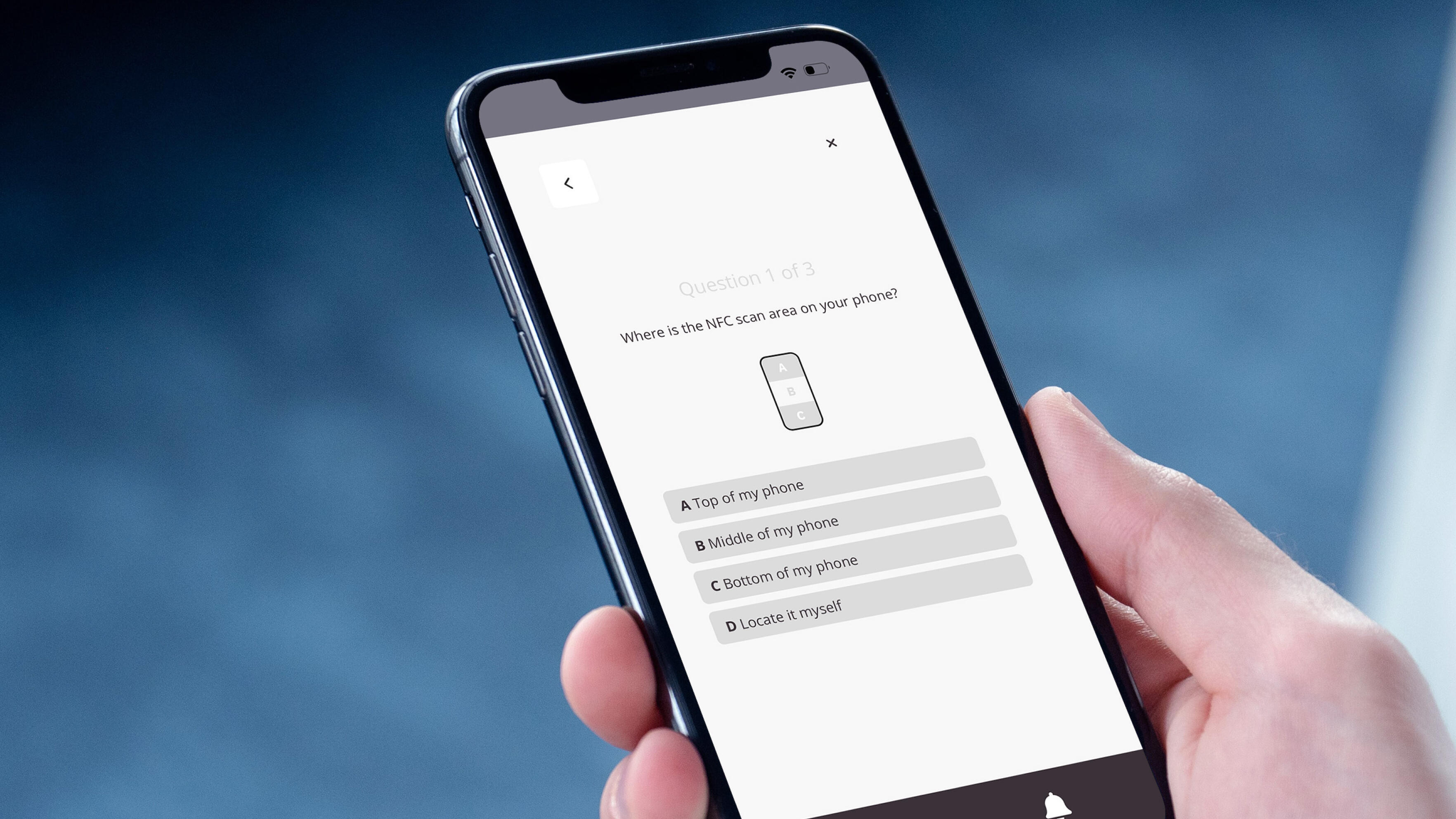
Question 1 of 3: Where is the NFC zone located on your phone?
- The top of my phone
- The middle of my phone
- The bottom of my phone
- I choose it myself
Note: The correct position of the NFC zone differs per phone model. Answers A, B, and C may therefore be correct depending on the device. Answer D, however, is always incorrect.
Question 2 of 3: How long should you hold your phone against the black button to gain access?
- 2 seconds
- 4 seconds
- 6 seconds
The correct answer is: B. 4 seconds
Question 3 of 3: What should you do once your phone displays “Access granted”?
- A. Push against the door
- B. Turn the black button
- C. Whisper: “Open sesame”
The correct answer is: B. Turn the black button
Course Completion
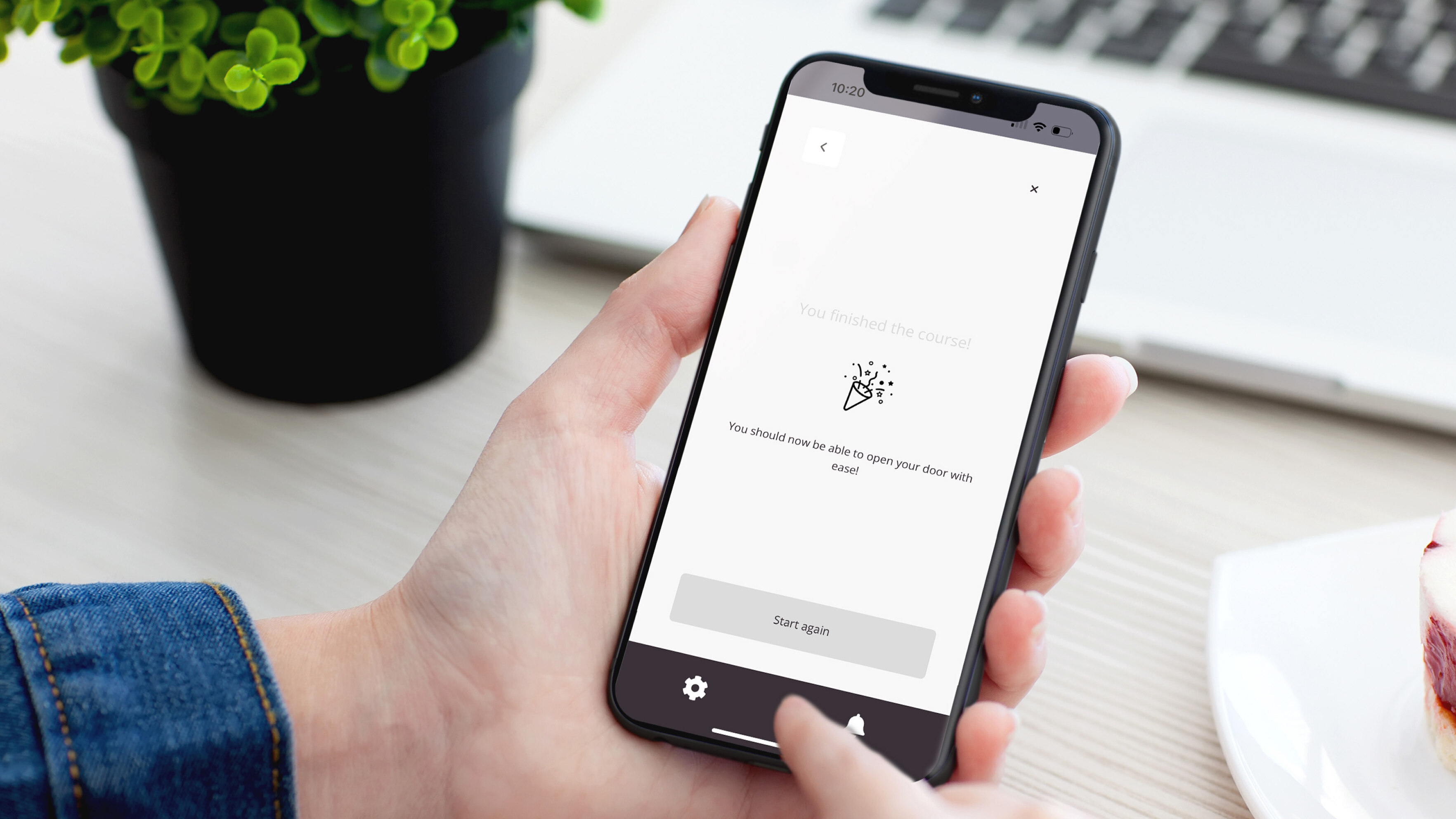
After watching the video and answering the three questions, the course is completed. You will then be given the option to:
- Restart the course
- Return to the overview page