Module – My Neighbours (iLOQ)
Adding to the app
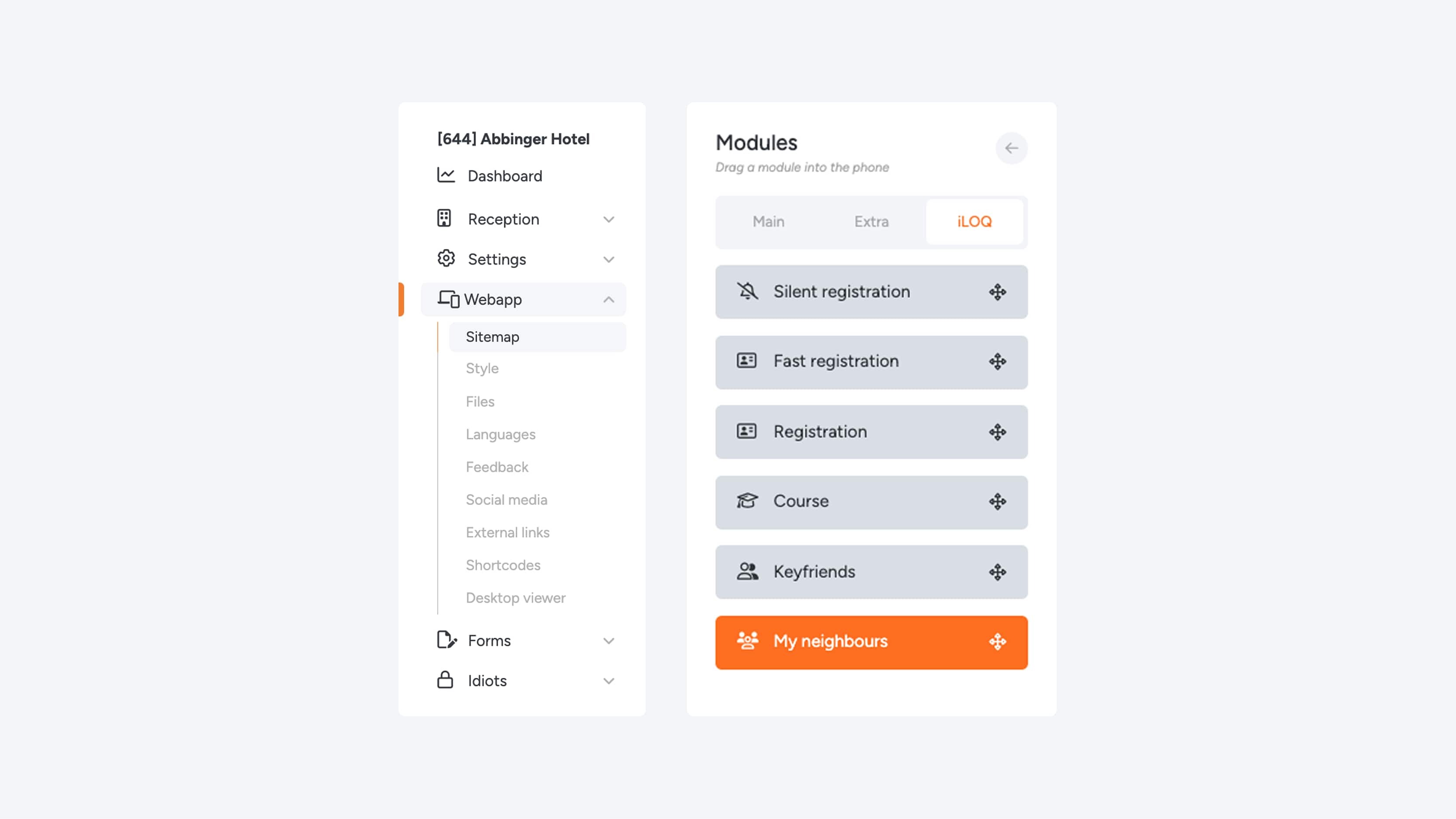
The My Neighbours module can only be added to an empty page.
Drag the “My Neighbours” module to the phone view. Once you have done this, the module is automatically saved.
Please note: no automatic settings page appears when adding this module.
Get to know your neighbours
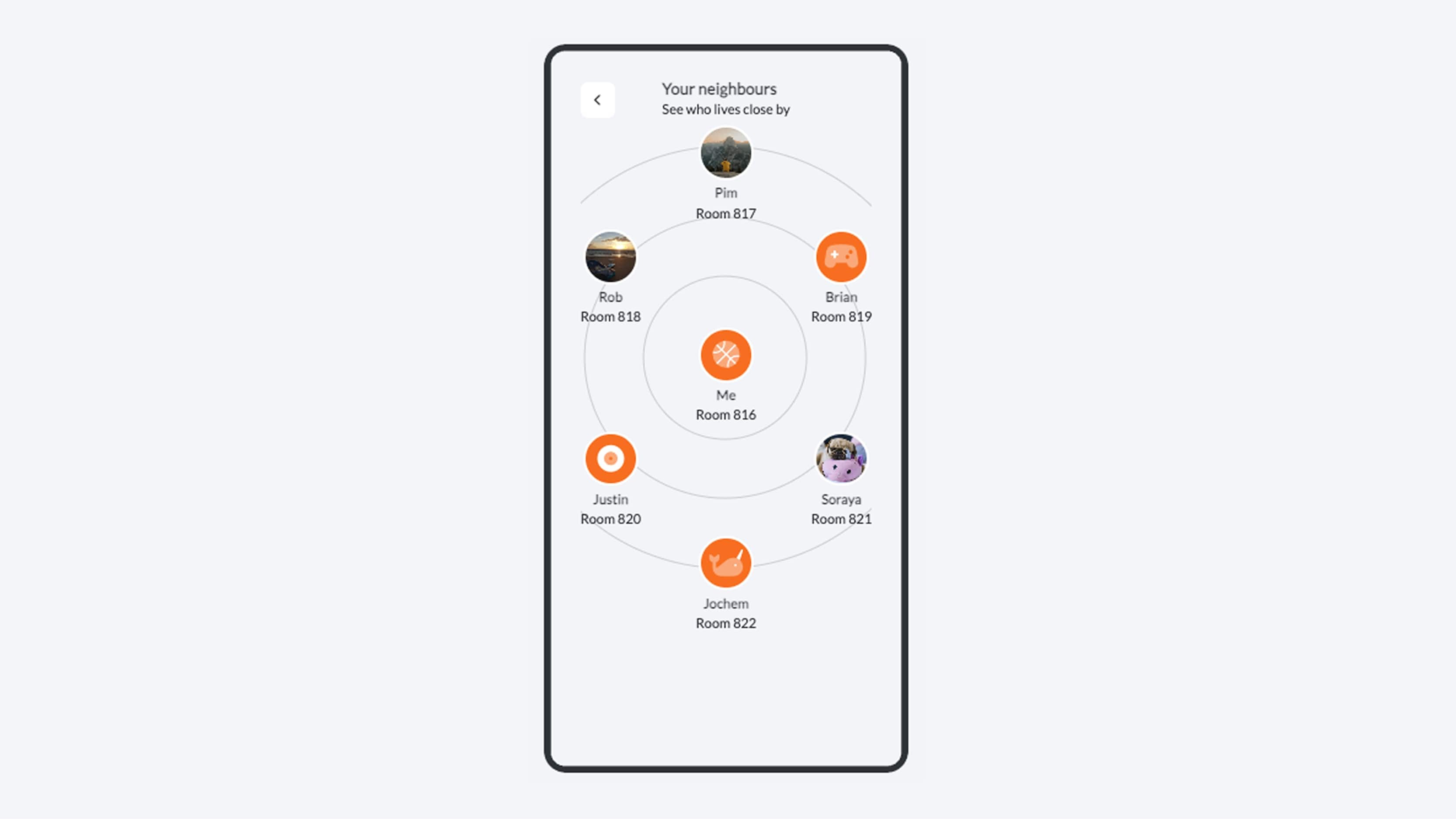
The My Neighbours module allows residents to get to know their neighbours without being physically present at the location. Before or during your stay, you can register, create, and manage your profile. You can then see who lives next door or in the same building and what their interests are.
You can only register for My Neighbours if you have a registered key in the app.
As a resident, you can enter the following details in the My Neighbours module:
- Name (a nickname is also allowed) – Required
- Country (where are you from?) – Required
- Languages (which language(s) do you speak?) – Required
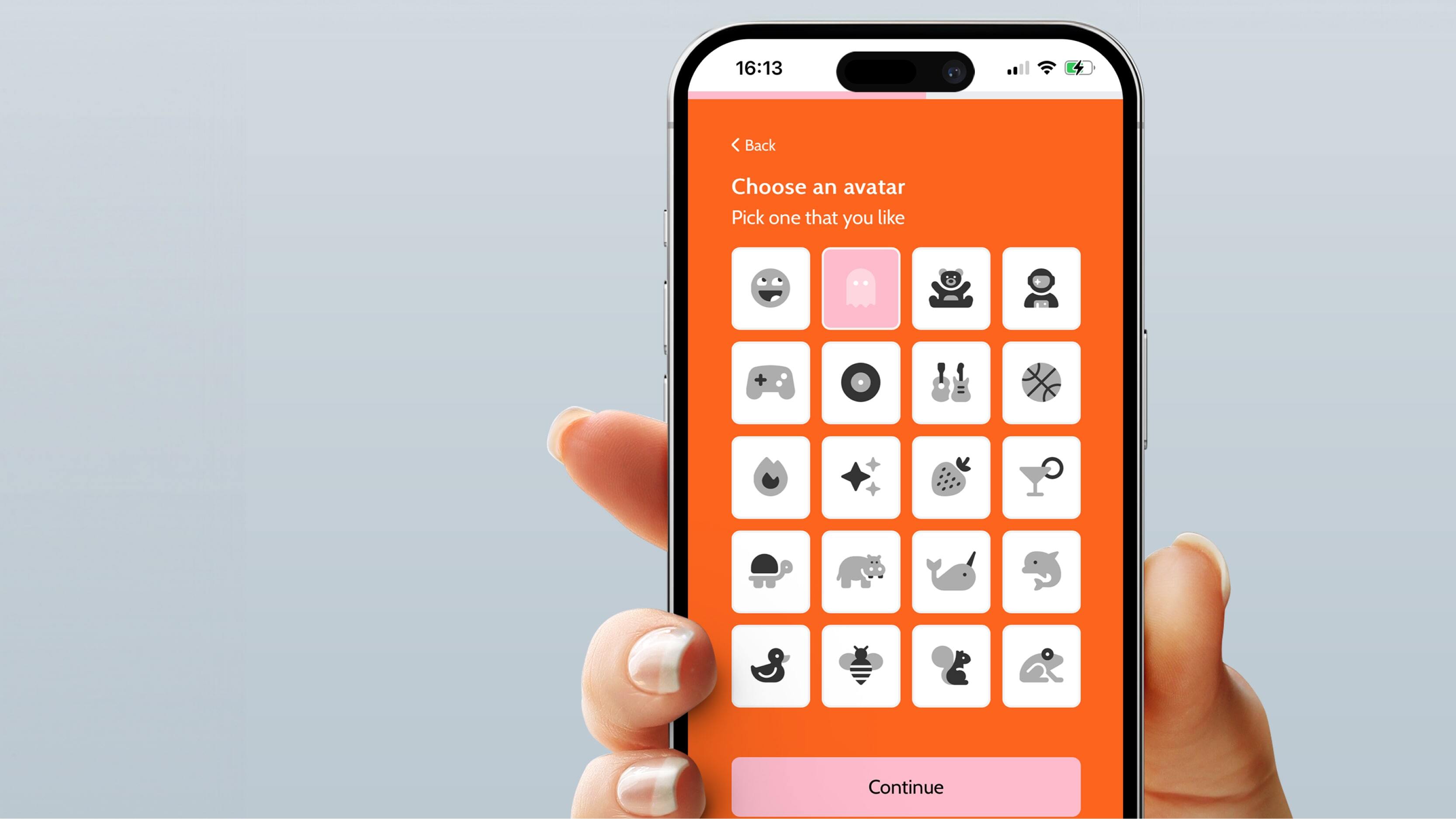
- Profile photo or avatar – Required
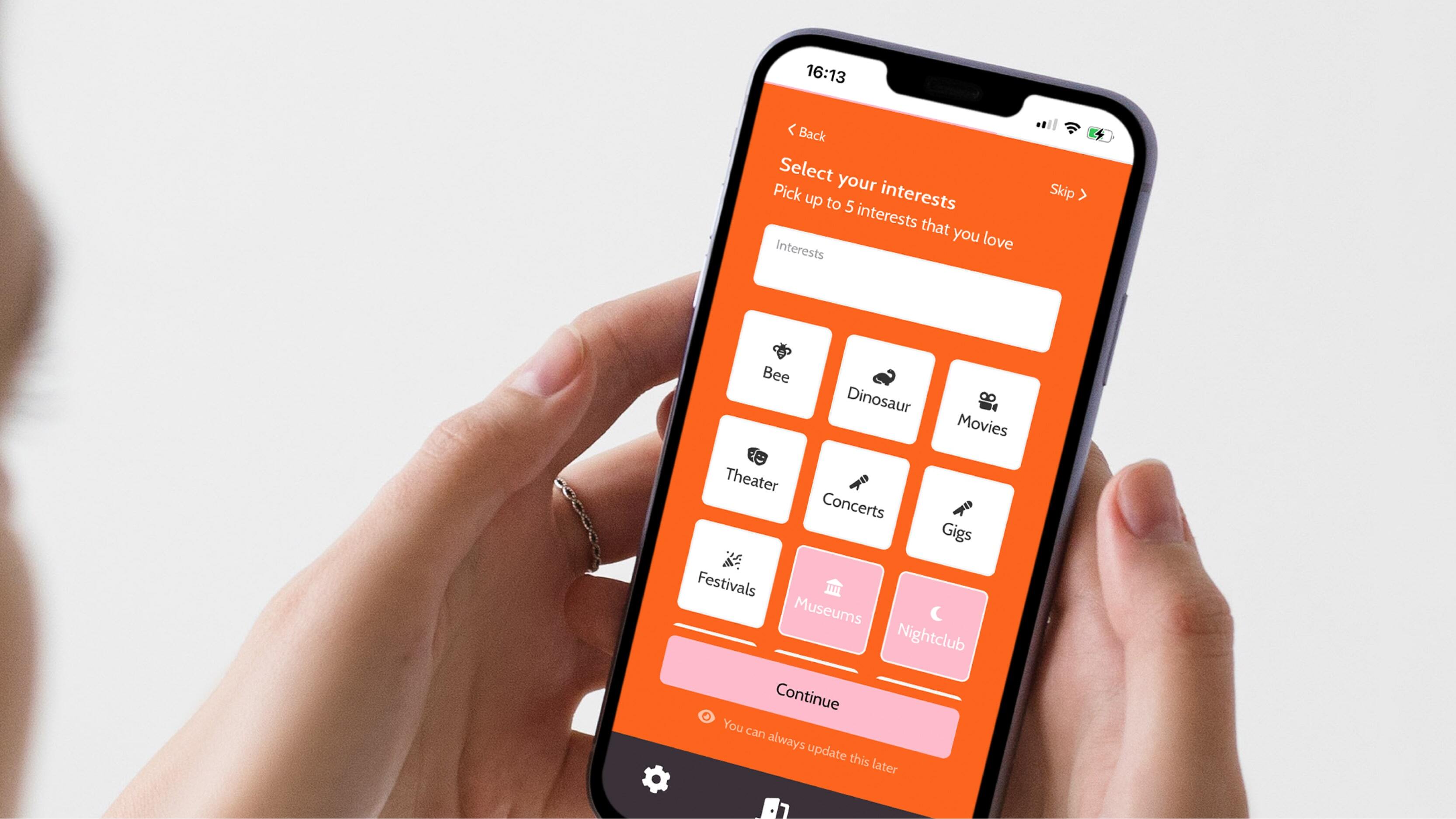
- Interests (choose up to 5) – Optional
- Study (what are you studying?) – Optional
- Get to know me (choose 3 questions and fill them in) – Optional
- About me (write something in your bio, add your Instagram, provide your email address, or include your Facebook URL) – Optional
Registration takes only 1 minute. Set your preferences for social media channels and then you can start connecting with your neighbours (if they have also created a profile).
Managing or leaving My Neighbours
Do you want to unsubscribe from My Neighbours or edit your profile? You can!
Click the three-dot button in the top-right corner and choose the desired action.
