Viewing Scan Statistics
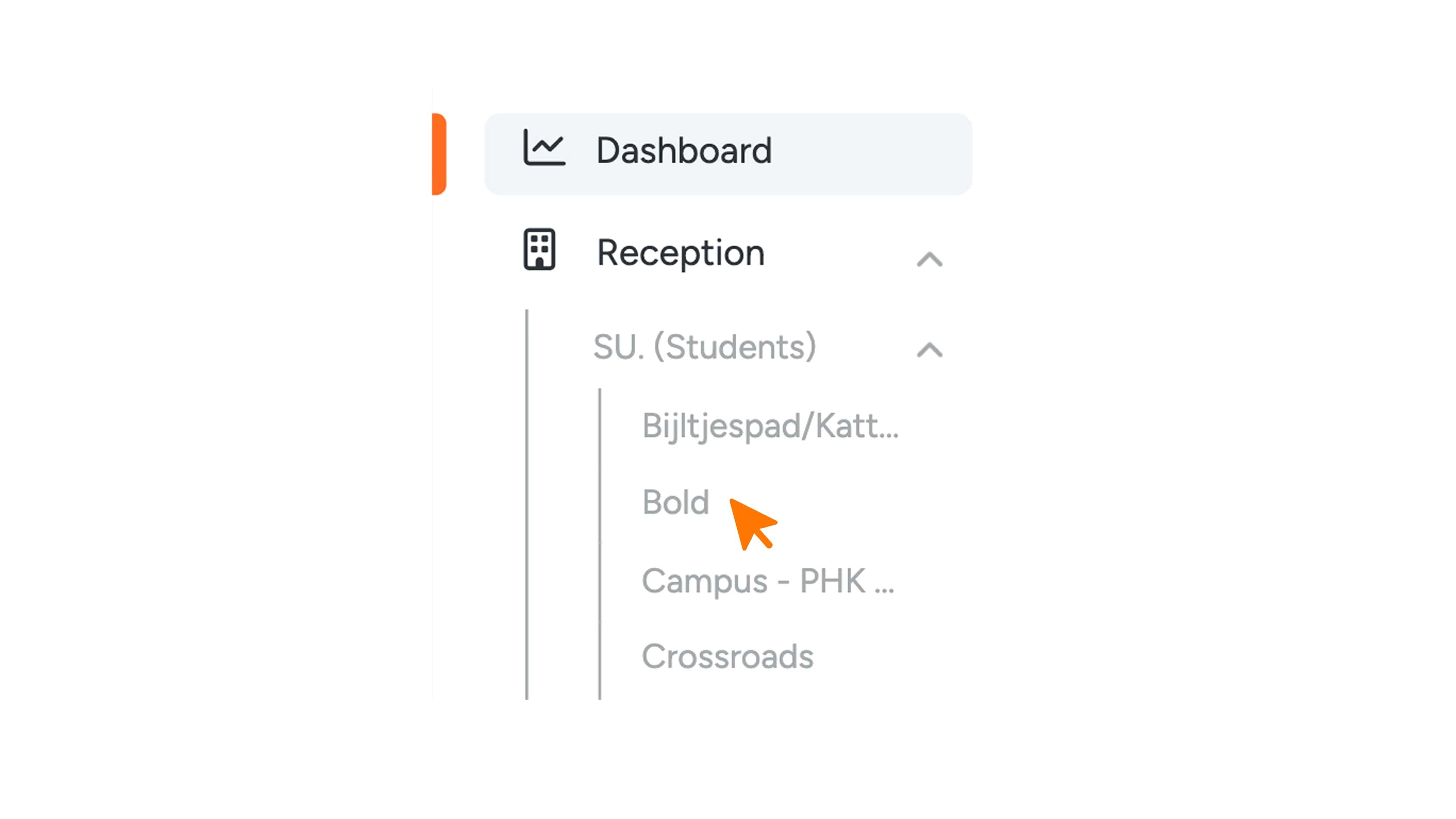
To view the scan statistics of your users’ locks, first go to the menu and select “Reception” or “Access.” Then click on “S.U.” (Switch Users); the name may vary, for example “Students” or “Keys.”
After clicking “S.U.”, several locations will appear. Select the desired location.
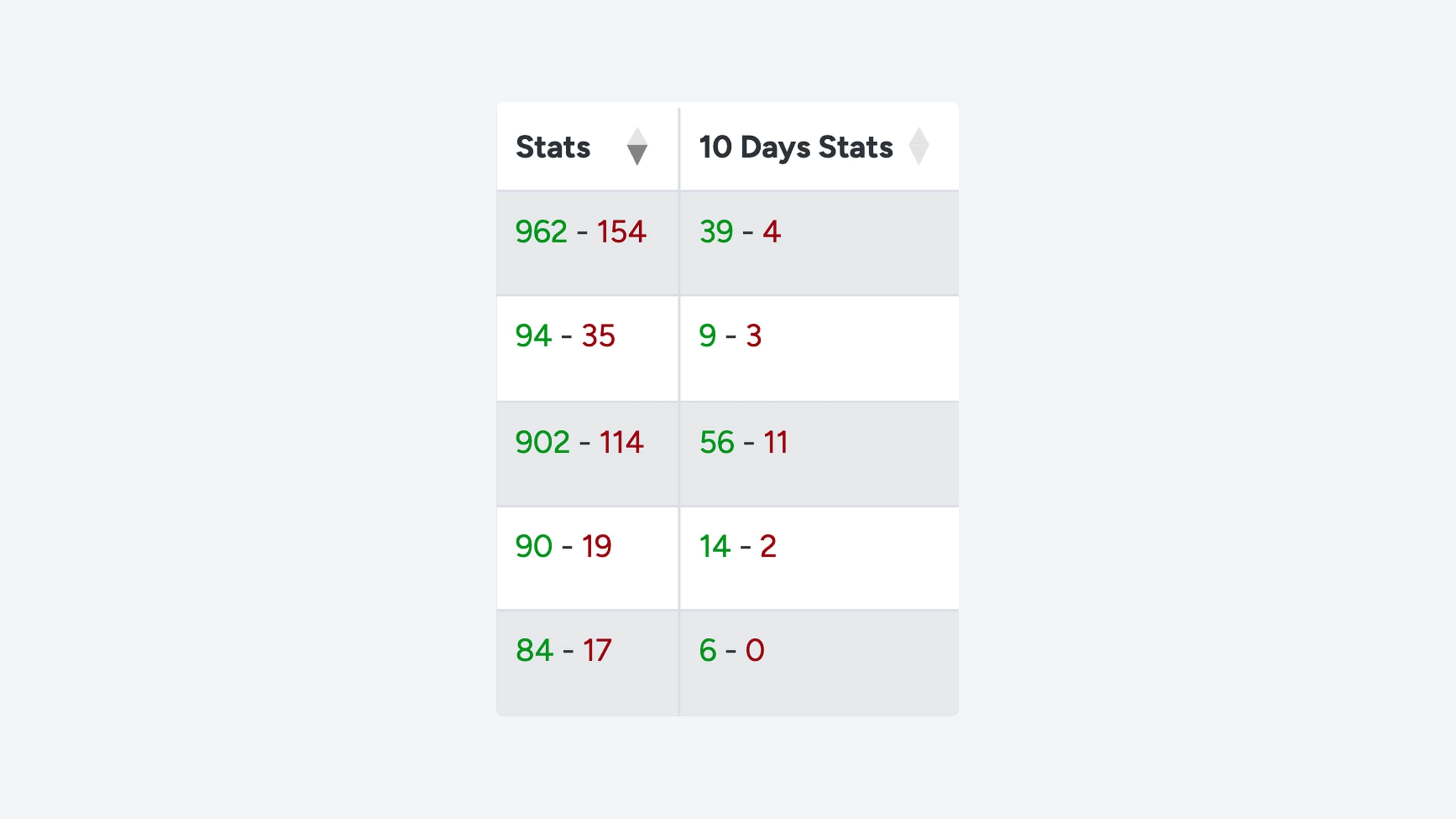
You will now see an overview with data. In the “Stats” table, you can find the scan statistics:
- Green numbers indicate successful scans.
- Red numbers show the number of failed scans.
Next to the “Stats” column, you will also see statistics from the past 10 days. It is especially valuable to monitor these statistics closely during the first weeks after new iLOQ users arrive.