Lock status
General
- In the menu, go to Reception/Management/Access and click on Switches (Locks/Doors/Truck Doors).
- Then click the blue Battery Status button. On the Battery Status page, you can see the current battery level of all locks and whether they are online.
Note: Salto KS locks can only be opened via the web app if they are online. If a lock is offline, you can still open it with a card (provided offline mode is enabled).
The information displayed about the online status and battery level is always real-time.
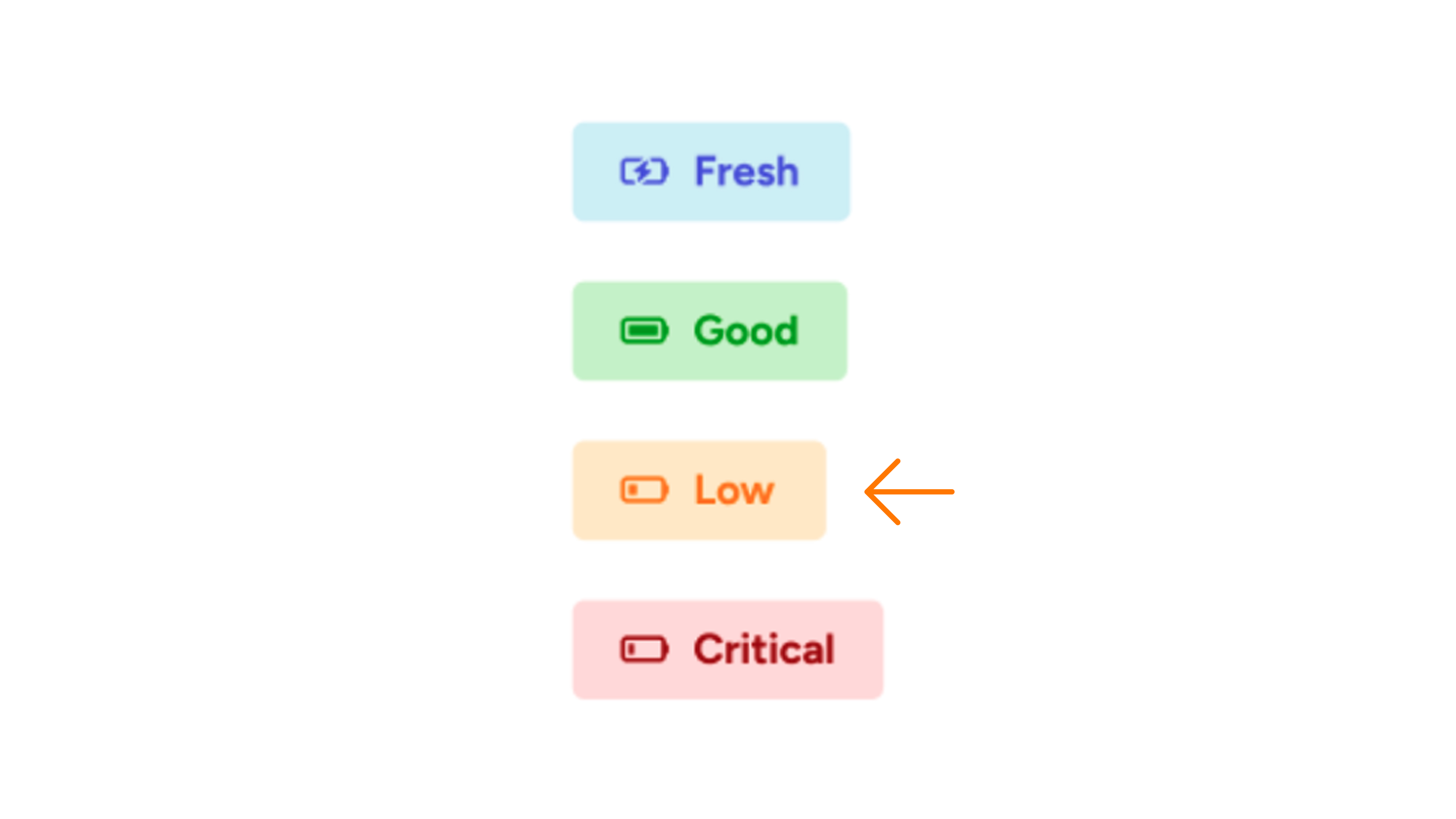
Which batteries are needed?
There are two types of locks, each using different batteries: the Escutcheon (see image 2) and the Neo (see image 3).
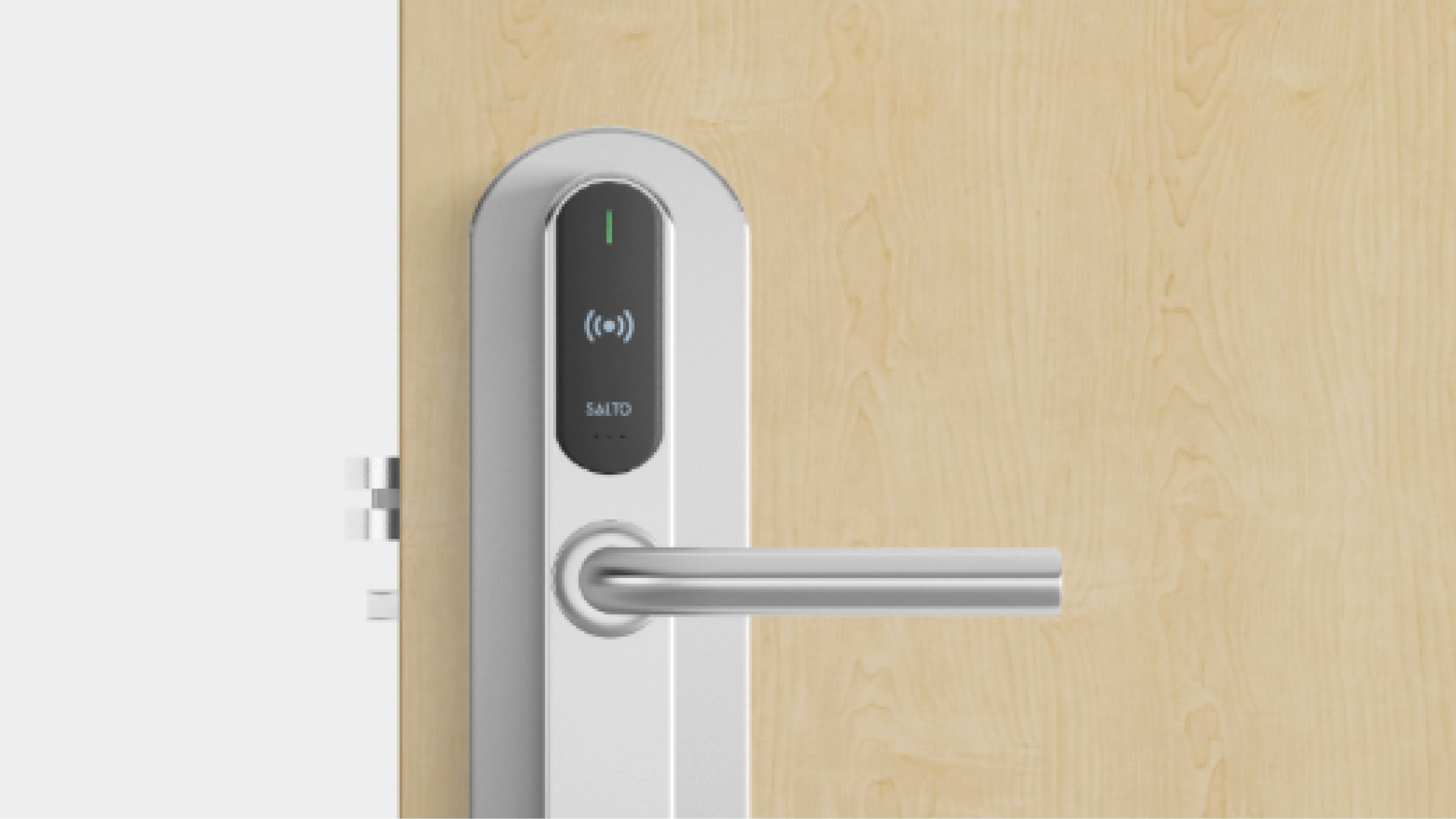
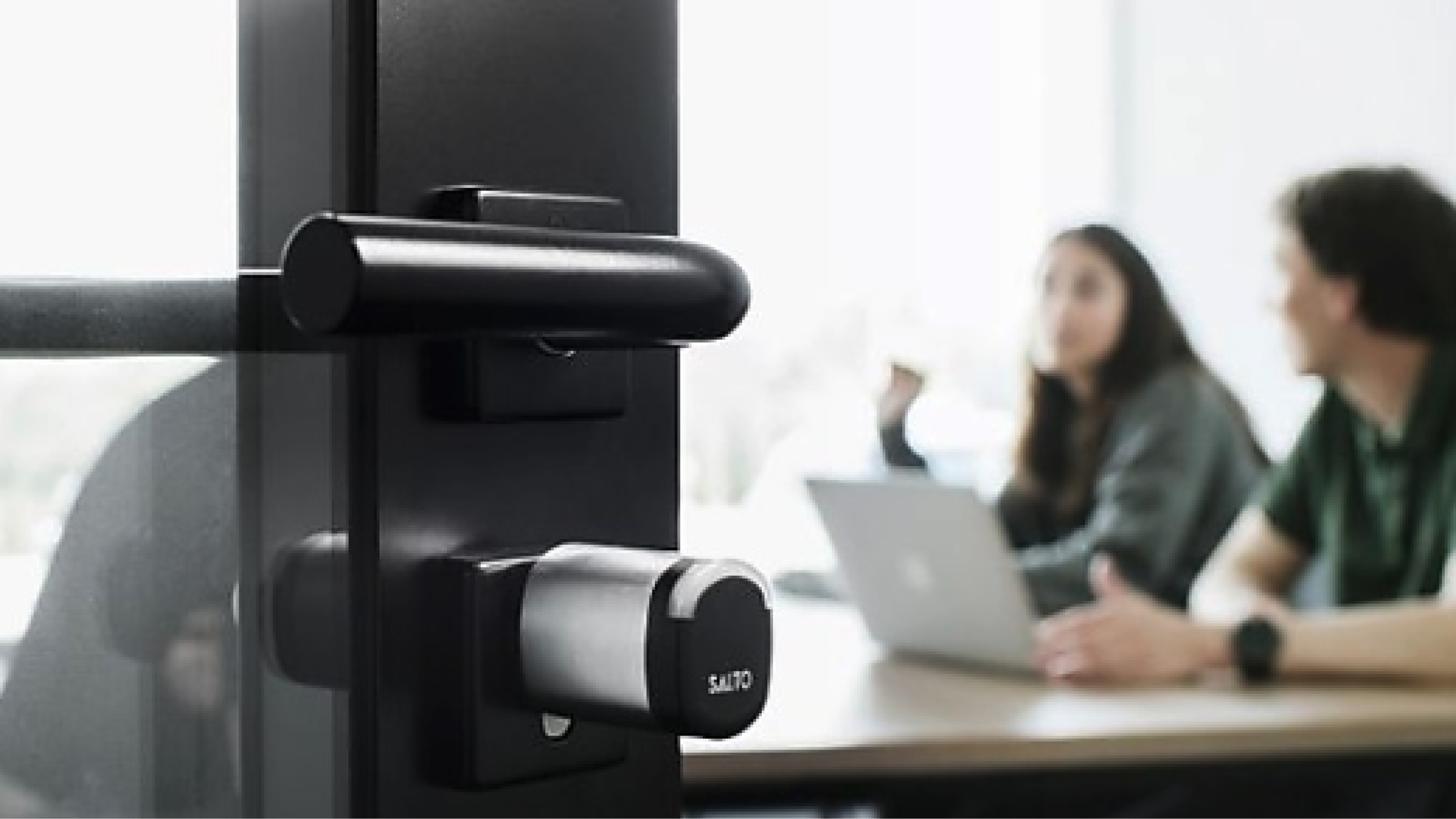
Escutcheon
For Escutcheon locks, Salto KS recommends the following batteries:
- Duracell Plus Power AAA (MN2400)
- Simply Duracell AAA (MN2400)
- Varta High Energy AAA (04903)
- Varta Longlife AAA (04103)
- Varta Industrial AAA (04003)
Neo
Neo locks require special batteries. These can be ordered exclusively through Salto KS.
Online and offline locks
- An offline lock cannot be opened via the web app. When you try to use the slider, the lock does not respond.
Want to check this?
- In the side menu, go to Reception > Management > Access > History.
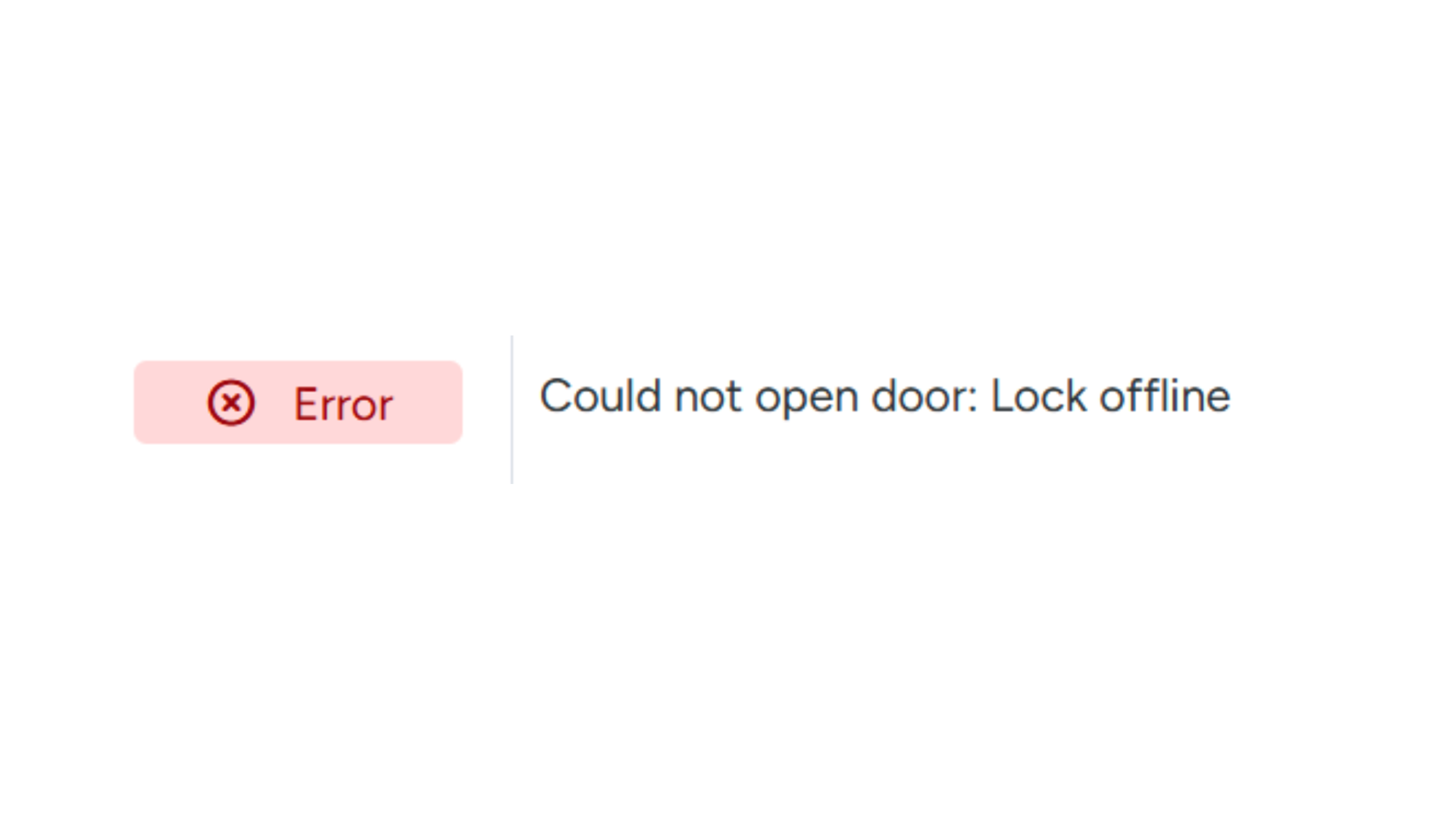
- In the Status column, you will see the message "Error" when attempting to open an offline lock.
- The Error column displays the reason why the opening failed.
Getting a Lock Back Online
When a lock is offline, first determine the cause. The most common causes are:
- Dead batteries
- No connection to the IQ (each lock communicates via an IQ: a small device connected to the internet)
- The IQ has no internet connection
Step 1: Check the Batteries
Replace the batteries or check whether they are still sufficiently charged.
Step 2: Restore the Connection to the IQ
Check whether the lock is connected to the IQ:
- Hold the Salto KS Maintenance Card against the lock.
- Wait until the lock starts blinking.
- The lock will reconnect to the IQ.
Note: If the lock is outside the range of the IQ, it will not be able to connect.
Step 3: Contact Support
Are the above steps not sufficient?
- First, contact Salto KS support.
- Only reset the IQ in consultation with support.
Important: When the IQ is reset, all locks connected to that IQ must be reconfigured before they will work again.
GuestCompass can guide you step by step through resetting and reconfiguring the IQ.
Step 4: Testing
Install a key on your own phone and try to open the lock using the slider in the app.
Still no solution?
Contact Salto KS support. We will be happy to help you further investigate the issue.
