Mews (Webhook)
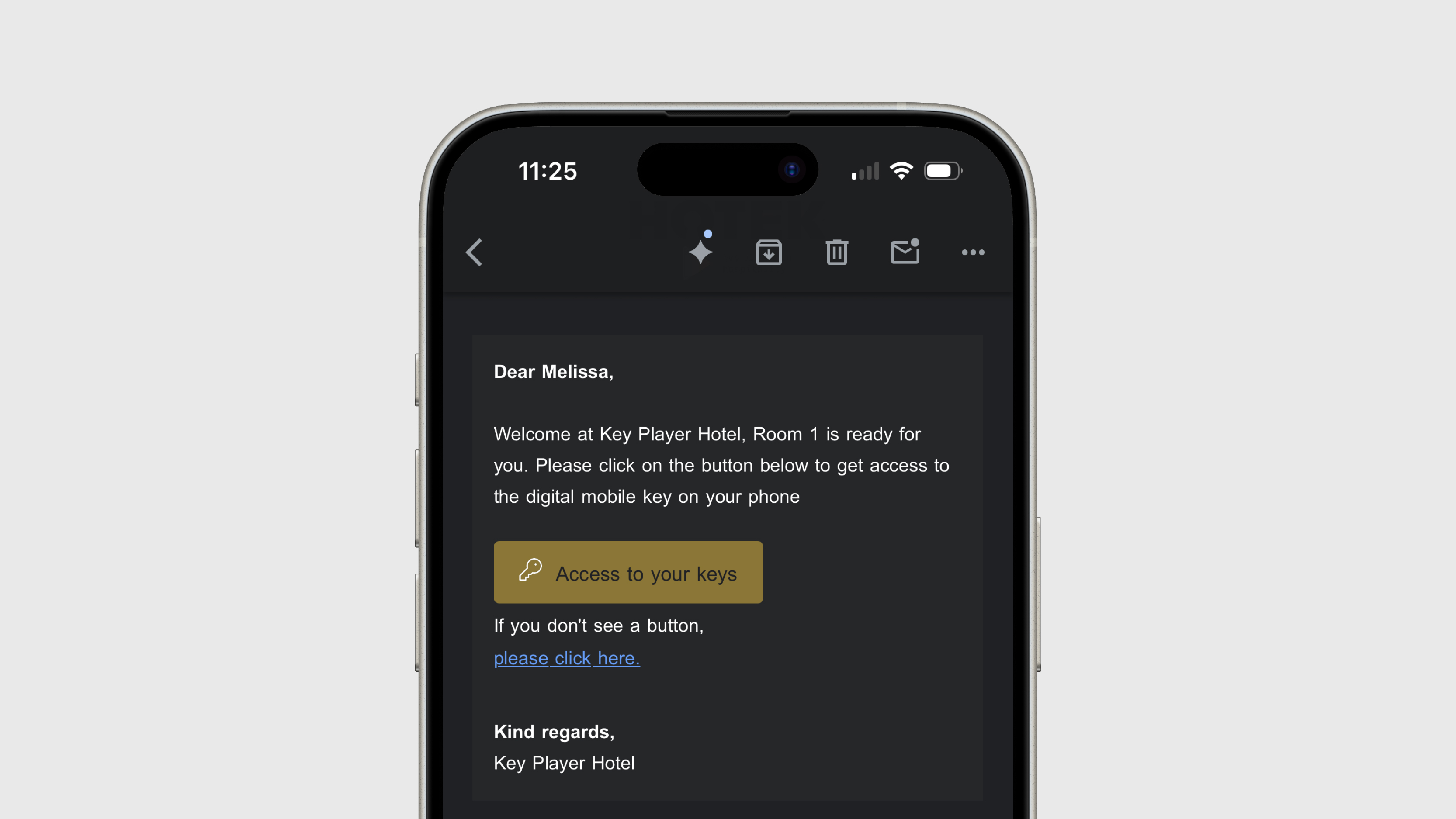
MEWS PMS (Property Management System) is a cloud-based platform specifically designed for the hospitality sector, such as hotels, hostels, serviced apartments, and other residential accommodations. The system automates and streamlines many of the daily processes in a property, allowing staff to focus more on the guest experience. For example, MEWS can automatically send the mobile key to the guest.

Settings
- Guest import: default 24 hours before arrival
- Message delivery: default 3 hours before check-in
At go-live, the Expected tab will initially be empty. At first, keys are only sent after check-in. After synchronization, expected guests will appear in the tab, and messages will be sent according to the configured timing.
Request
- Log in to Mews.
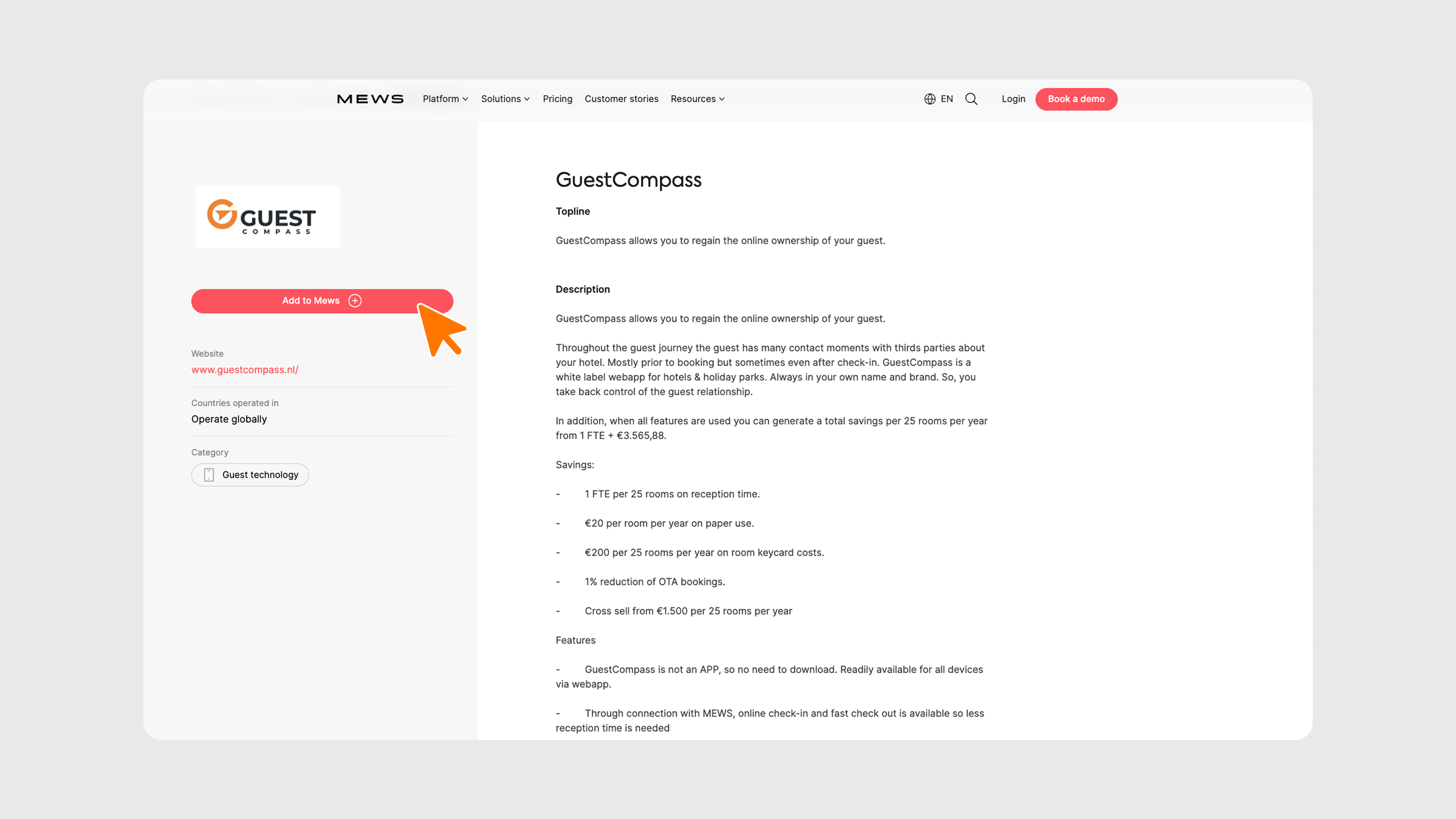
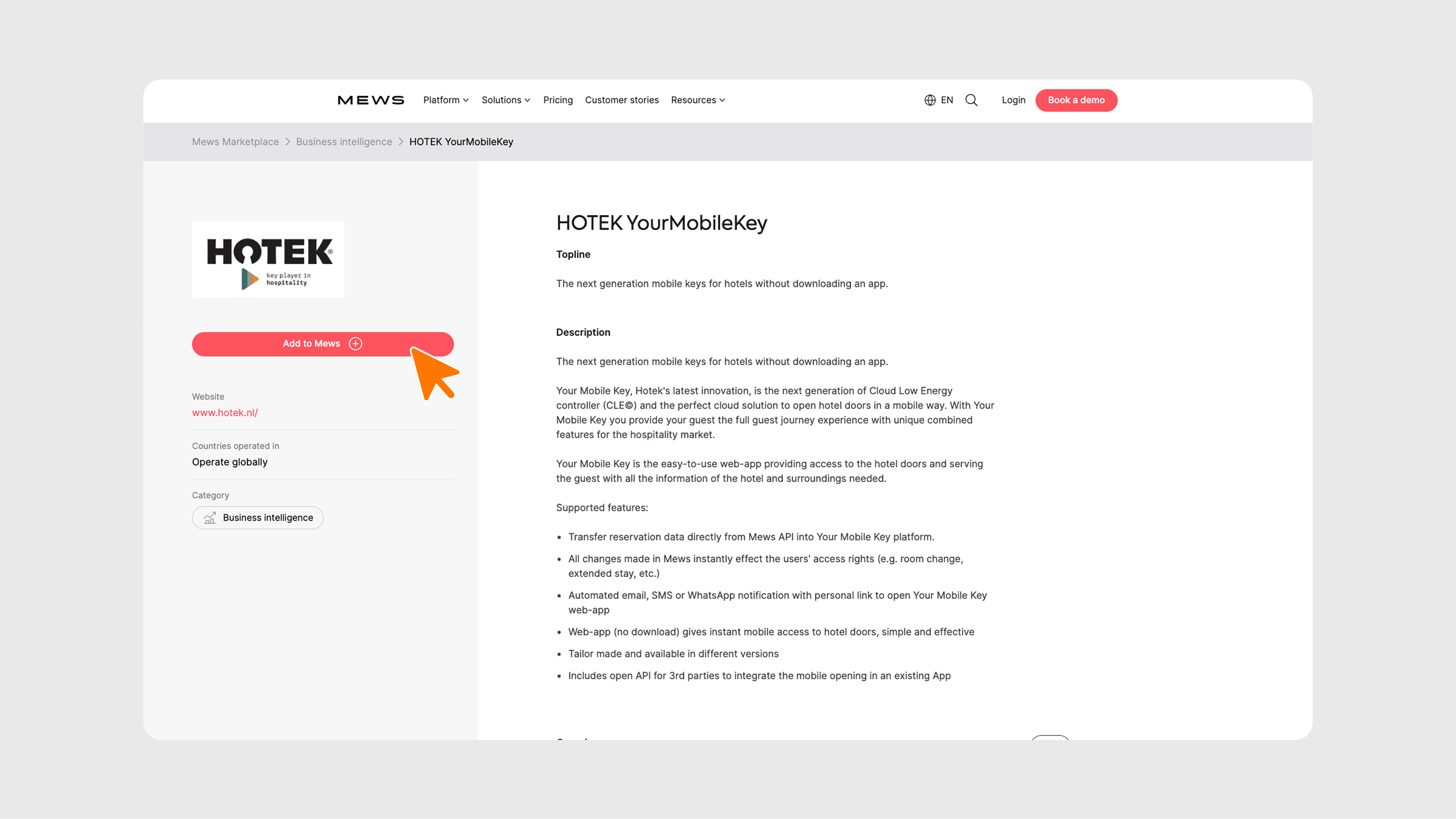
- Go to the Marketplace and create a connection with GuestCompass or Hotek.
- Mews sends a token by email to GuestCompass or Hotek. Hotek will forward this email to us.
- Using this token, we set up the integration.
Digital Keys
In the Expected tab, upcoming guests are shown. By default, we import guests 24 hours before arrival. We can also import guests 48 or 72 hours before arrival if you want to send messages earlier.
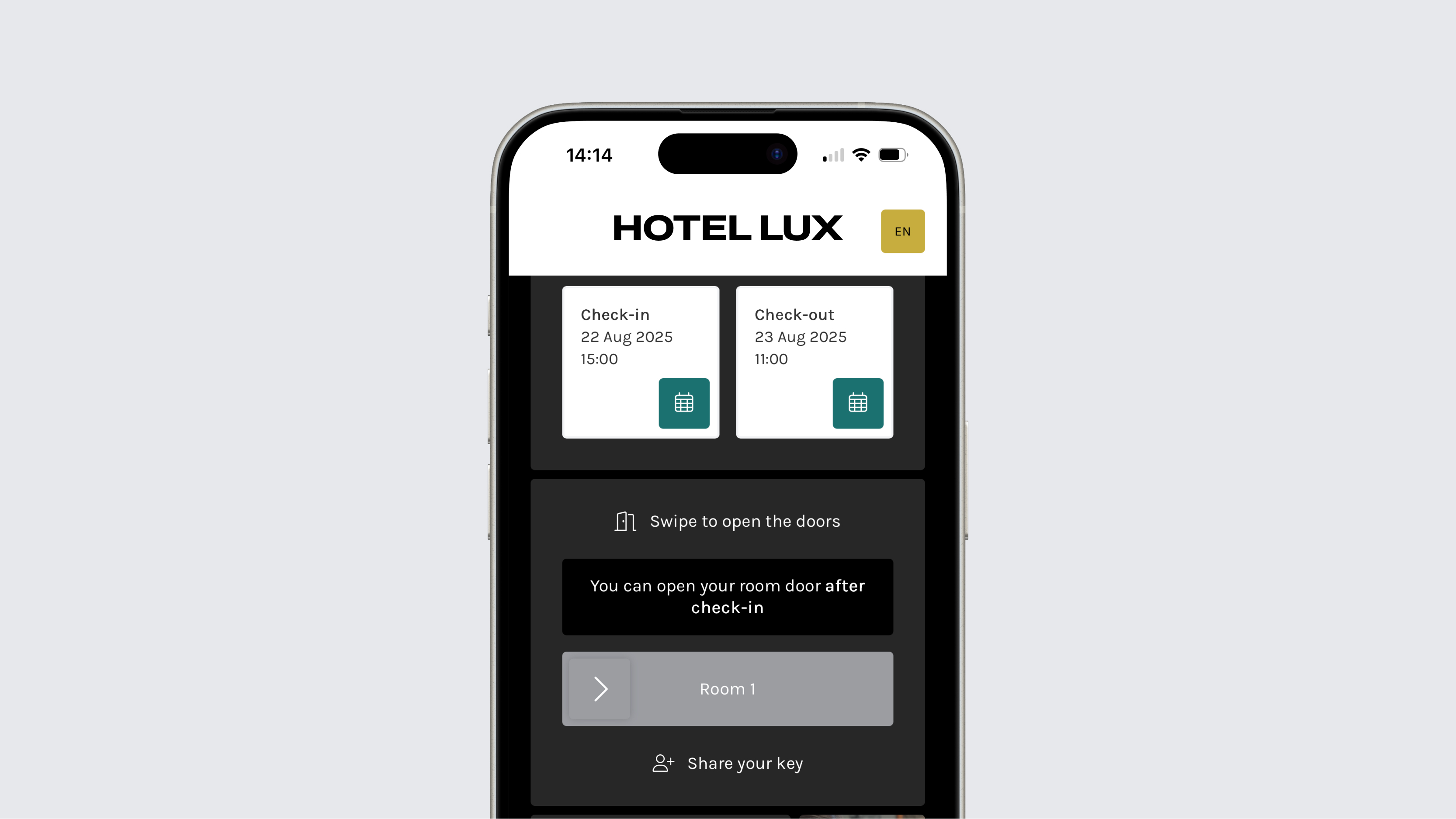
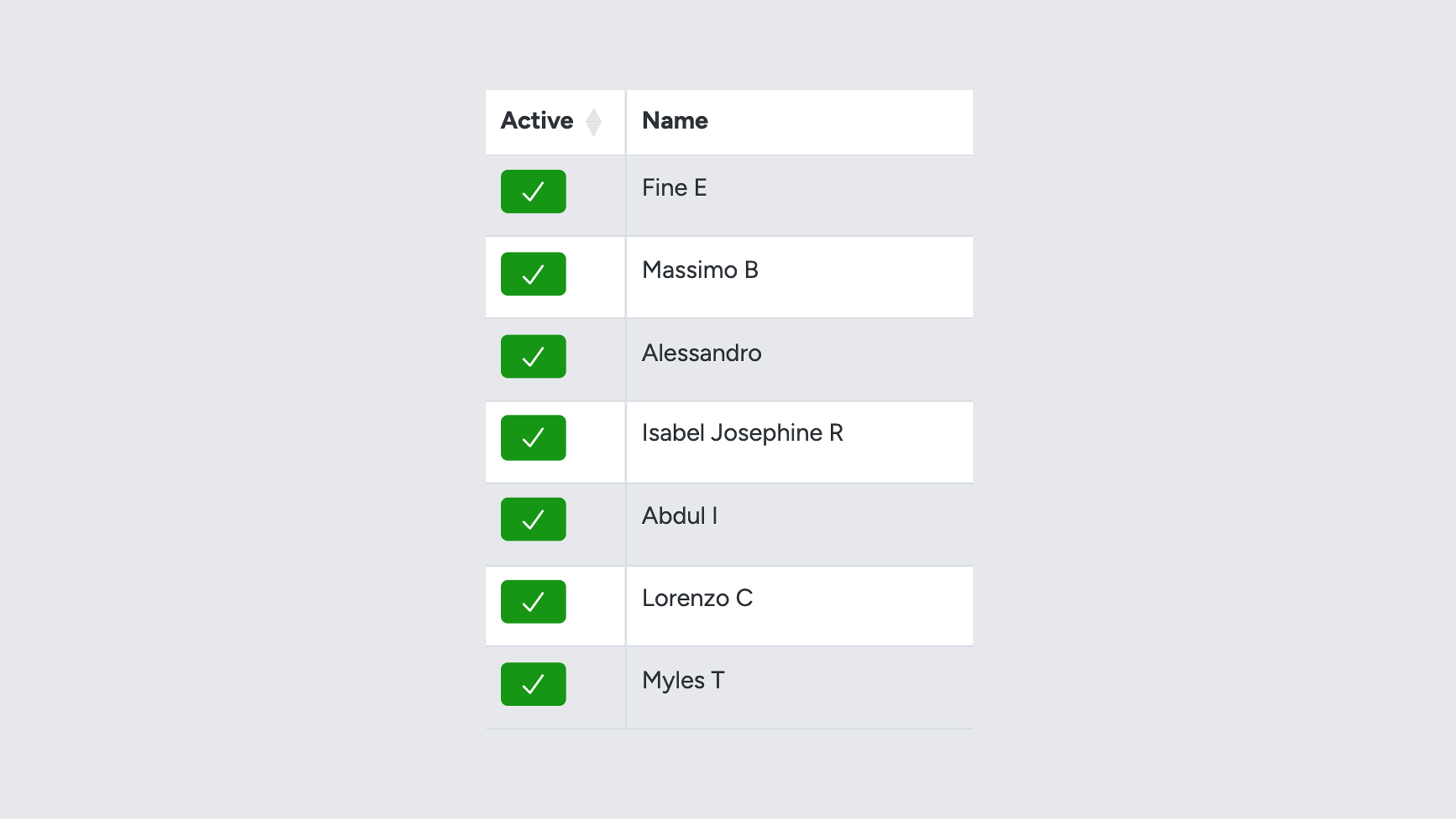
You can decide when the keys should be sent to the guest; by default, this is 4 hours before check-in, but it can also be earlier or later. Keys become active only after check-in in Mews. In the overviews, you can immediately see whether a key is working via the Active column. Before check-in, the key is not active. If digital locks are used, the guest will see the door sliders, but they will only become active after check-in. Keys are also activated after a check-in via Mews Navigator.
Important: After a Mews Online Check-in, the reservation is not set to “checked-in,” so the keys remain inactive. This is because the guest status in Mews also does not change to “started.”
Hotels can configure Mews to automatically check guests in at a specific time. If digital locks are used, the keys will become active at that moment.
Room Unknown
If you see 'Room Unknown', the reservation has not yet been assigned a room. Please assign the desired room via the PMS.
