Stayntouch
This PMS has built an integration with our Reservations API. Consequently, the functionality of the integration depends on how it was developed and may vary between different PMS providers. For specific details regarding its operation, we recommend contacting your PMS provider directly.
Settings
- Guest Import: Varies by PMS
- Message Delivery: Varies by PMS
Request Process
- Email your PMS provider, copying support@guestcompass.nl in the CC, to inform them that you would like to link with Hotek or GuestCompass.
- GuestCompass will send the necessary credentials to the PMS provider.
- The PMS provider activates the integration and supplies the hotel's Room IDs to GuestCompass.
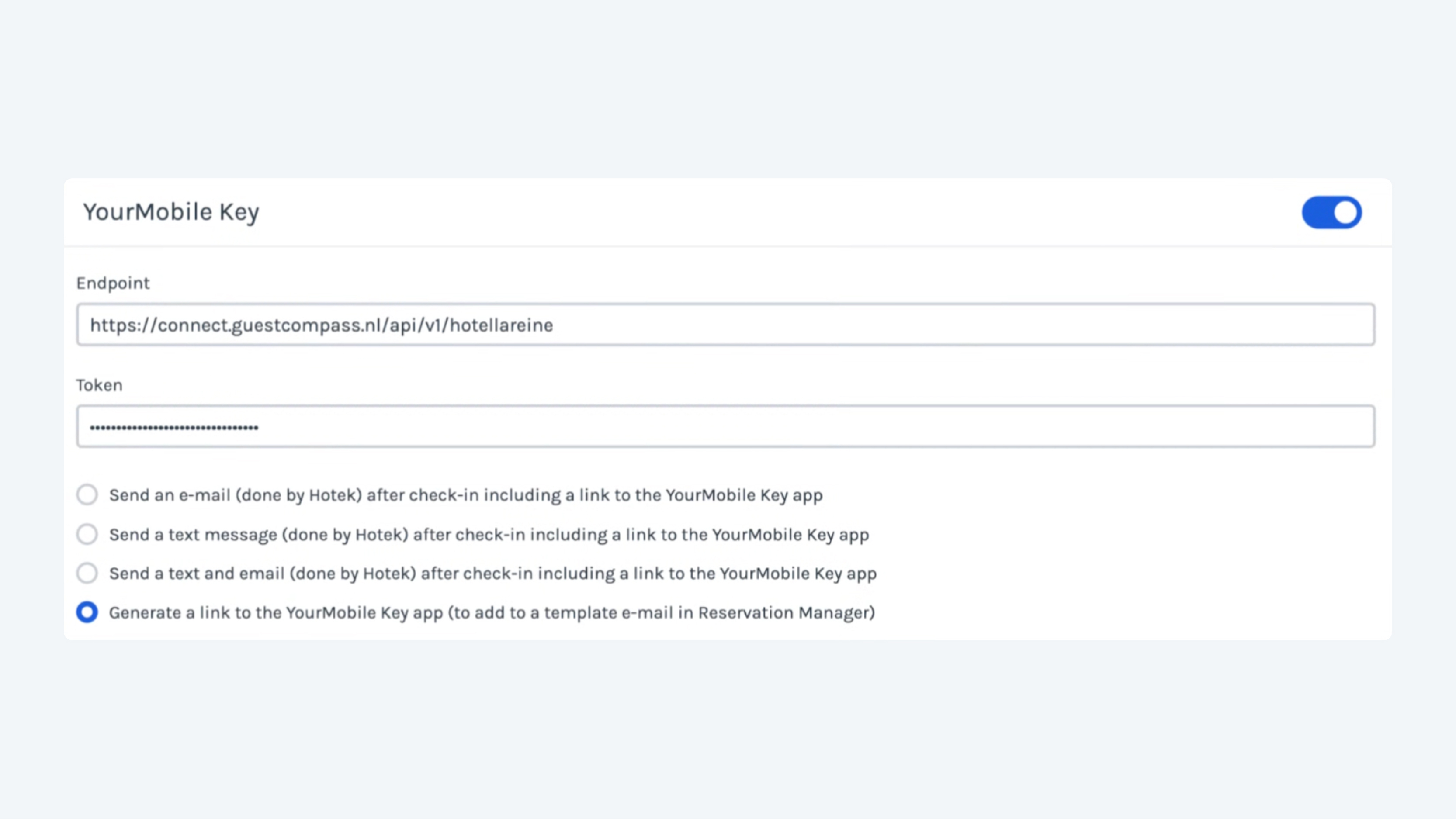
Digital Keys
- Expected Tab: The "Expected" tab will typically remain empty. These PMS systems generate keys in our system, which is usually only done for "in-house" guests.
- Delivery: Some PMS systems allow us to send the "Room Ready" messages, while others handle the delivery of the keys themselves.
zoom_in