Whitelist Booking.com
Booking.com
Booking.com uses email aliases for guests. This is not the guest's personal email address, but a temporary Booking.com email address used specifically for a reservation. Booking.com forwards all emails to the guest's personal email account. Please read the steps below to ensure this works correctly.
Whitelist URLs
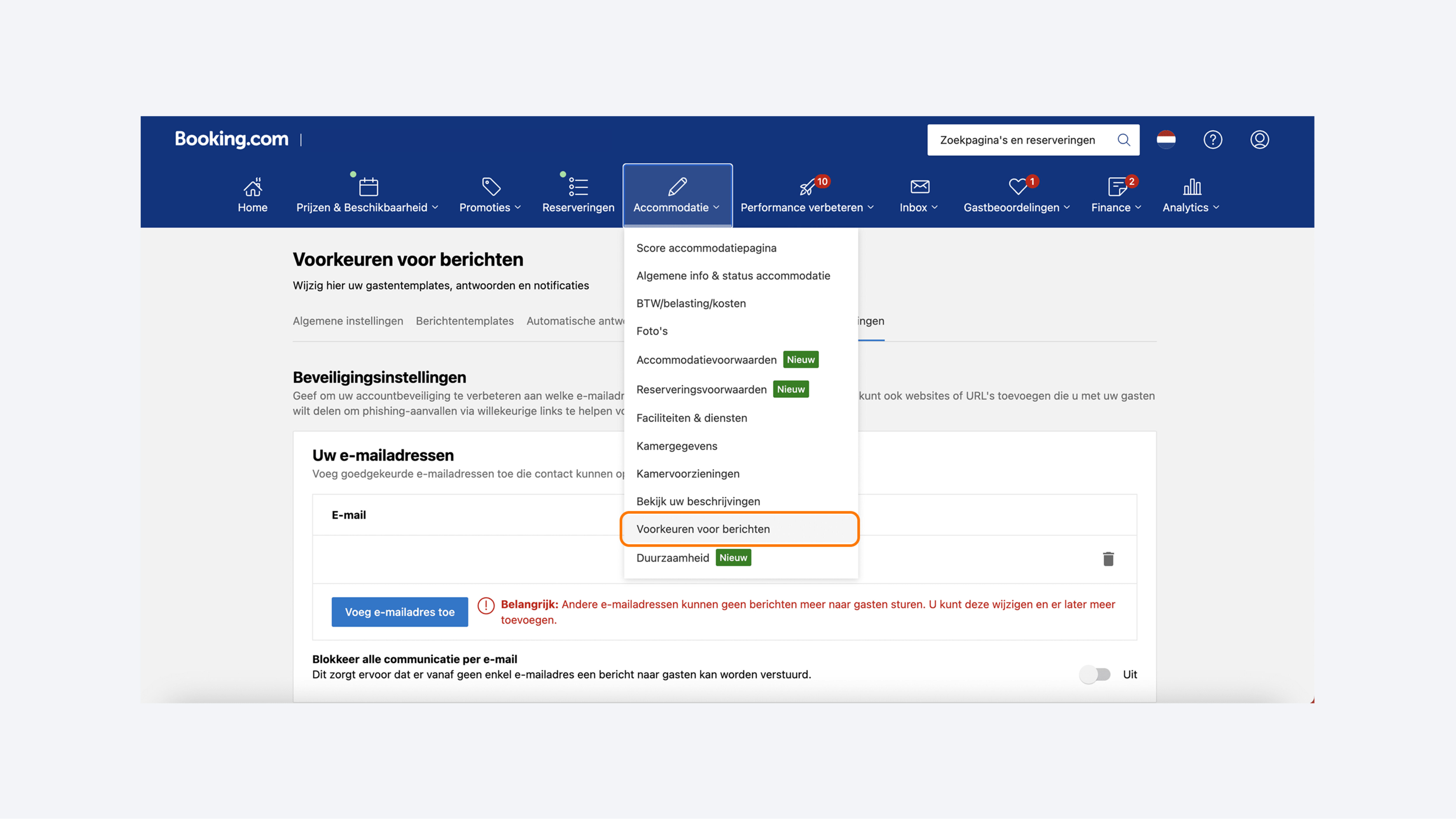
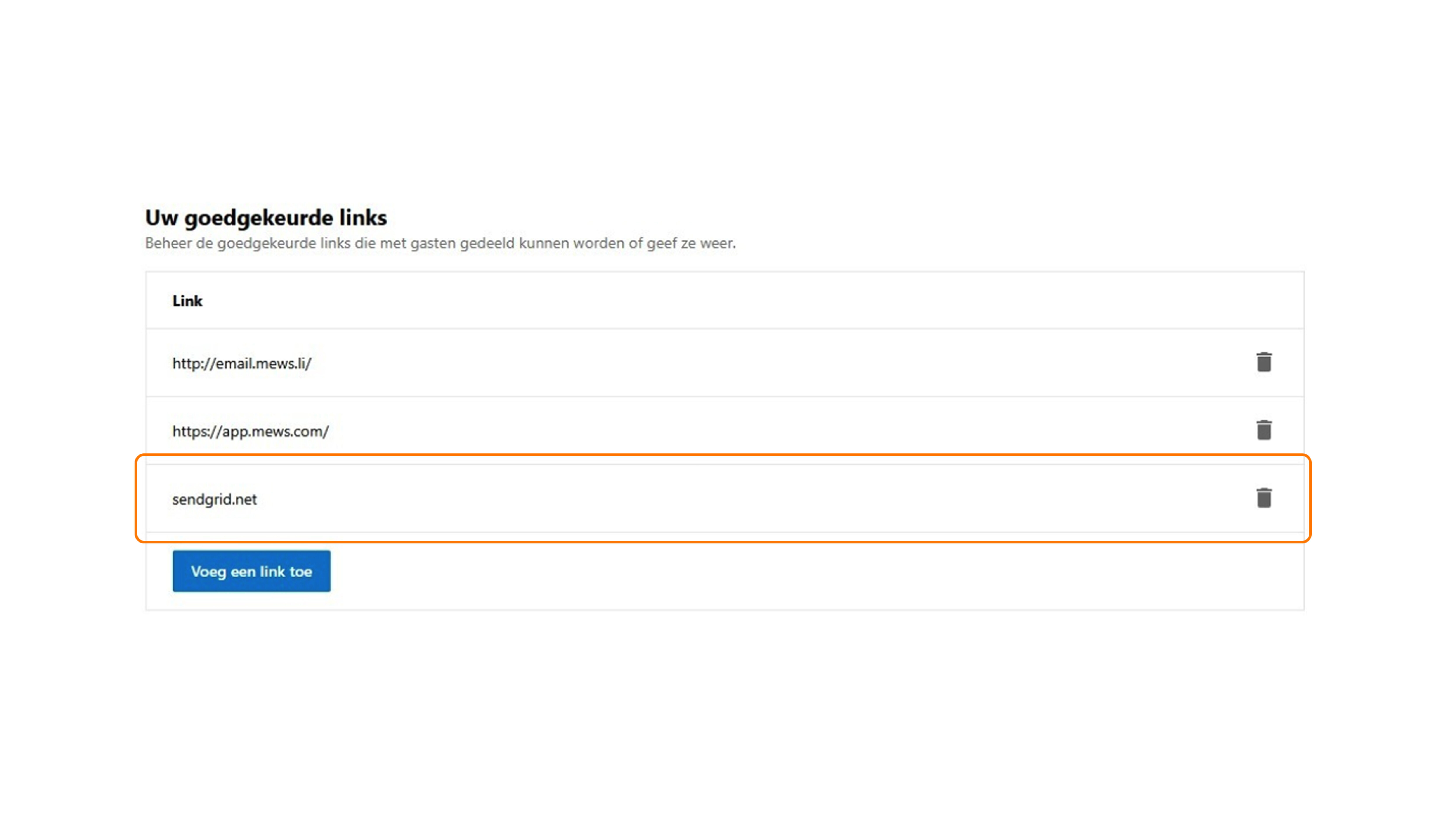
Emails are sent via sendgrid.net, which is the email service GuestCompass uses to deliver all messages. Booking.com then forwards these emails to the guest's personal email address. To ensure that the Smartlink remains clickable in the guest's inbox, please whitelist the domain sendgrid.net in the Booking.com extranet. Note that these links do not work within the Booking.com app itself.
Whitelist email addresses
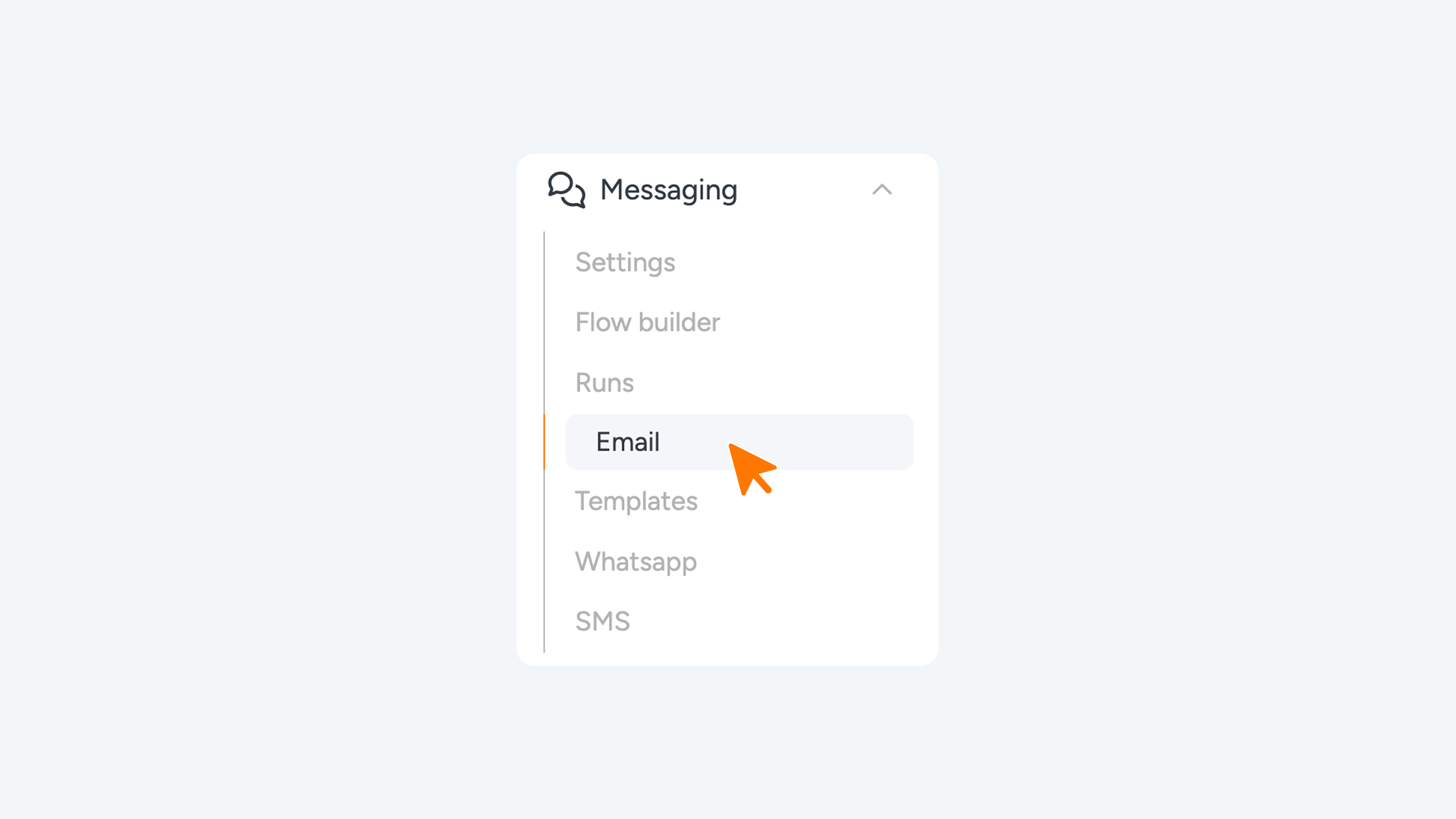
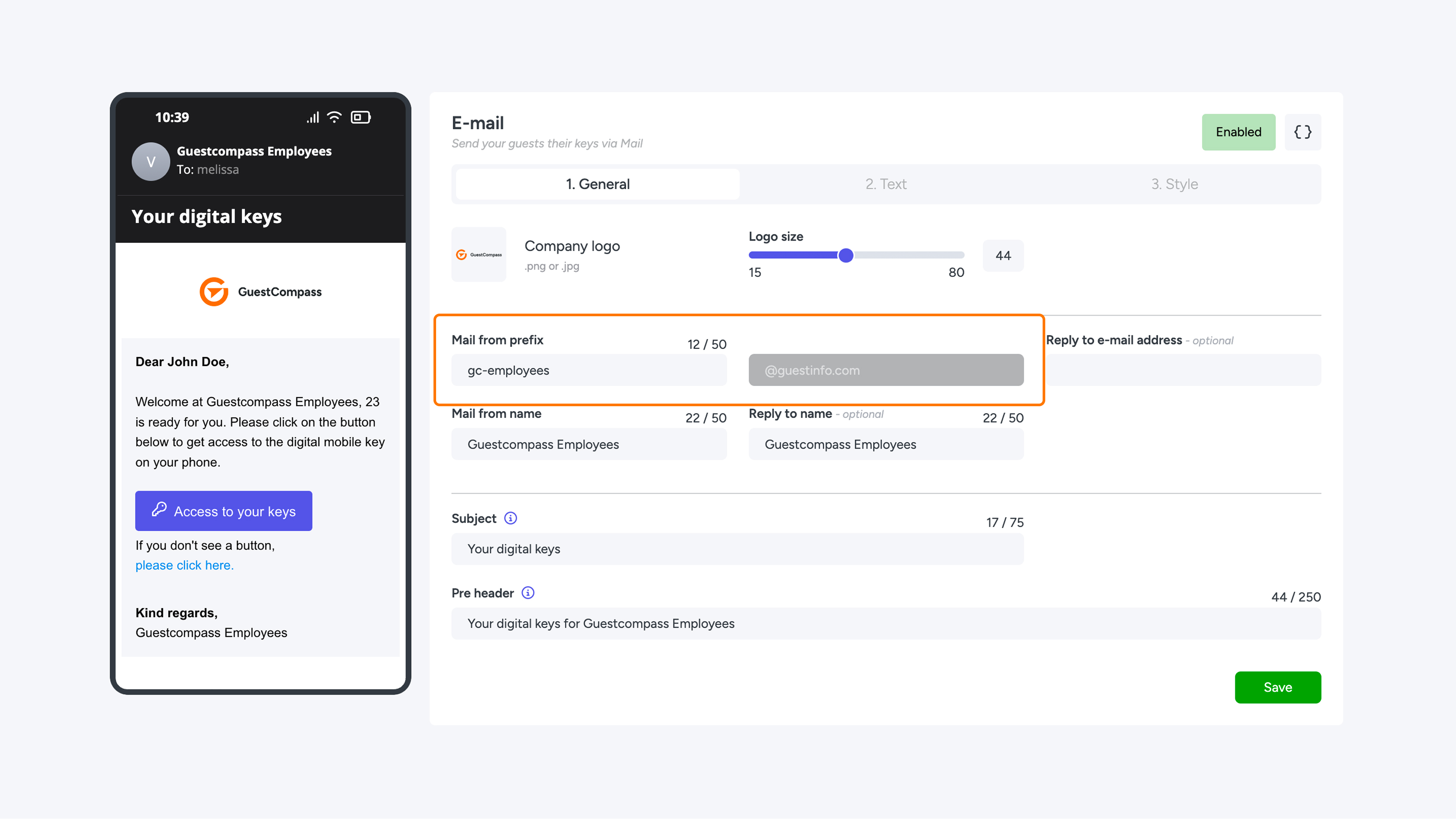
If the hotel uses the option to whitelist email addresses, the specific 'From' address used by Connect must also be whitelisted. In Connect, locate the 'From' email address found under 'Messaging' or the 'Sendgrid' section. Add this address to your list of whitelisted email addresses. If you are not currently using the whitelist option, we recommend keeping it disabled.