27. Hiding Modules
When you have created a module for your WebApp but later on decide not to use it, you don’t have to delete it permanently. Instead, you can simply hide the module.
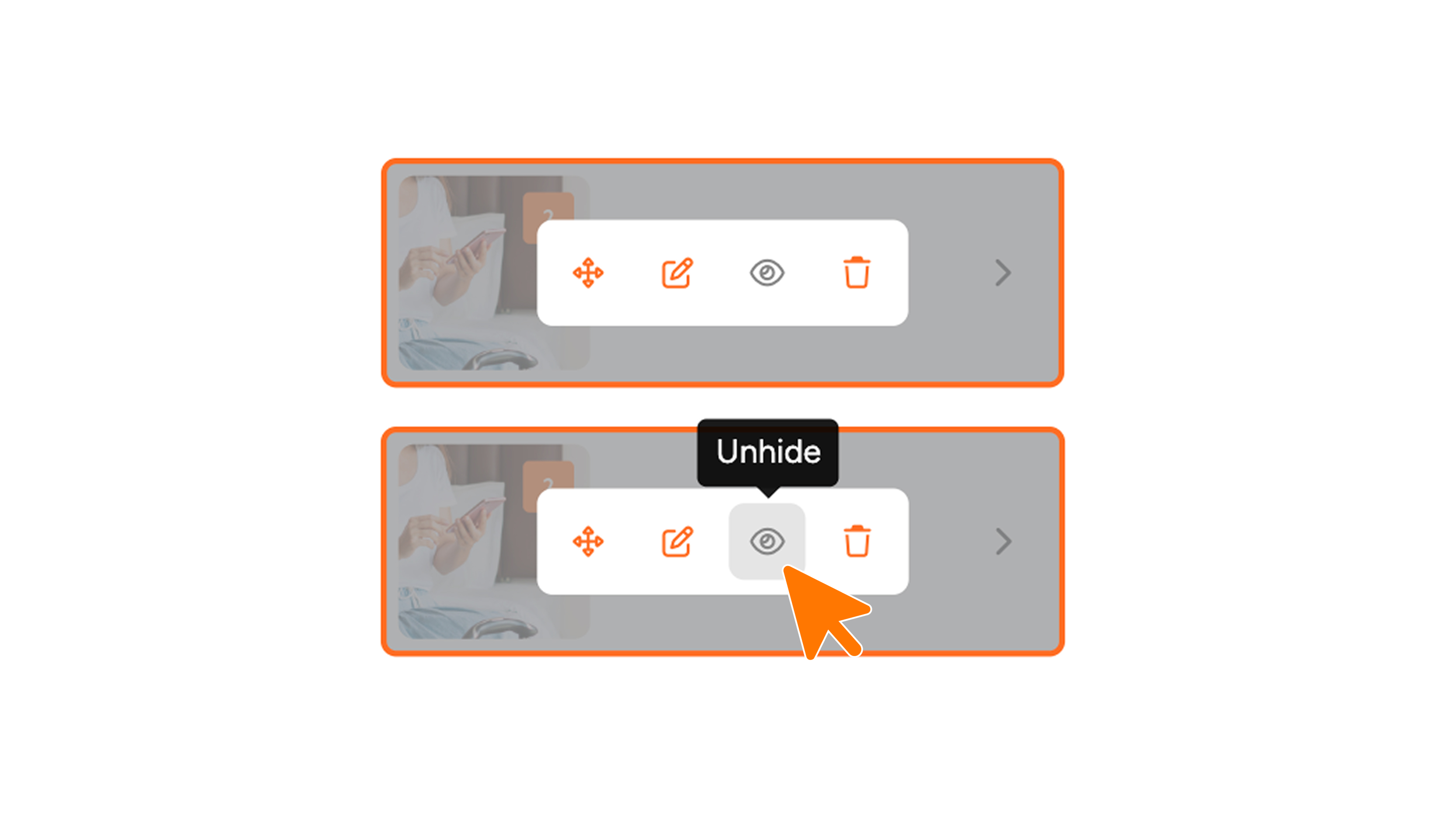
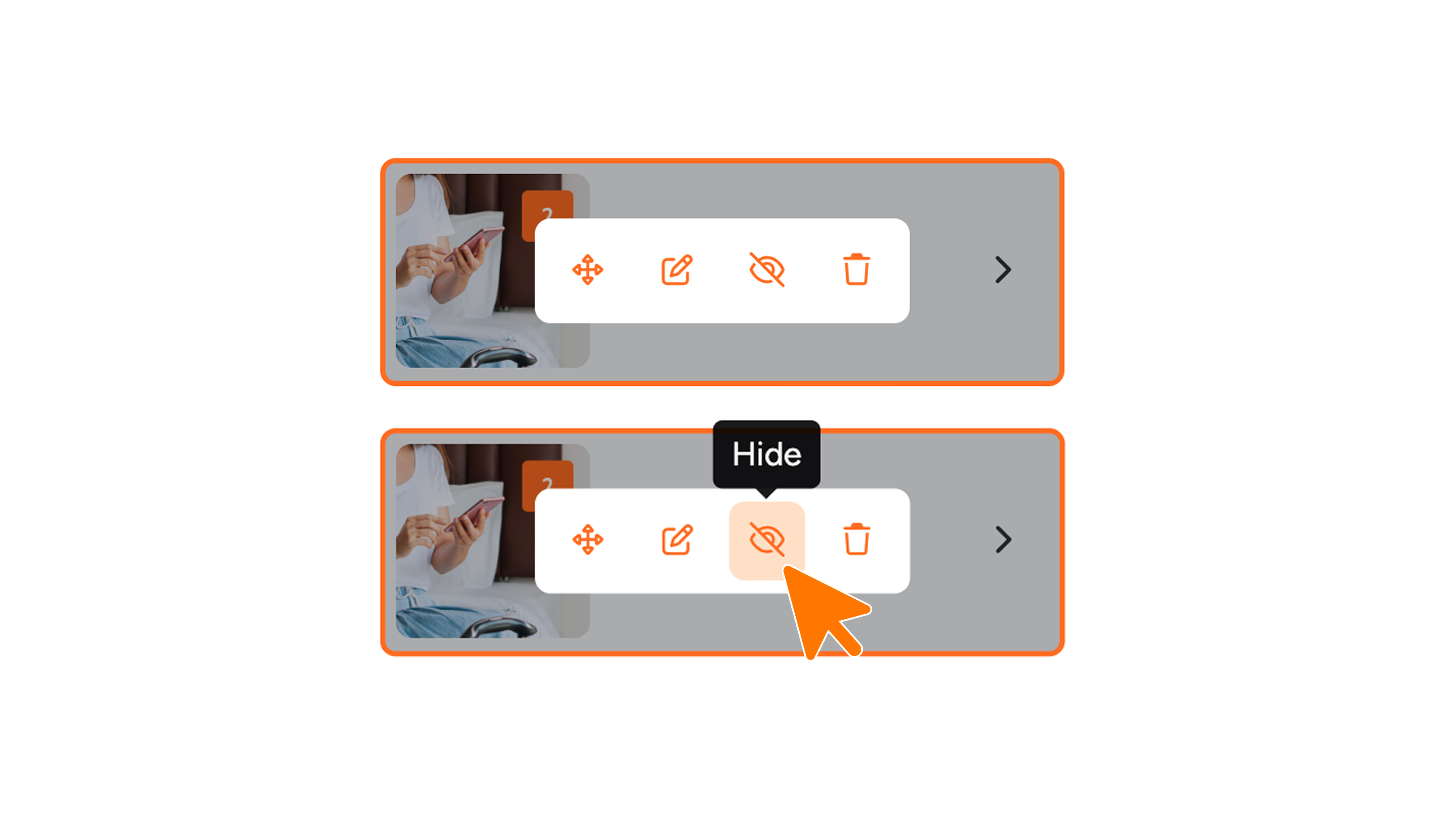
Hover your mouse over the module in the WebApp Builder and click the eye icon with a slash (see image 1). You will then see the module become transparent (see image 2). If you want to double-check that the module is no longer visible in the WebApp, you can open the page in your web browser.
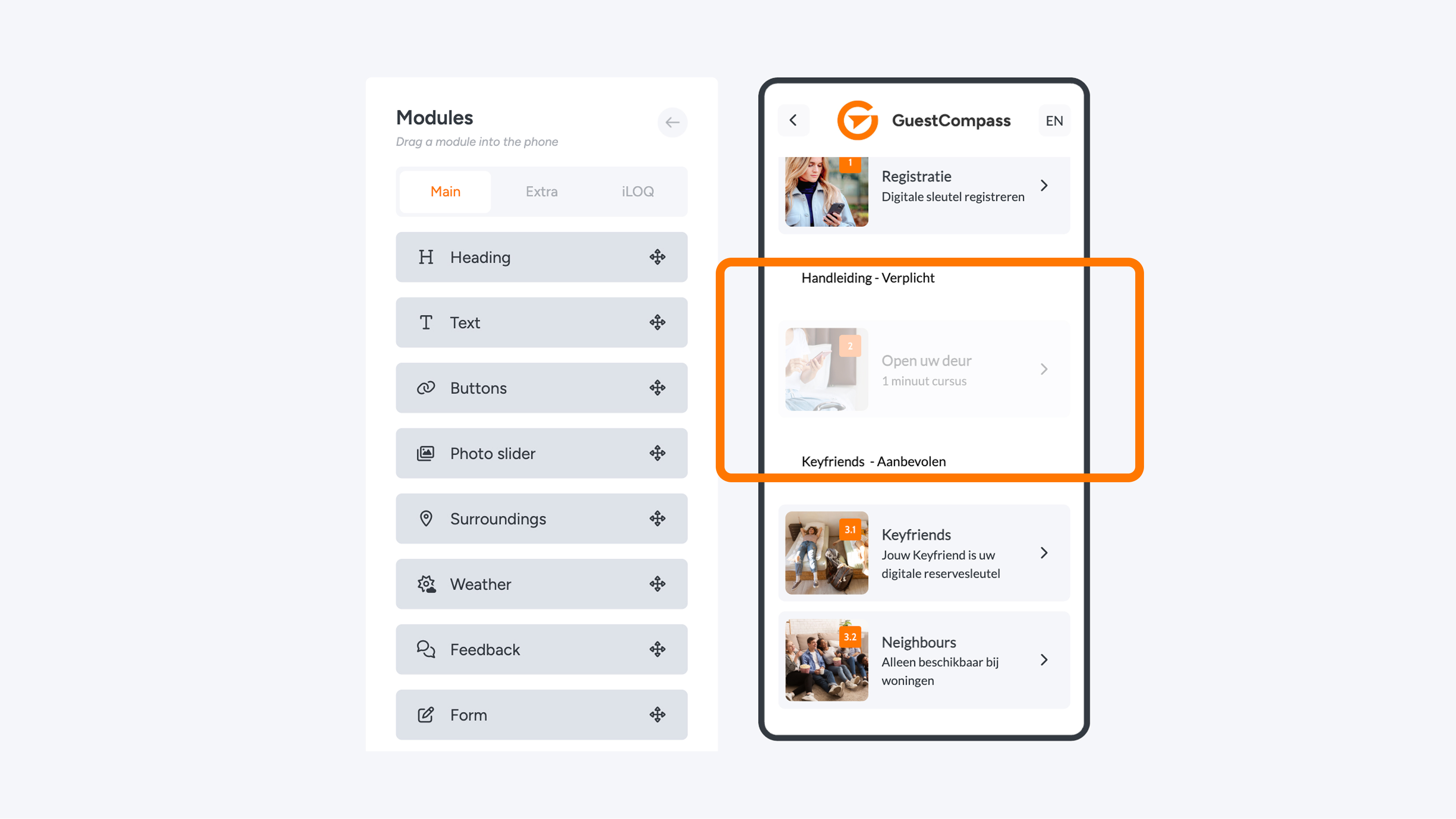
Hiding a module means it will no longer be visible within the (Web)App. The module can be reactivated later if needed. Hover your mouse over the module in the WebApp Builder and click the eye icon (see image 3). The module will become visible again.
zoom_in