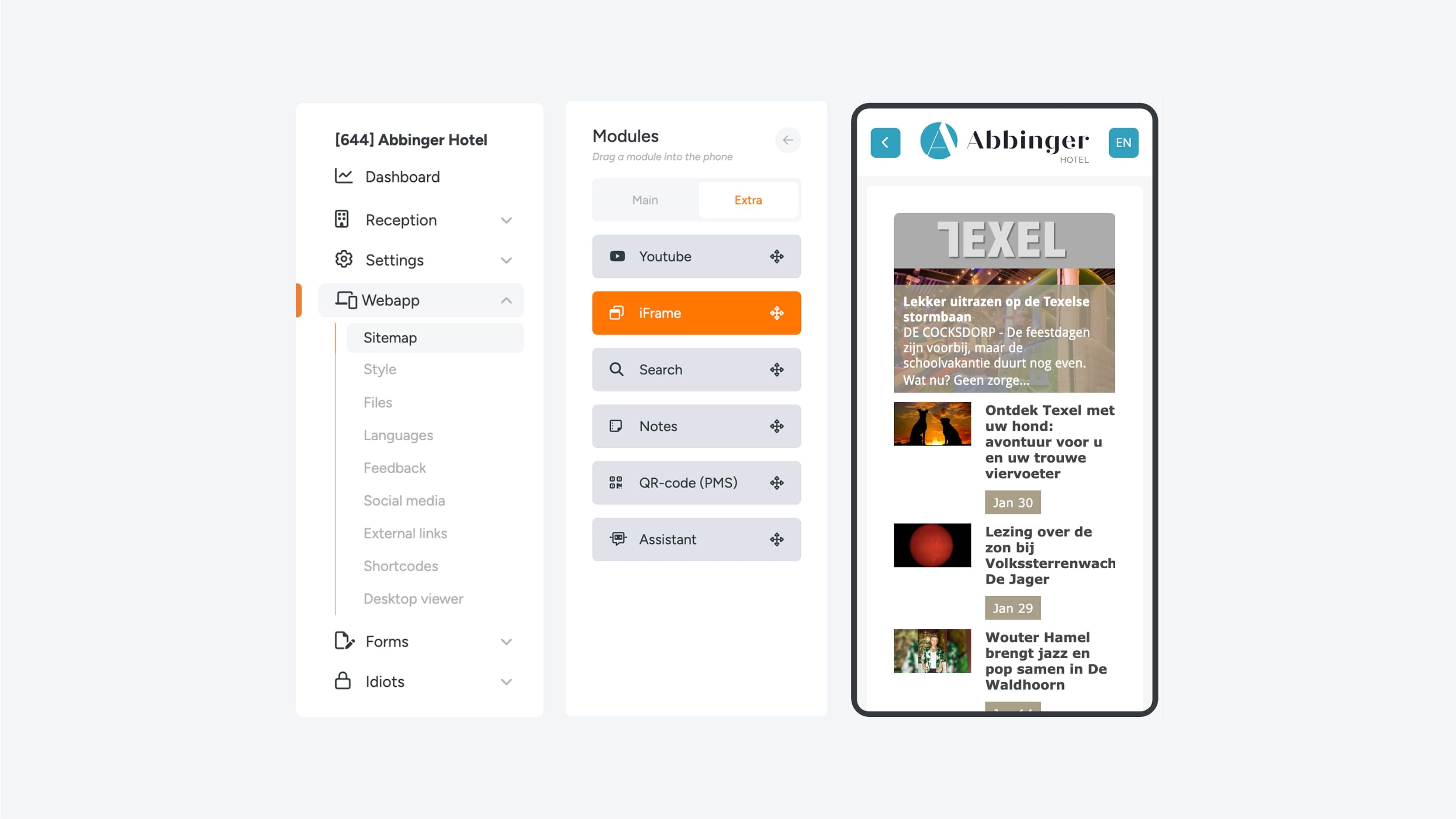
22. Iframe
External webpage in the (Web)App
An iFrame (short for inline frame) is an HTML element that allows you to easily embed an external webpage or content from another source within your (Web)App. You can think of it as a kind of “window” inside the (Web)App, in which another website, application, or specific page is displayed.
This makes it possible to seamlessly integrate external content without requiring the user to leave the current page.
To add an iFrame, enter the link to the external page you want to embed in the Source URL field. Next, under Display, you can adjust the height of the iFrame using a slider, allowing you to set the window to the exact size you want.
Would you like the iFrame module to sit flush against other elements on the page, without extra spacing around it? Then enable the option “Module padding disabled” to remove the default padding around the module.