18. Languages
Up to four languages.
Our platform offers 31 different languages for your (Web)App. You can select up to four languages in total. This makes it easier to welcome guests from around the world without language barriers. The platform provides a simple way to add the languages you want and to enable or disable them as needed. We currently offer the following languages:
- English (British)
- English (American)
- Bulgarian
- Czech
- Danish
- German
- Greek
- Spanish
- Estonian
- Finnish
- French
- Indonesian
- Hungarian
- Italian
- Japanese
- Korean
- Lithuanian
- Latvian
- Norwegian
- Dutch
- Polish
- Portuguese (Brazilian)
- Portuguese (European)
- Romanian
- Russian
- Slovak
- Slovenian
- Swedish
- Turkish
- Ukrainian
- Chinese (Simplified)
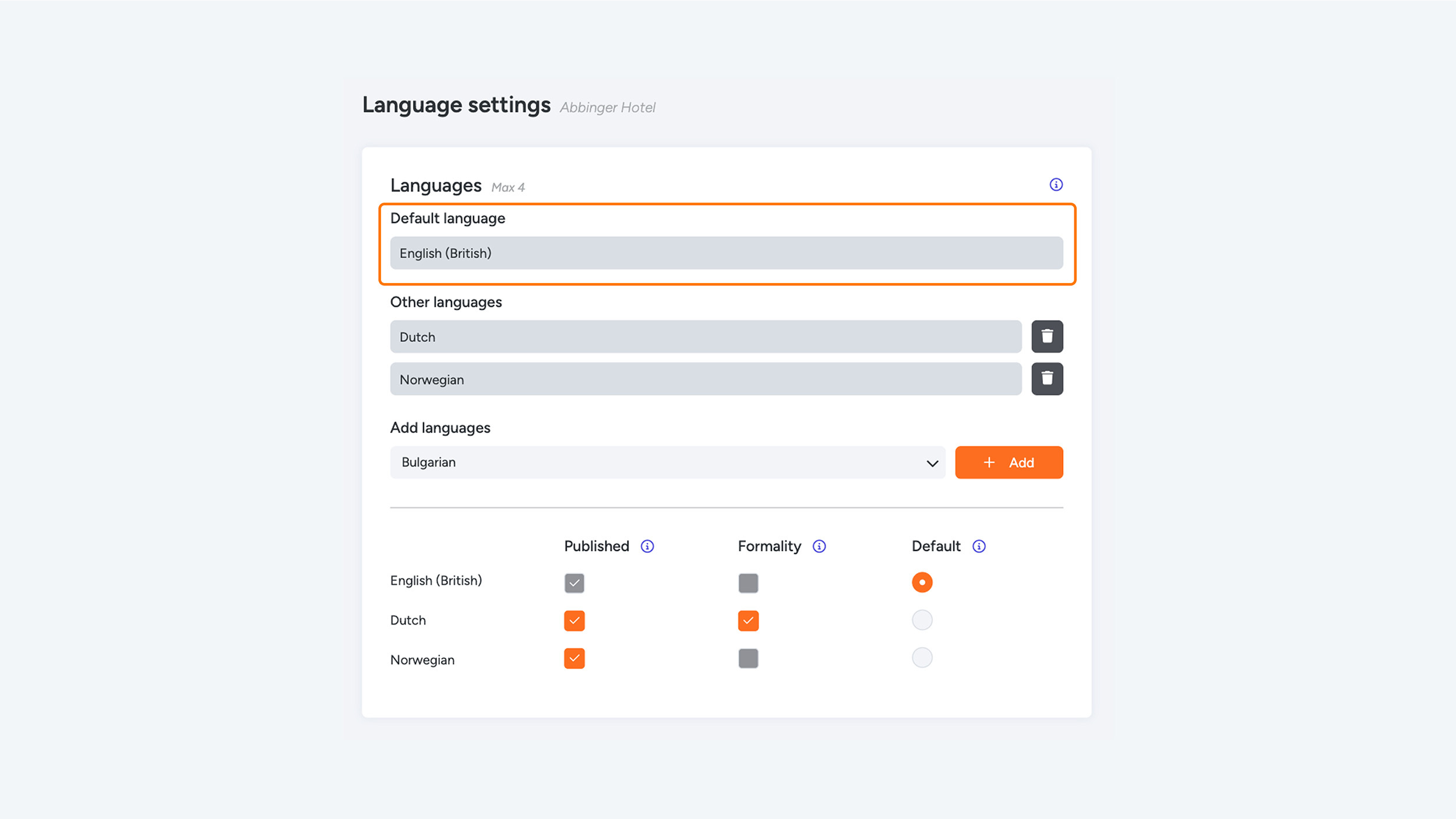
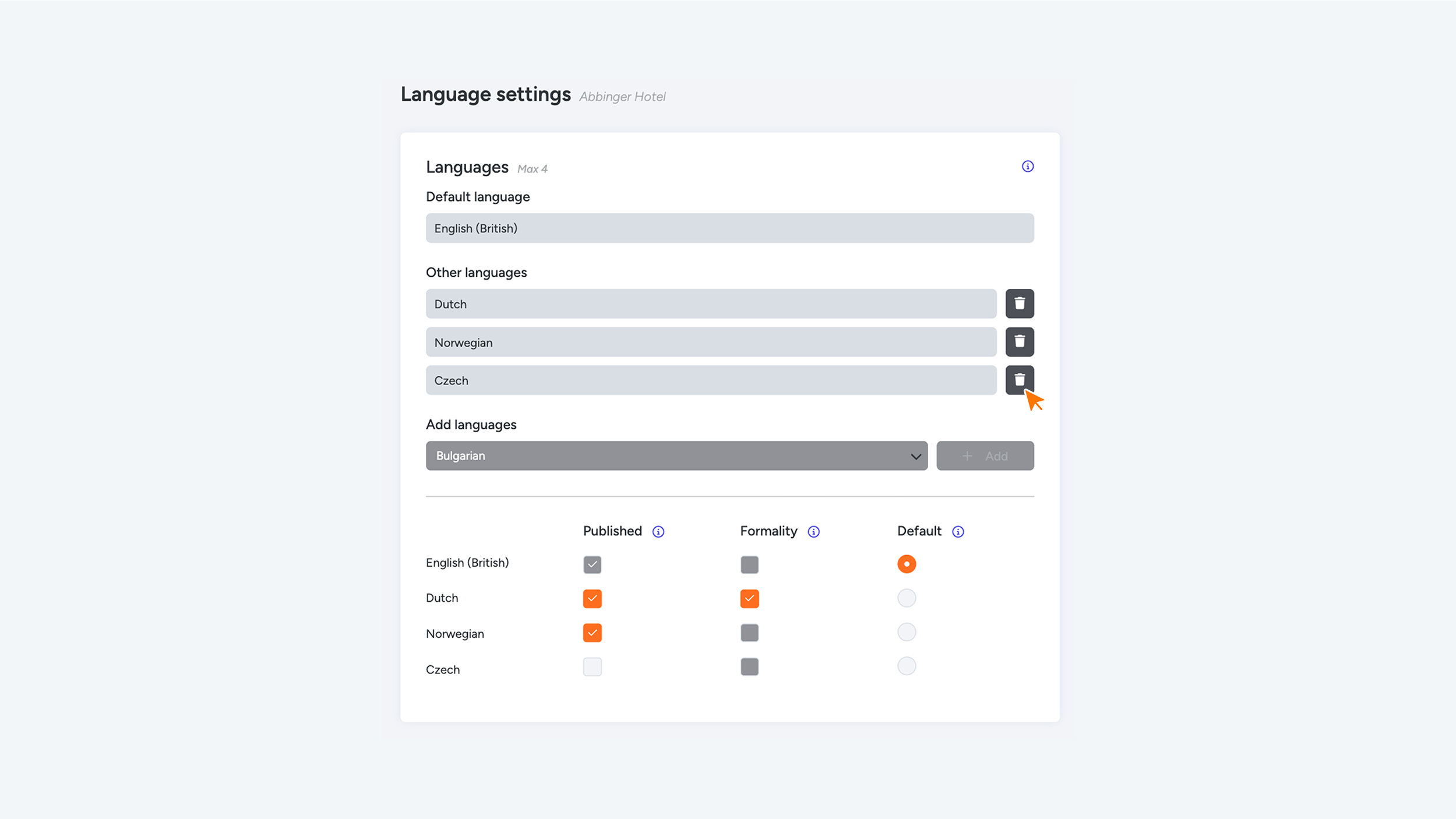
The web app starts with one default language. If you want to add more languages, simply click the “+ Add language” button. After that, you can select a new language from a dropdown menu. All selected languages will then appear below each other in a clear list.
For each language, you have the following three options, which you can enable or disable as desired:
- Published:
By enabling this option, the selected language becomes visible in the web app for your users. If disabled, you can prepare translations first and publish them later when you're ready to make the language available. - Formality:
This option allows you to set the level of formality for that language. When enabled, the formal address (such as “U” in Dutch or “Sie” in German) will be used in the web app. When disabled, an informal tone is used (such as “je” or “tu”). - Default:
This marks the language as the default language for your web app.
You can select only one default language.