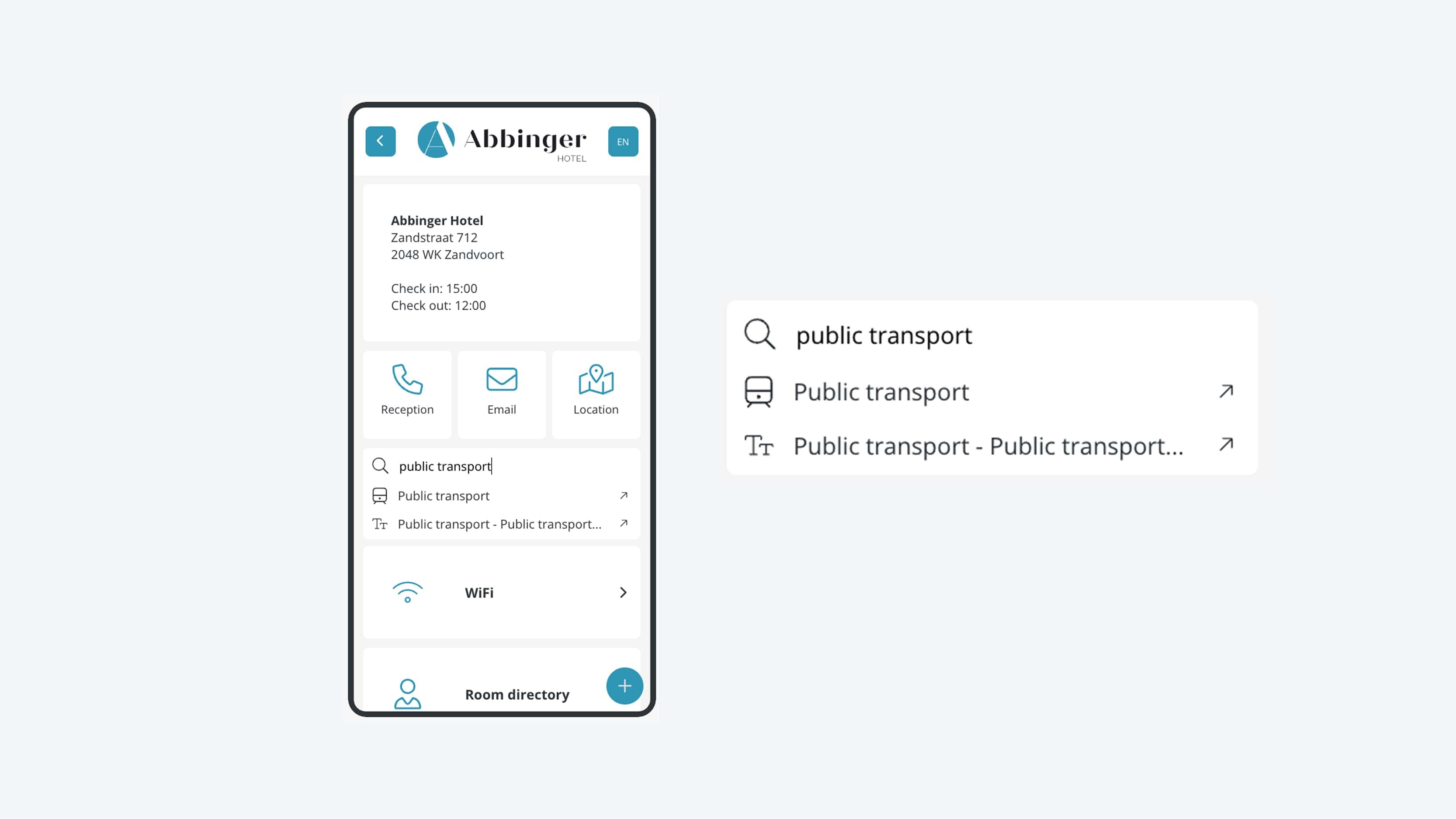
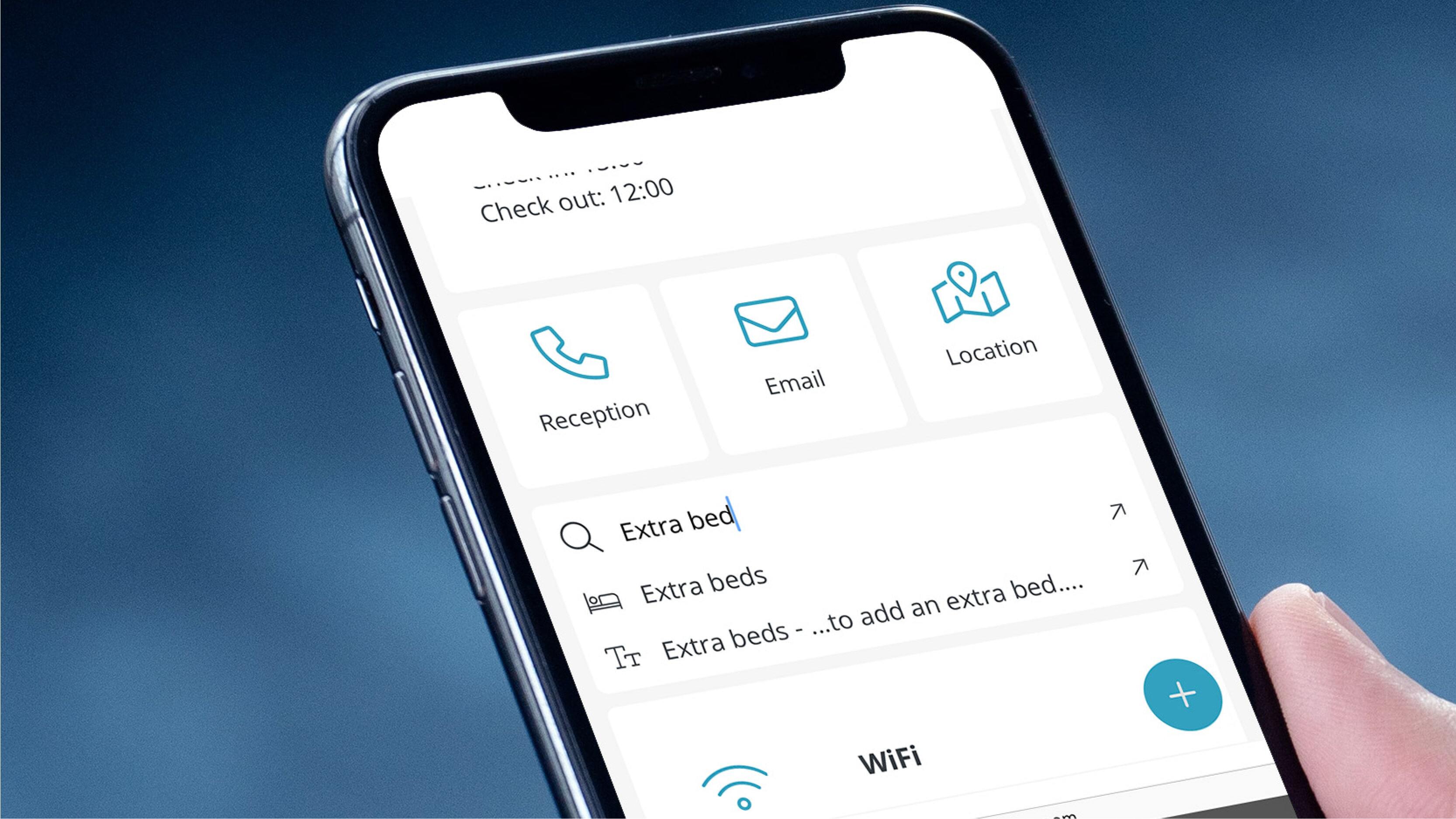
23. Search bar
Navigating through the (Web)App in a quick and intuitive way.
To help users find relevant content quickly and navigate through the (Web)App intuitively, you can use a search bar.
This search functionality allows users to easily look up information without having to manually click through pages and buttons.
The search bar is flexible in its implementation and can be placed anywhere within the (Web)App.
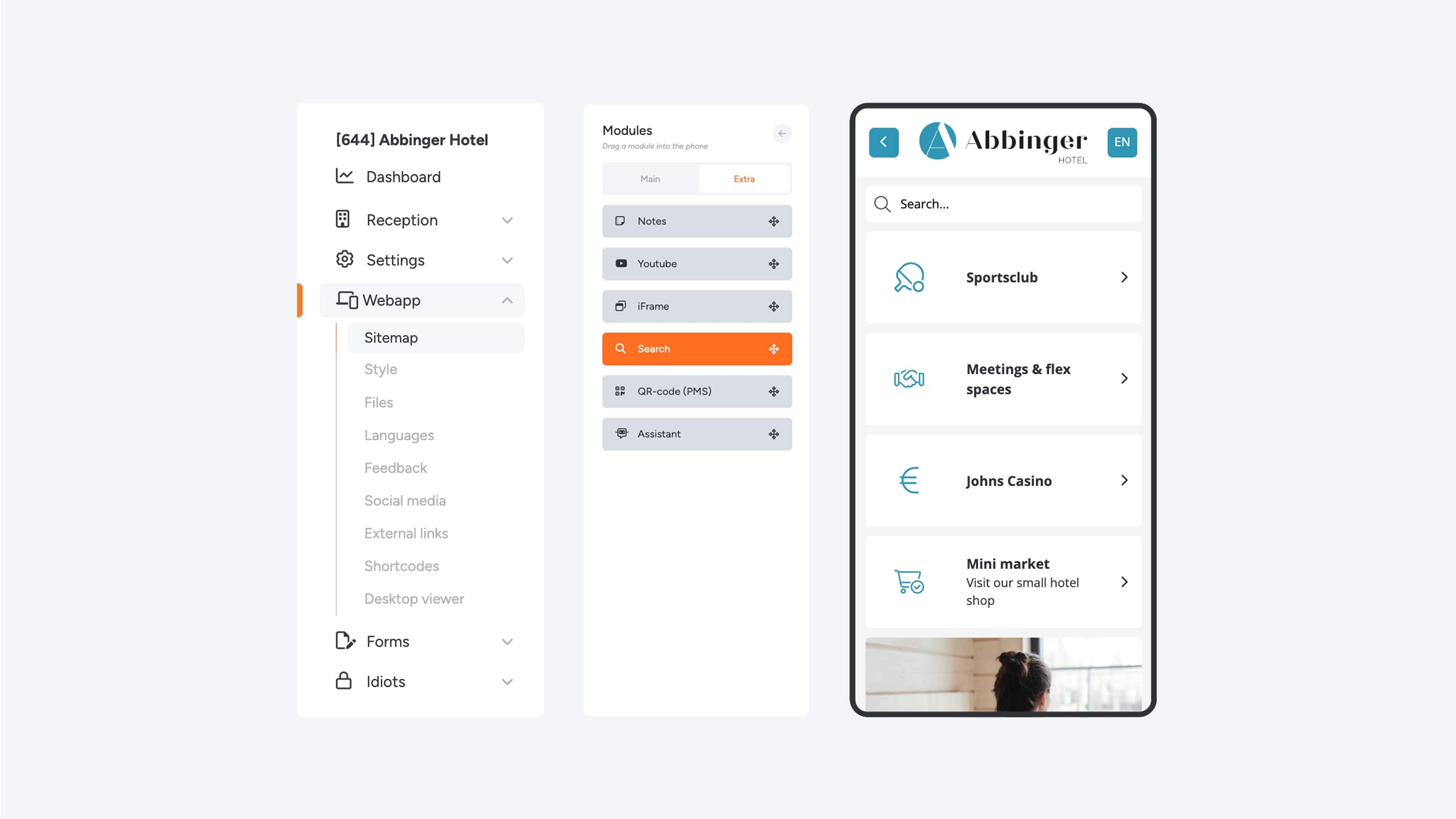
How to add a search bar
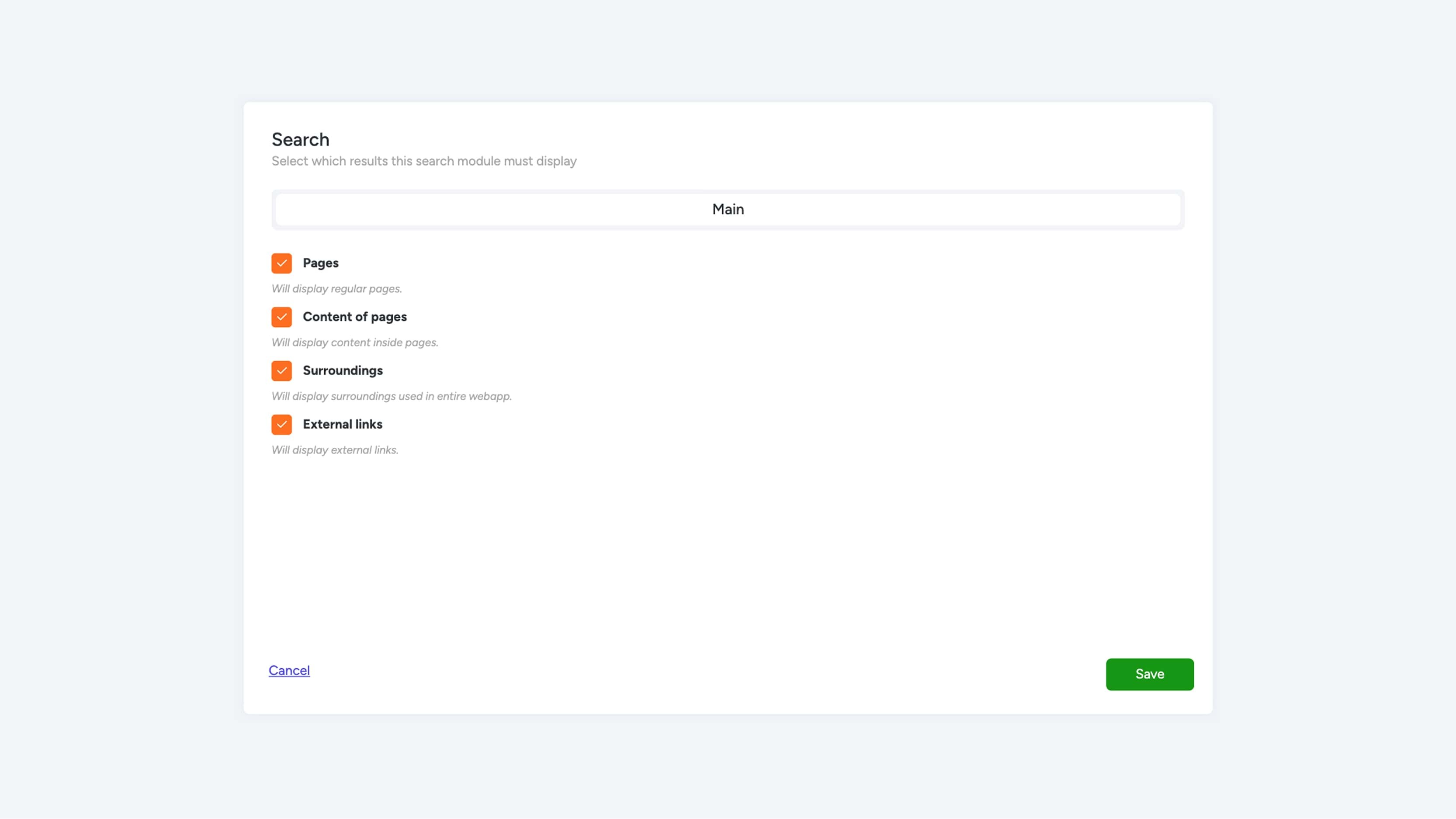
To add a search bar, simply drag the Search module to the desired location within your (Web)App. Once the module has been added, it is by default set up to search across multiple types of content. The search function automatically scans the following elements:
- Pages
- Page content: The textual and visual content within each individual page
- Surroundings: Information from the Surroundings module
- External links: Links outside the (Web)App
Thanks to these settings, the search bar provides a powerful way to make information accessible to your users in a quick and efficient manner.