25. Shortcodes
Shortcodes
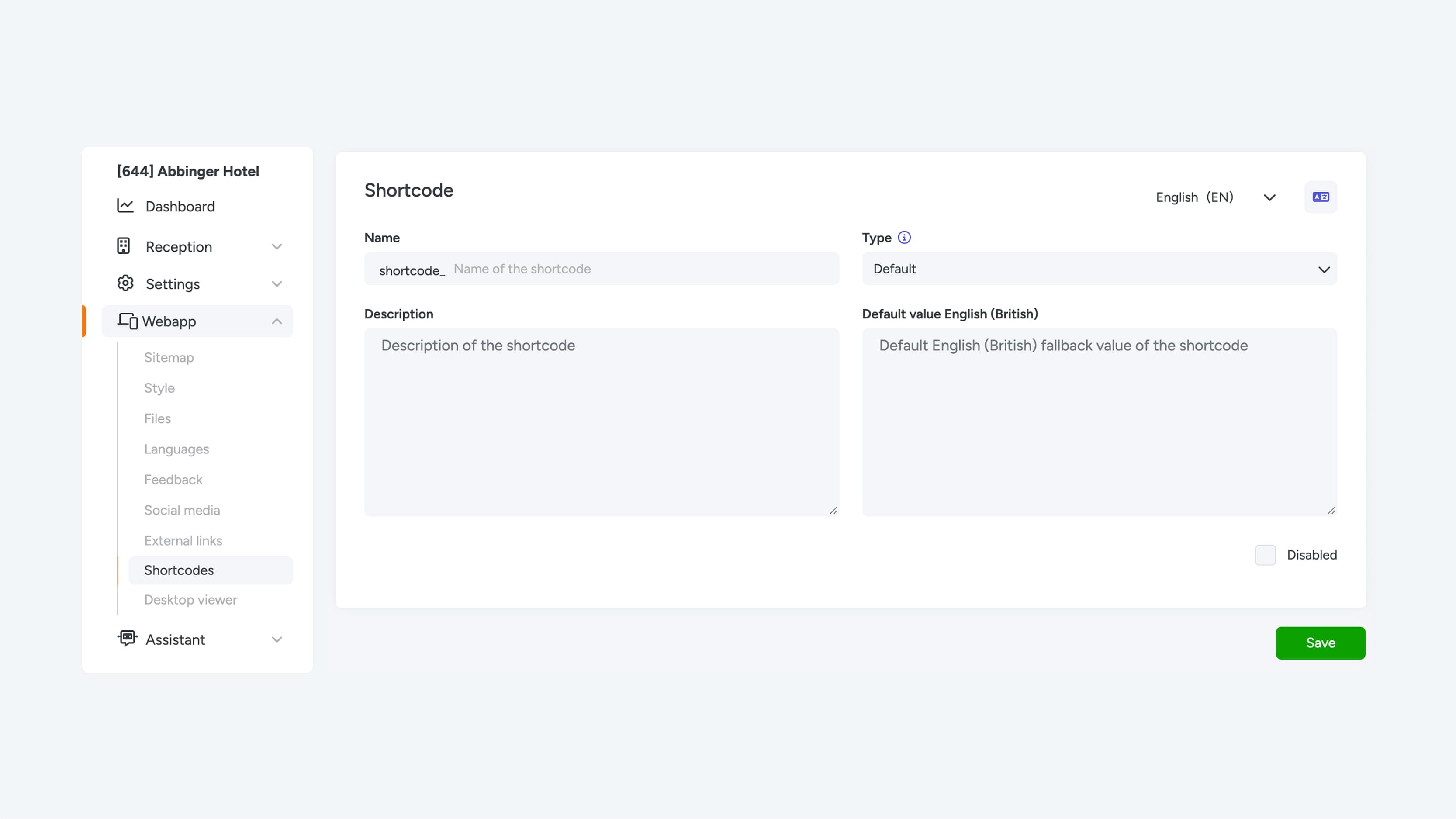
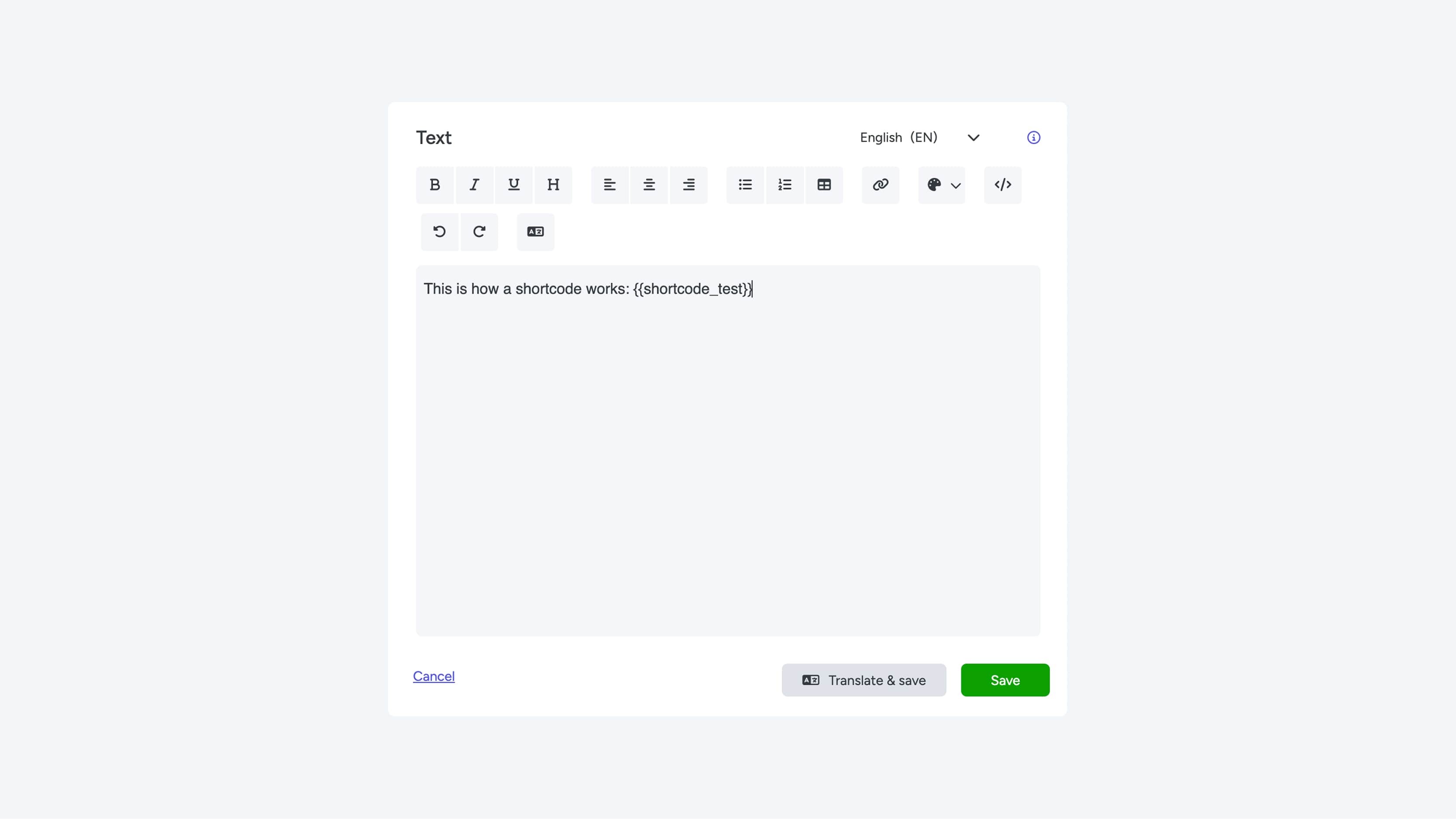
Shortcodes provide a powerful and flexible way to manage and reuse content within your web app. Instead of manually placing and maintaining the same text on multiple pages, you can define a content block once using a shortcode and easily insert it wherever needed.
Benefits of Shortcodes
Centralized content management:
When you update text or any other type of content within a shortcode, those changes are automatically applied to all pages where the shortcode is used. This saves time, reduces errors, and ensures consistent communication.
Enable and disable:
Each shortcode can be activated or deactivated at any time. When a shortcode is disabled, the associated content will no longer be displayed in the locations where it has been placed.
Language support:
Shortcodes can be configured per language. This allows you to define language-specific content, ensuring that multilingual web apps always display the correct translation.
Accessibility settings:
You can configure certain shortcodes to be visible only to registered users, such as users who have a digital key. This allows you to restrict specific content from the general public.
Usage cases
Frequently used phrases or disclaimers:
Examples include legal notices, promotional messages, or contact information that appear on multiple pages.
Time-based campaigns:
During a temporary promotion or campaign, you can easily update the message in multiple places by editing a single shortcode.
User-specific content:
Display personalized information or additional content to users who have a digital key.
