Styling
Opmaak van de (Web)App
Our system offers extensive freedom in visual customization, allowing every (Web)App to be fully aligned with the desired look and feel. Whether it’s colors, icons, fonts, buttons, or other visual elements, our platform provides countless options to adjust every detail.
Within the Style section of the WebApp, you will find several tabs that let you customize various elements of the WebApp. Each tab focuses on specific visual aspects of your WebApp, such as (background) colors, buttons, text styling, and navigation. By using these tabs, you gain full control over how every part of your WebApp looks and functions. You can also assign different colors per module or enable random colors—refresh the WebApp and you will see a new color combination each time.
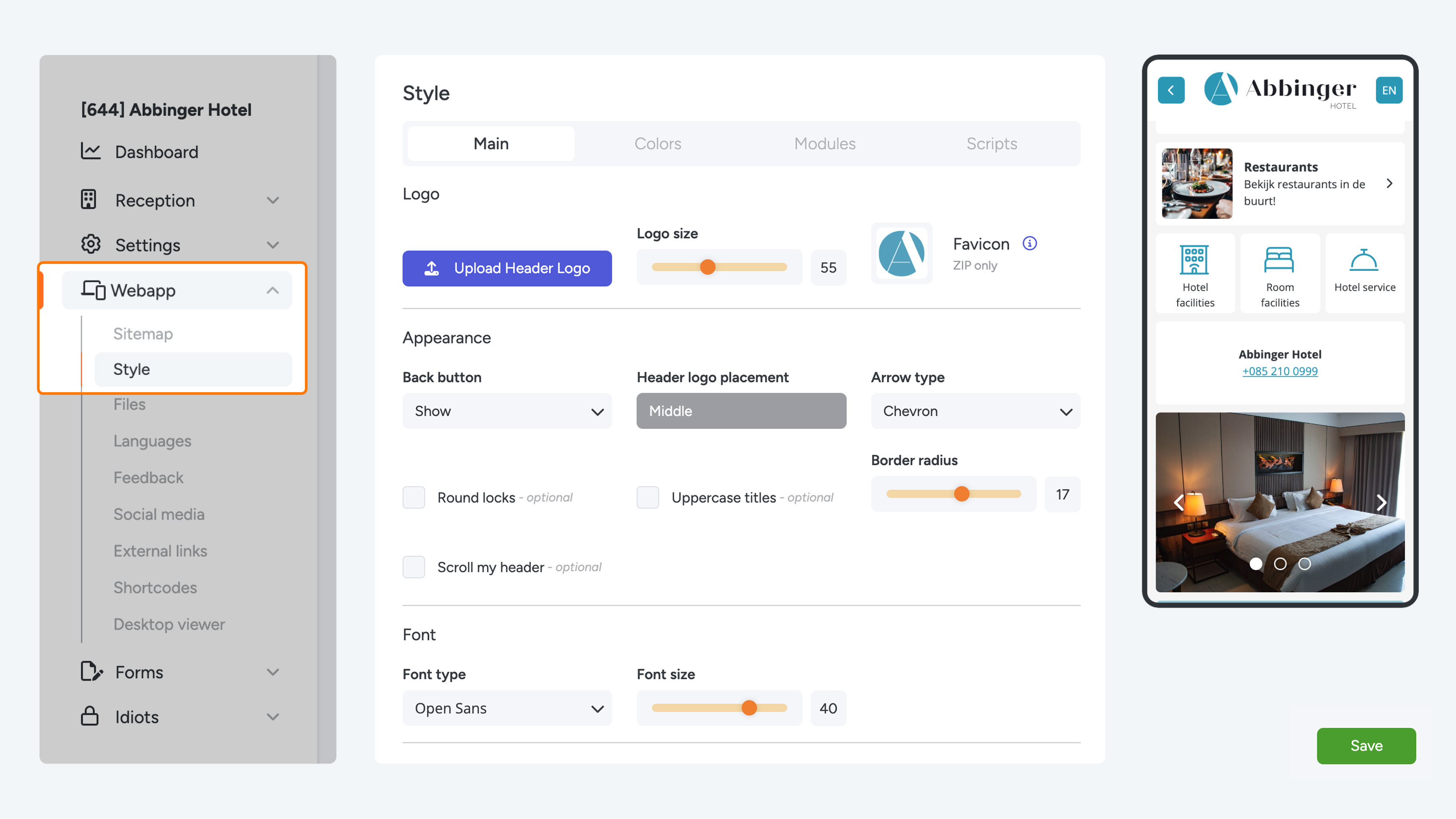
On the right side of the screen, you will find a preview of the WebApp, where you can instantly see the effects of the applied changes.
It is important to note that the styling of your WebApp is not saved automatically. This means you can make changes and see the results in the preview, but to actually apply and save the changes you must click the “Save” button in the bottom right corner. Once your changes are saved, a confirmation message will appear indicating that the updates were successfully stored.
Tab 1 – Main
Below are the features that you can adjust in your WebApp:
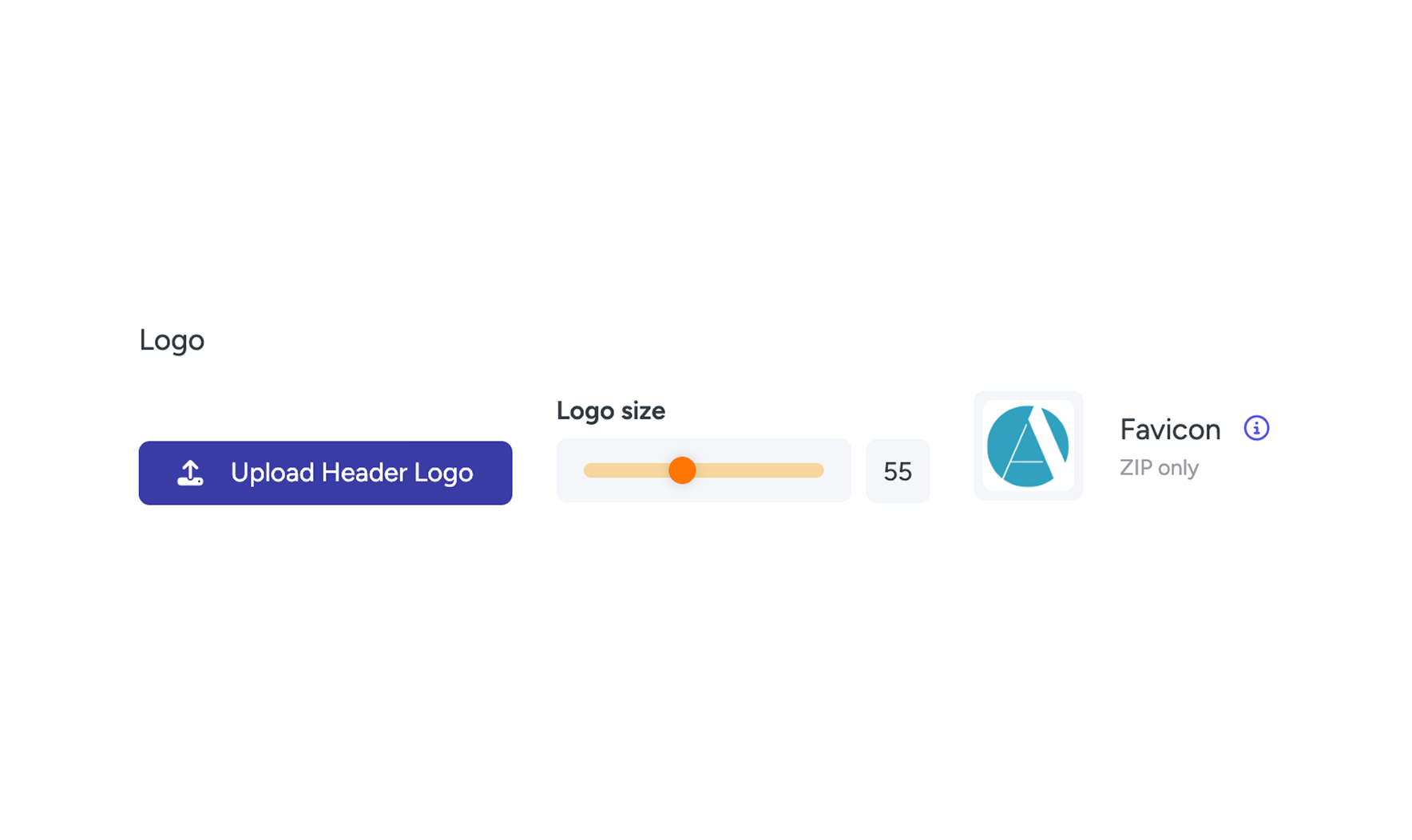
Main – Logo and Favicon
- Logo & logo size
- Favicon

Main – Appearance
- Back button: You can show or hide this button.
- Header logo placement: Choose between left or centered. You can only place the logo on the left if the back button is hidden.
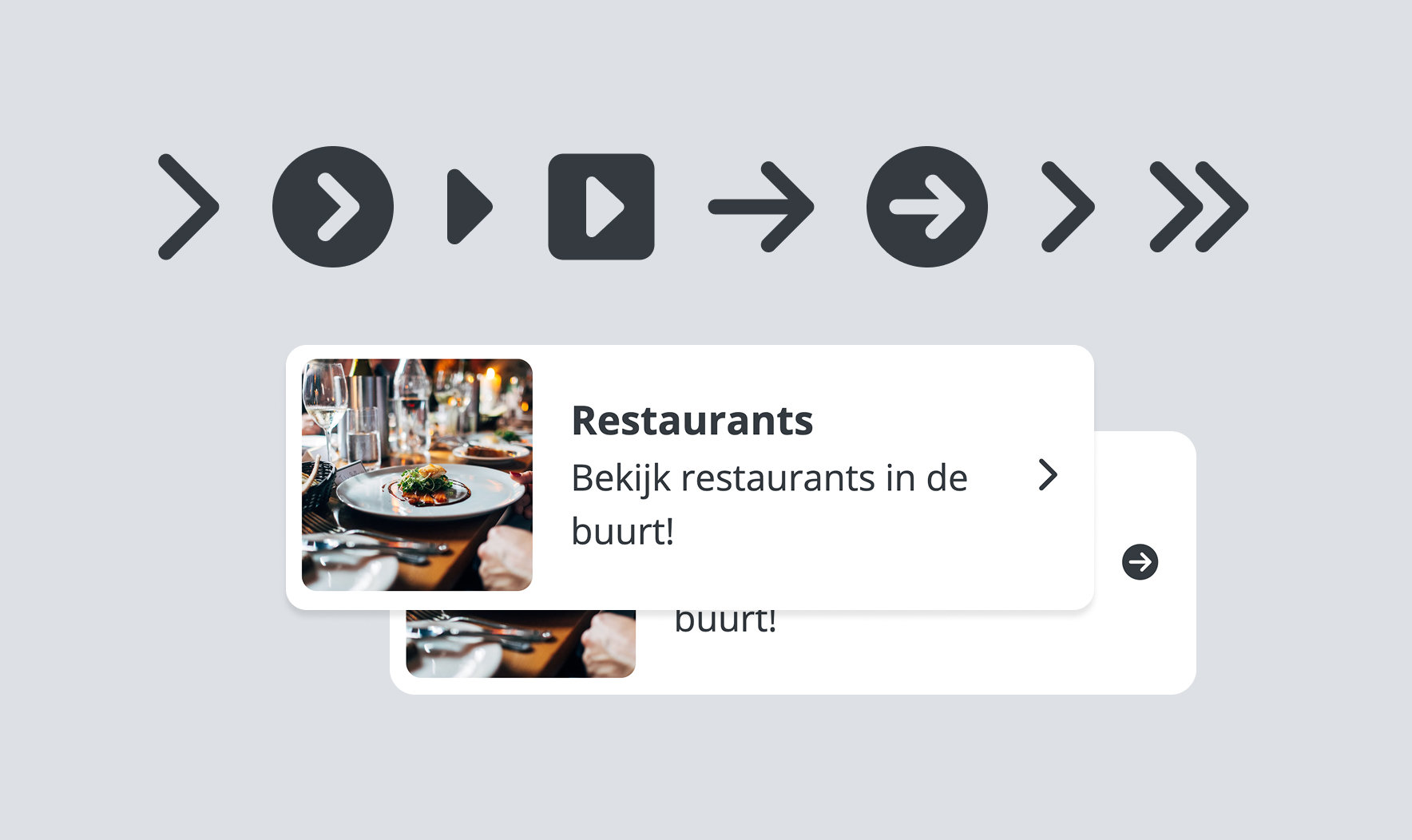
- Arrow type in buttons: Each list button contains an arrow to indicate to guests/users where to click. Our system offers 8 different arrow types.
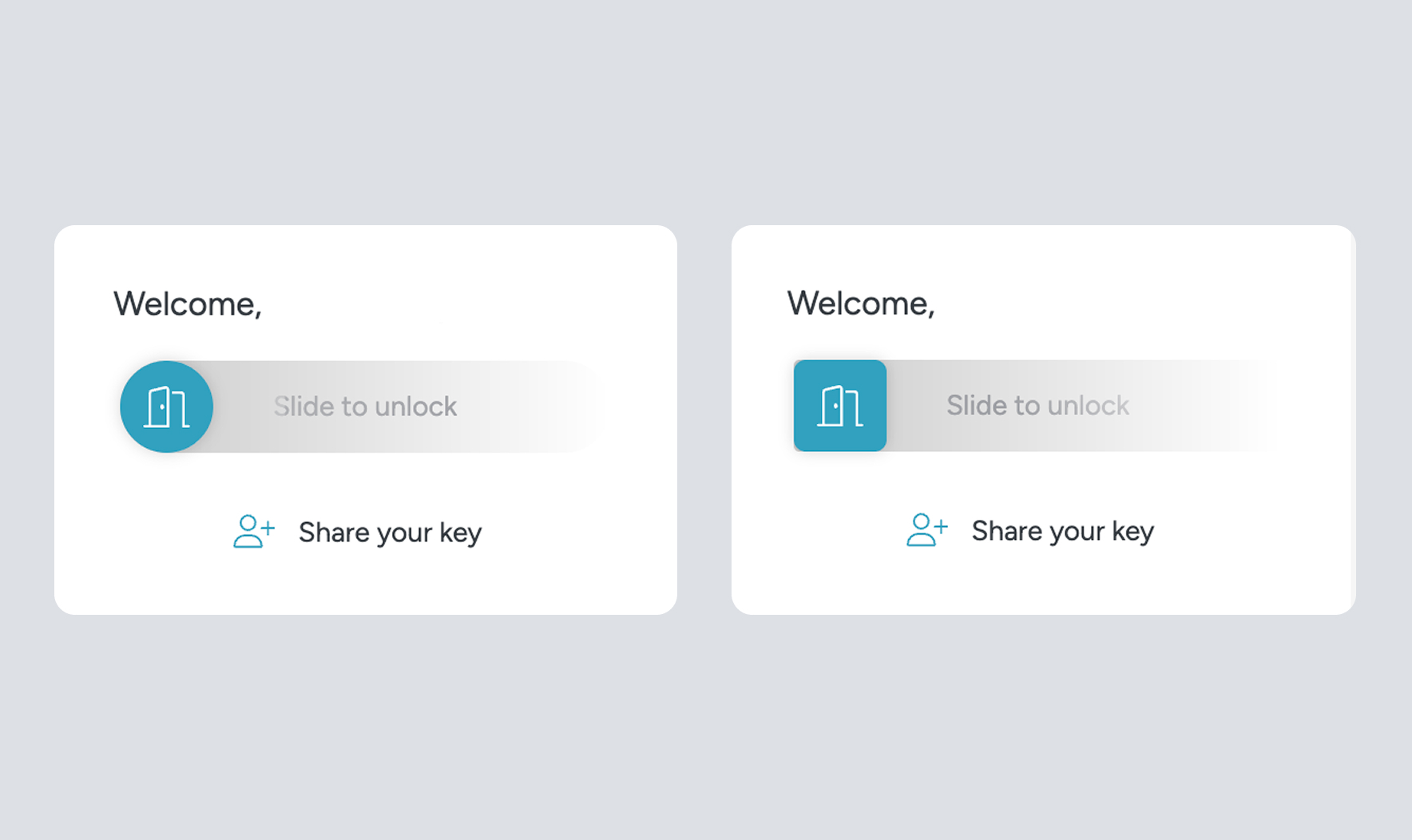
- Round locks: If your WebApp contains locks, you can choose between round or square buttons in the sliders.
- Titles in uppercase: When enabled, all titles are displayed in uppercase automatically.
- Border radius
- Hide header on scroll (Scroll my header)
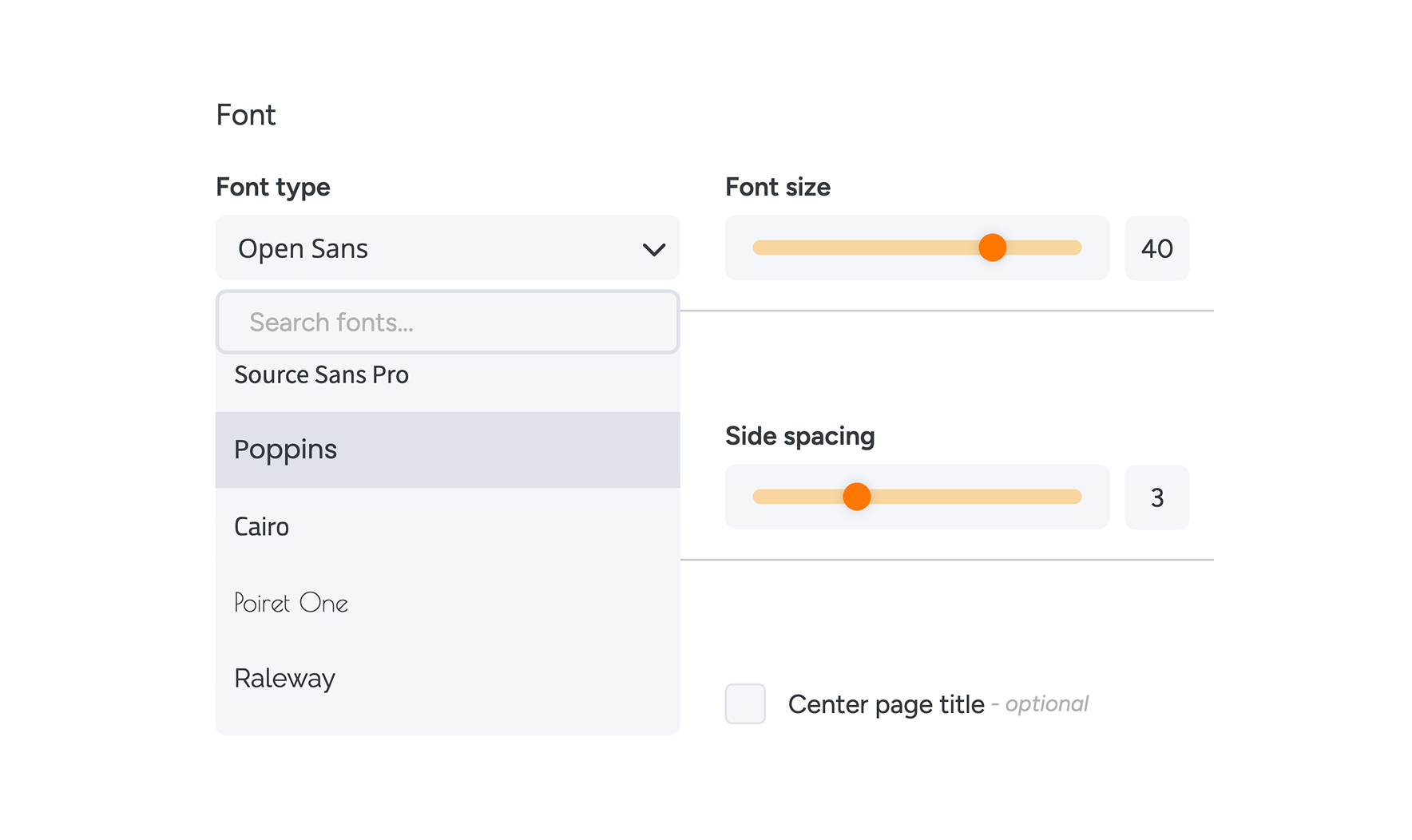
Main – Font
- Font: Our platform uses Google Fonts, offering over 45 different typefaces. You can preview them in the dropdown menu.
- Font size
Main – Spacing and Heights
- WebApp spacing
- Button spacing
- Side spacing
- Module height
Main – Page Title
- Show page title
- Center page title
- Page title with background color
- Page title size
Tab 2 – Colors
Colors – Header
- Header color
- Header button color (for the back button and language selector)
- Header icon color (text inside the back button and language button)
Colors – Appearance
- WebApp background color
- Text color
- Link color
Colors – Module
- Module background color
- Module color
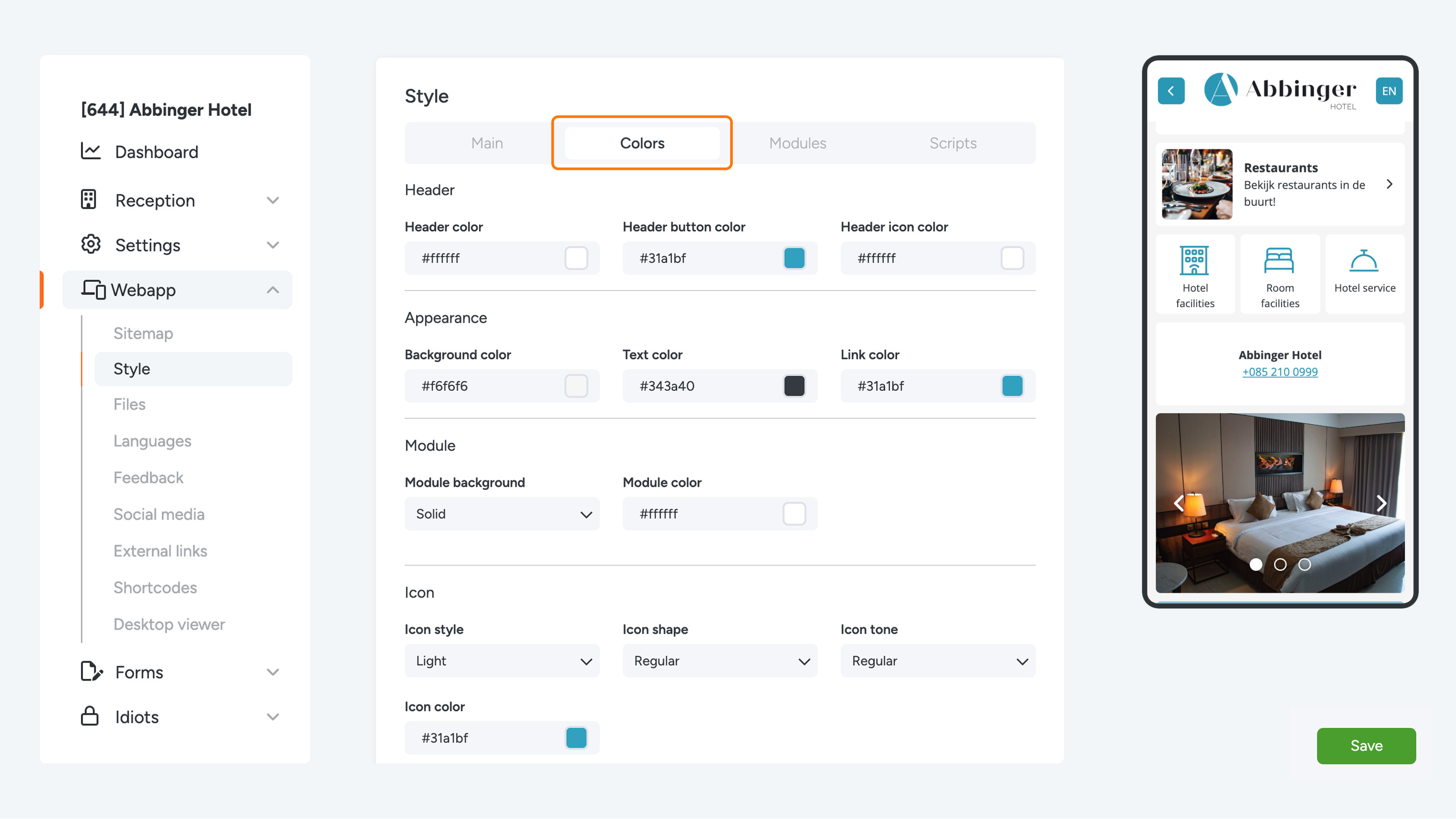

Colors – Icon
Our platform offers more than 53,000 different icons. For the icons in your (Web)App, you can choose:
- Icon style: Light, Thin, Regular, Solid
- Icon shape: Regular or Sharp
- Icon tone: Regular or Duotone (which uses two colors)
- Icon color
Colors – Page Title
- Background color
- Text color
Colors – Native App (for apps only, not web apps)
- Navigation bar color
- Navigation bar icon color
Colors – Other
- Button color
- Button text color
- Input field color
- Input field text color
- Photo slider button color
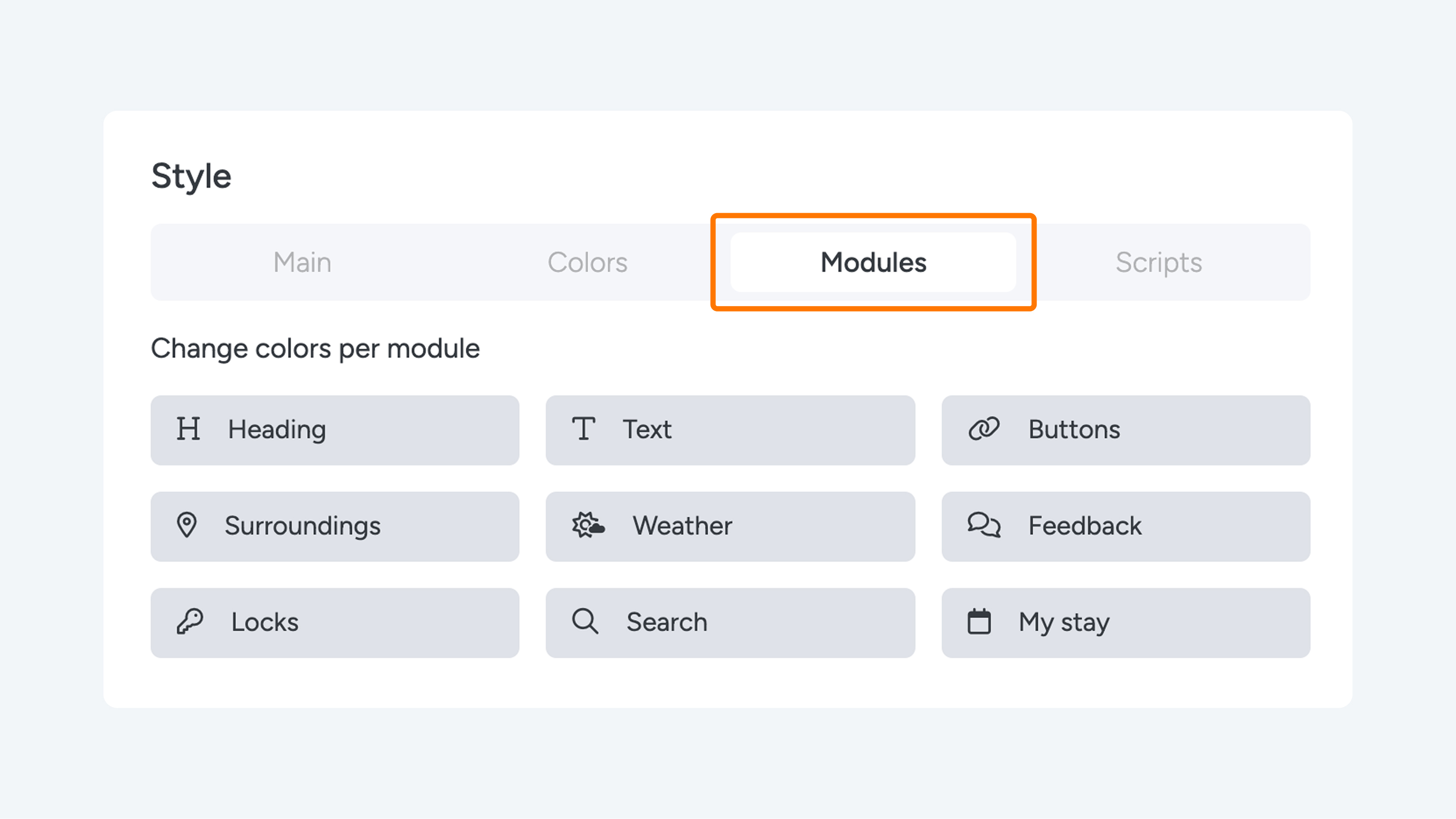
Tab 3 – Modules
Per module, you can override the default color settings by enabling the options.
- Heading: Change the text color and background color.
- Text: Change the text and background color.
- Buttons: Change the button text color and background color.
- Surroundings: Change the text and background color.
- Weather: Change the text and background color.
- Feedback: Change the text and background color.
- Locks: Change the text and background color.
- Search bar: Change the text color and fill color.
- My Stay: Change the module background color.

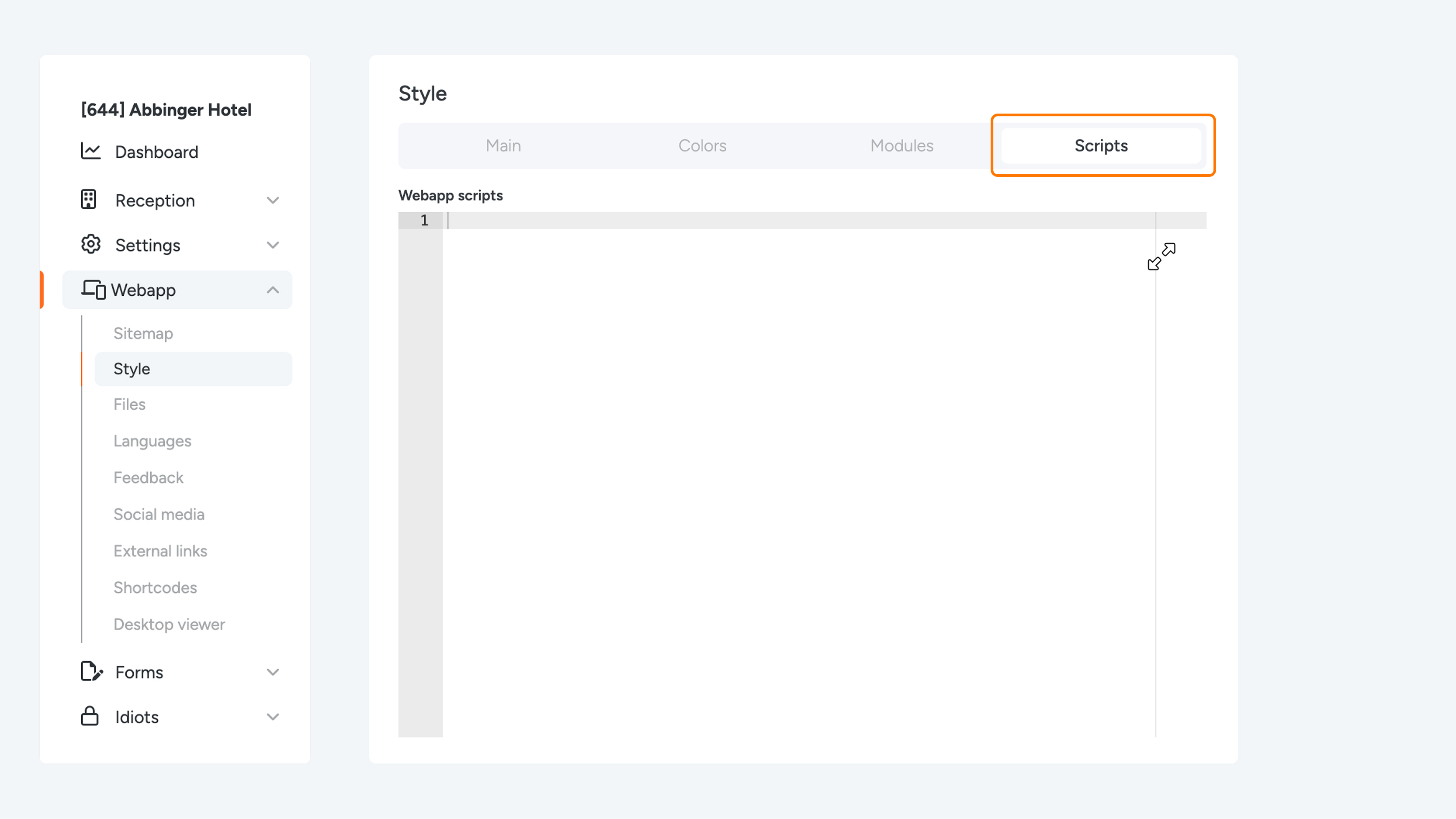
Tab 4 – Scripts – ADMIN ONLY
Here you can add iFrame scripts. Feel free to contact us if you would like to add a script to your (Web)App.