Privacy Policy
How does it work?
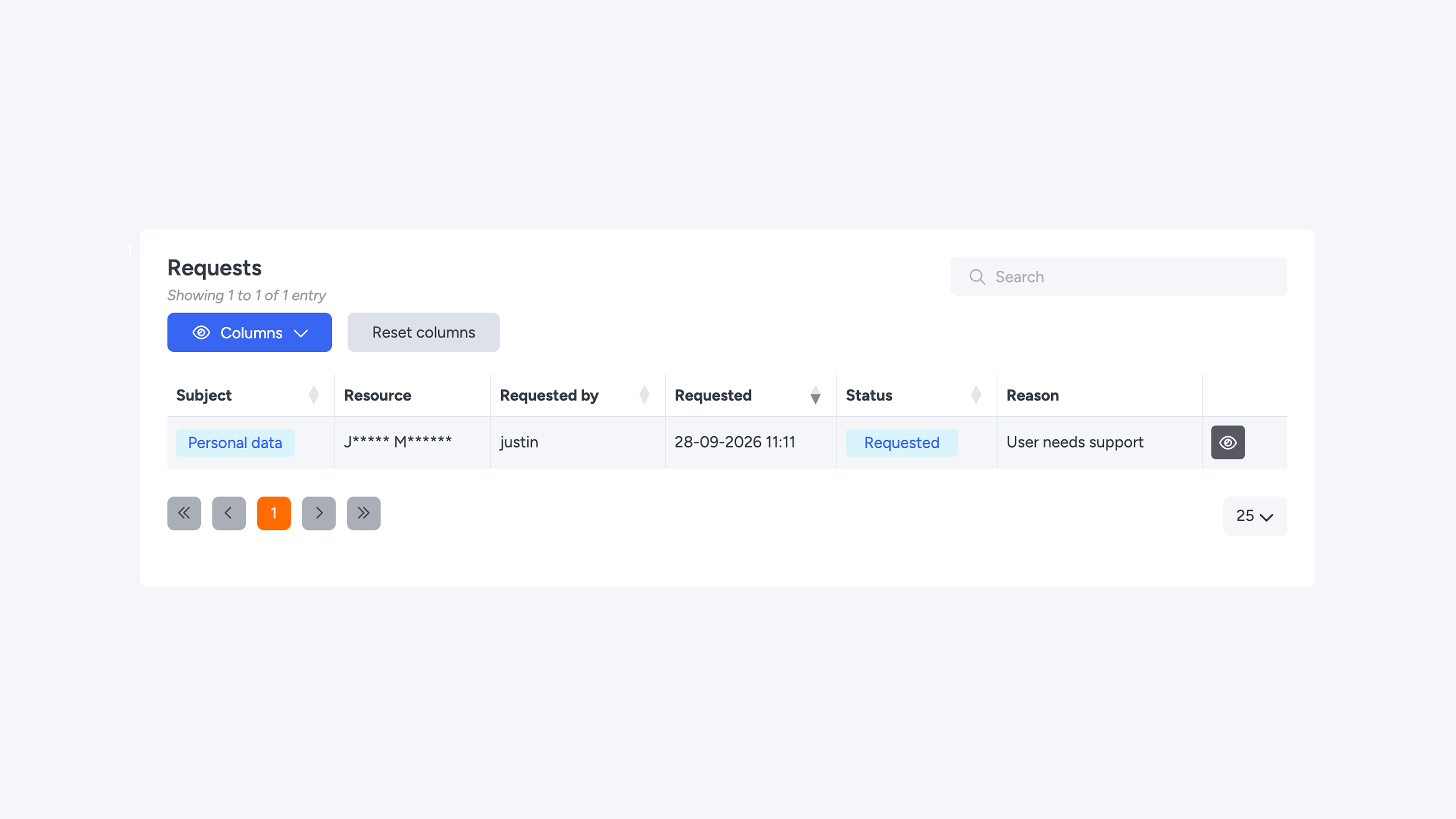
With a privacy policy, you secure sensitive data. Users who want to view this data must request access. The request is always logged and, depending on the level within the Connect platform, evaluated and approved first.
Creating a policy
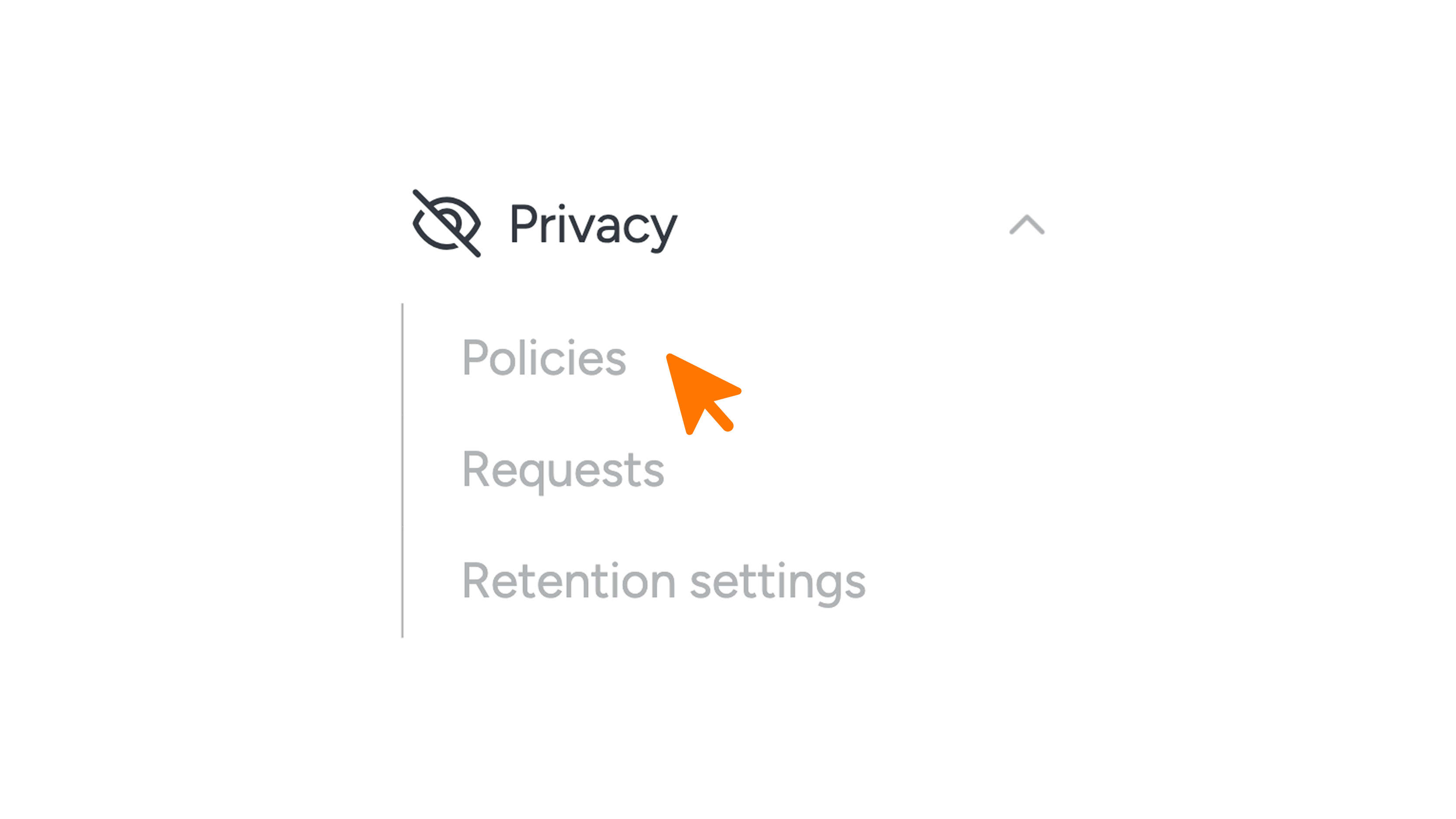
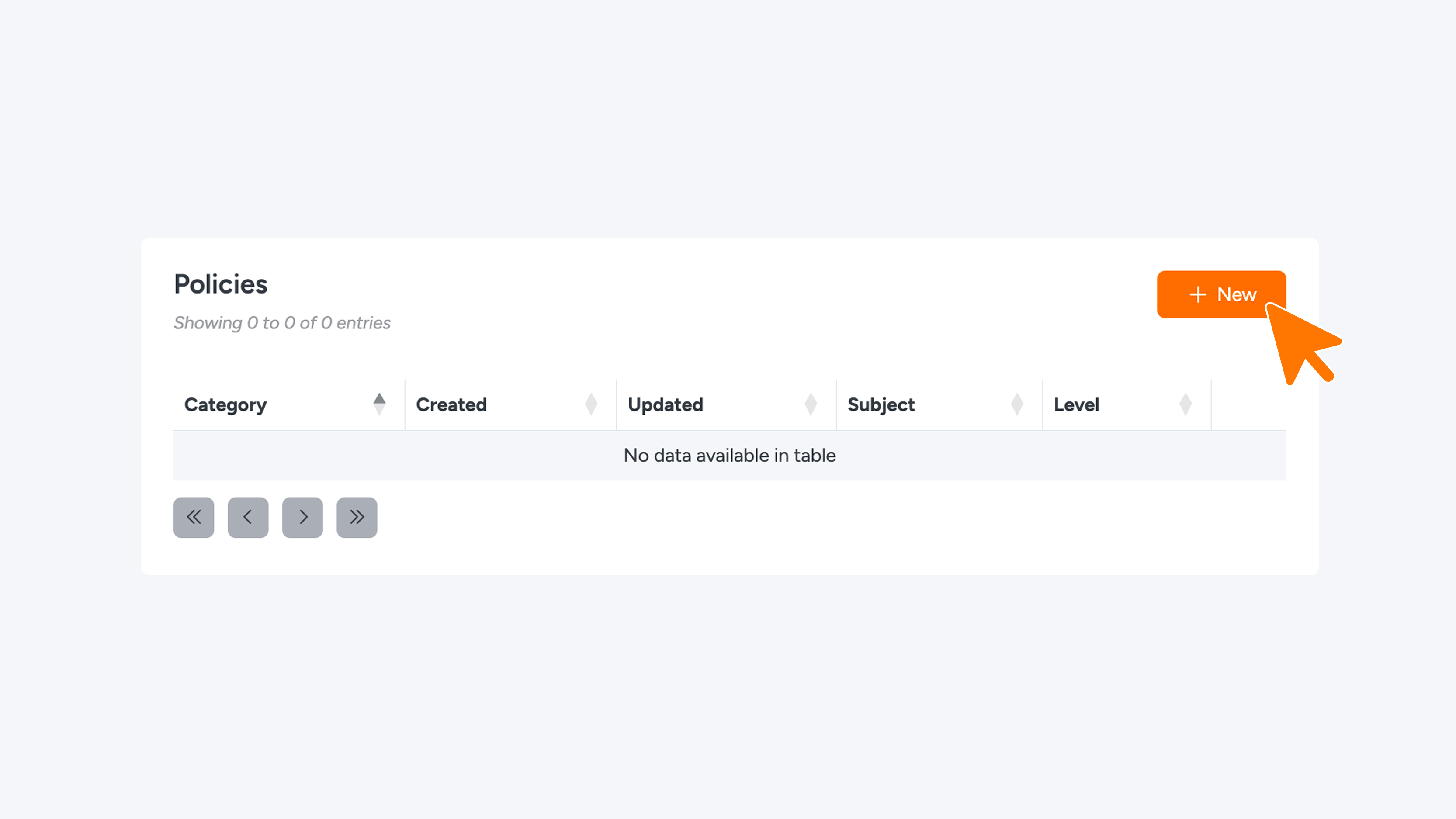
- In the menu, go to Privacy > Policies.
- Click the orange New button to create a new policy.
- Fill in the details and save the policy.
- Do you want to edit an existing policy? Click the pencil icon in the overview.
1. What you can apply policies to
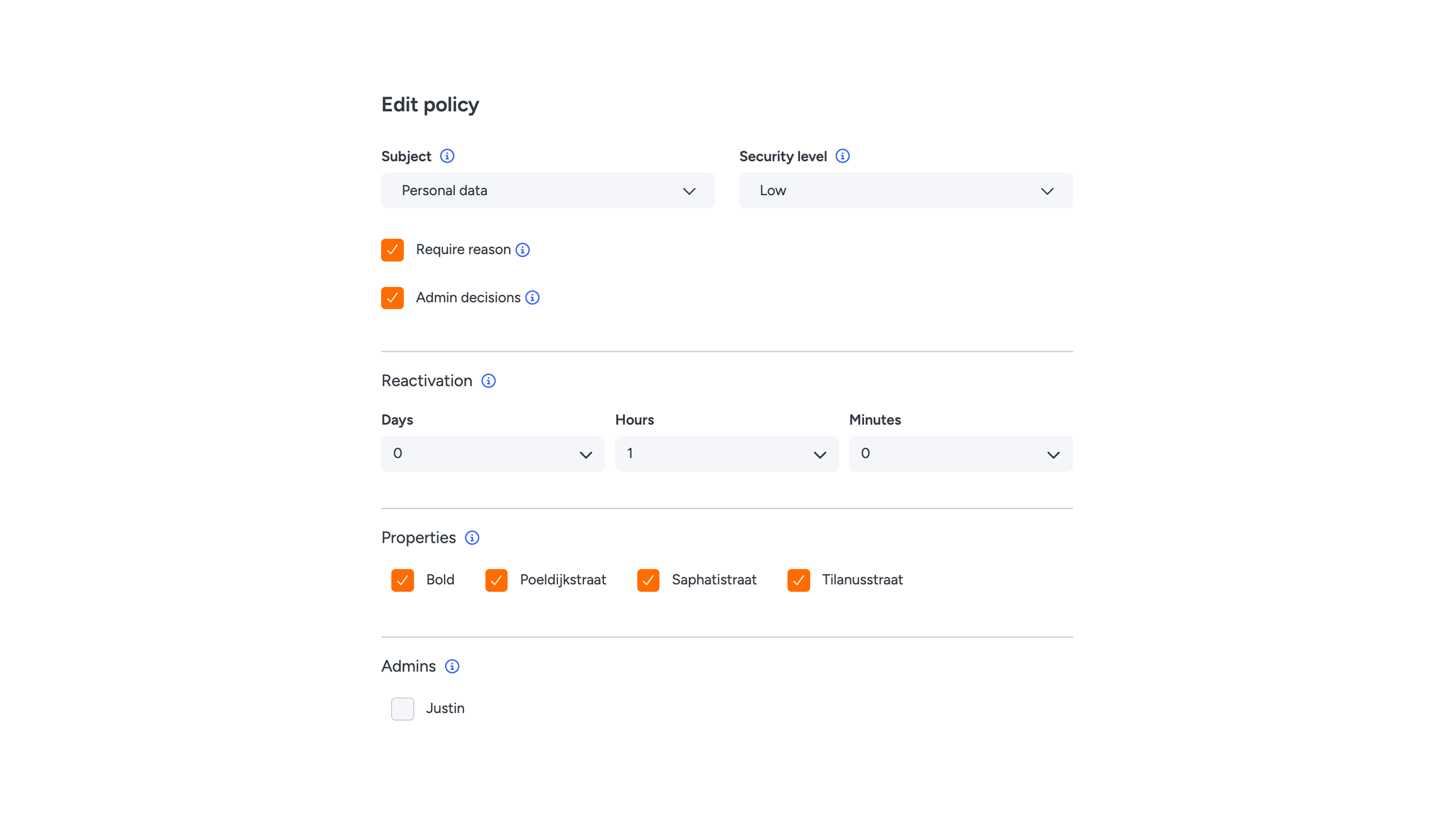
A policy is linked to one company and covers one subject. There can only be one policy per subject.
Available categories and subjects:
- Company: Access logs
- Key (User): Personal data, Access data, Access logs (optionally restricted per property)
- Chat: Chat
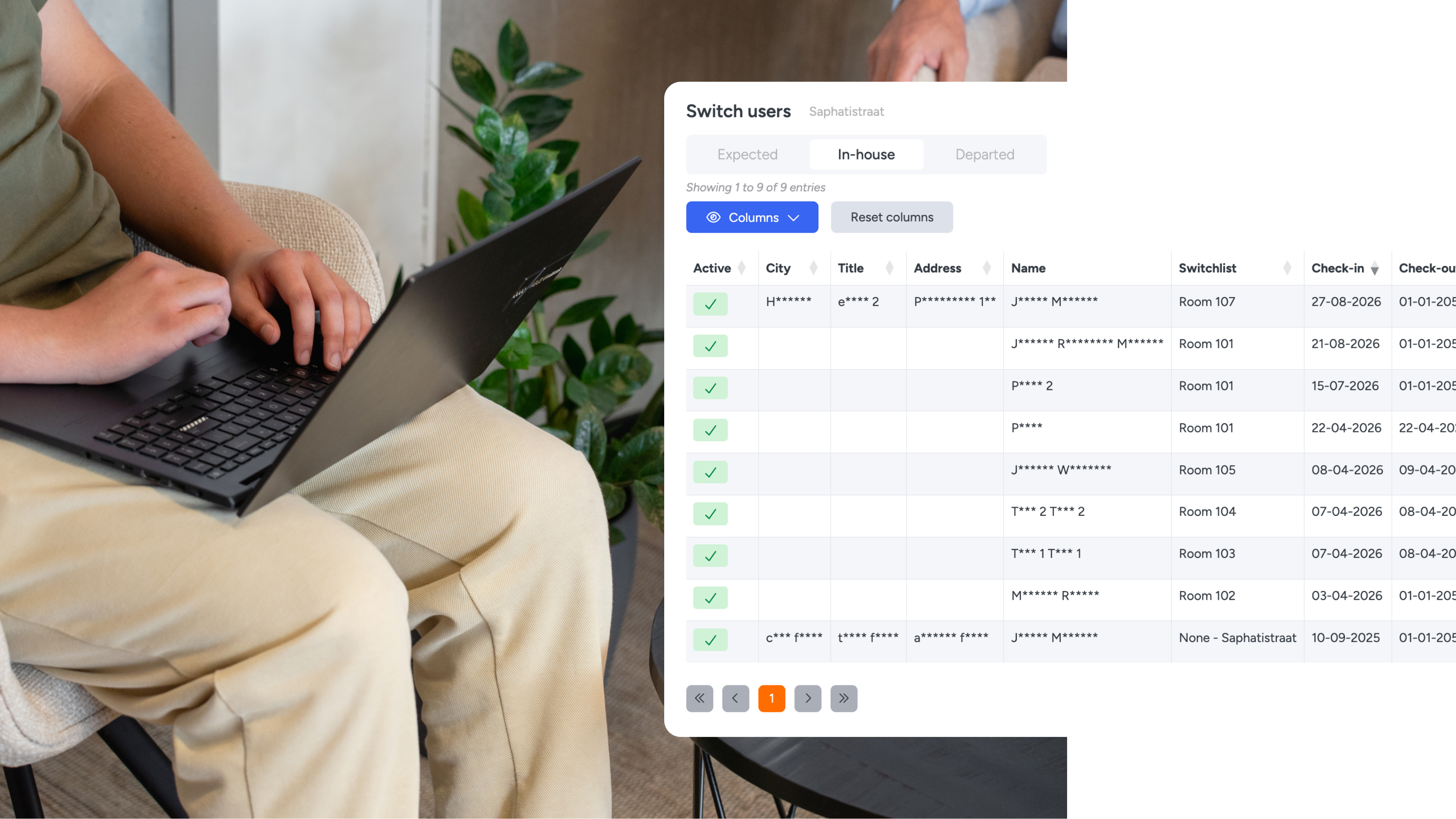
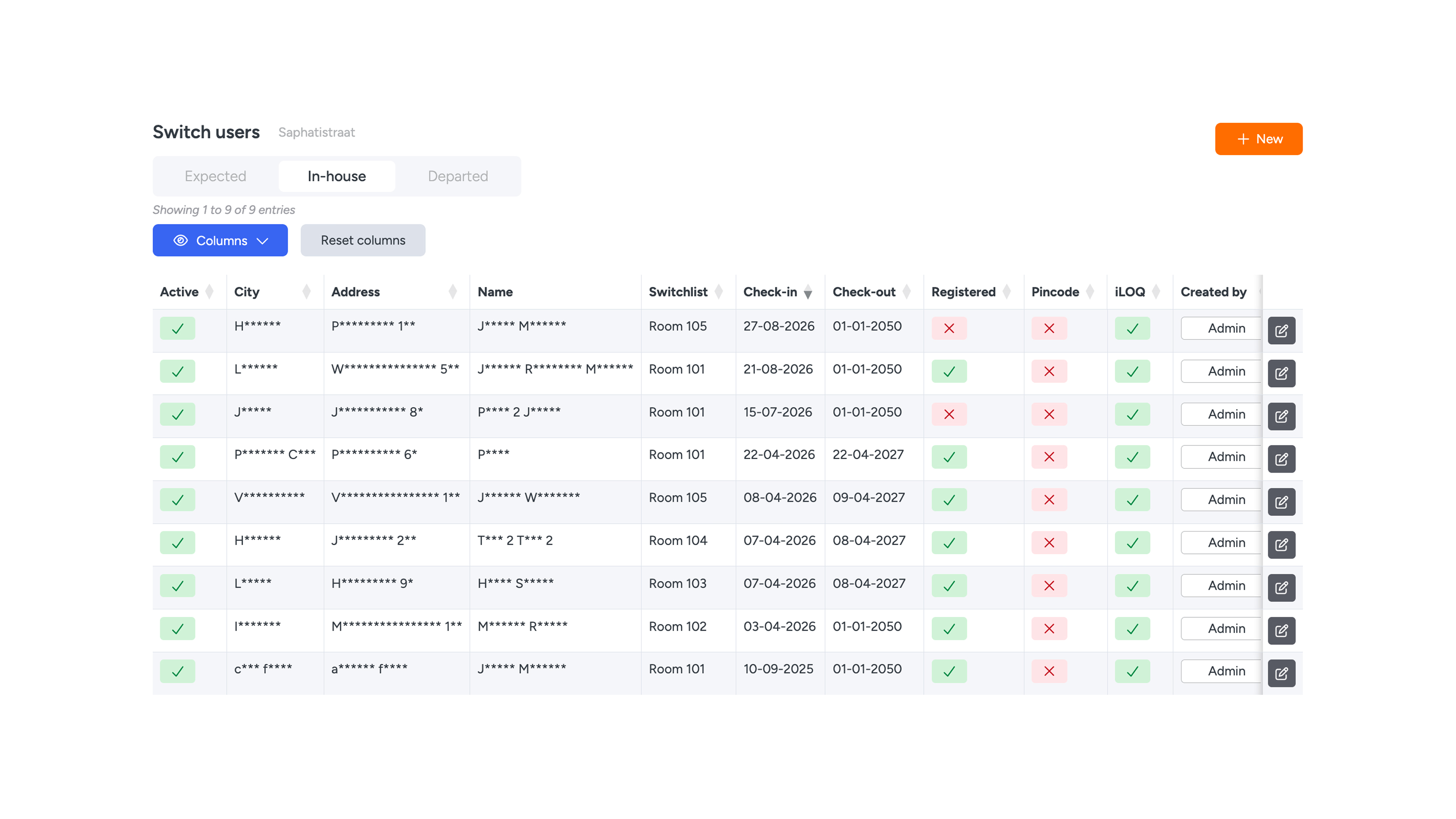
- Switch: Access logs (optionally restricted per property)
If you do not select a property under Key or Switch, the policy applies to the entire company.
2. Levels
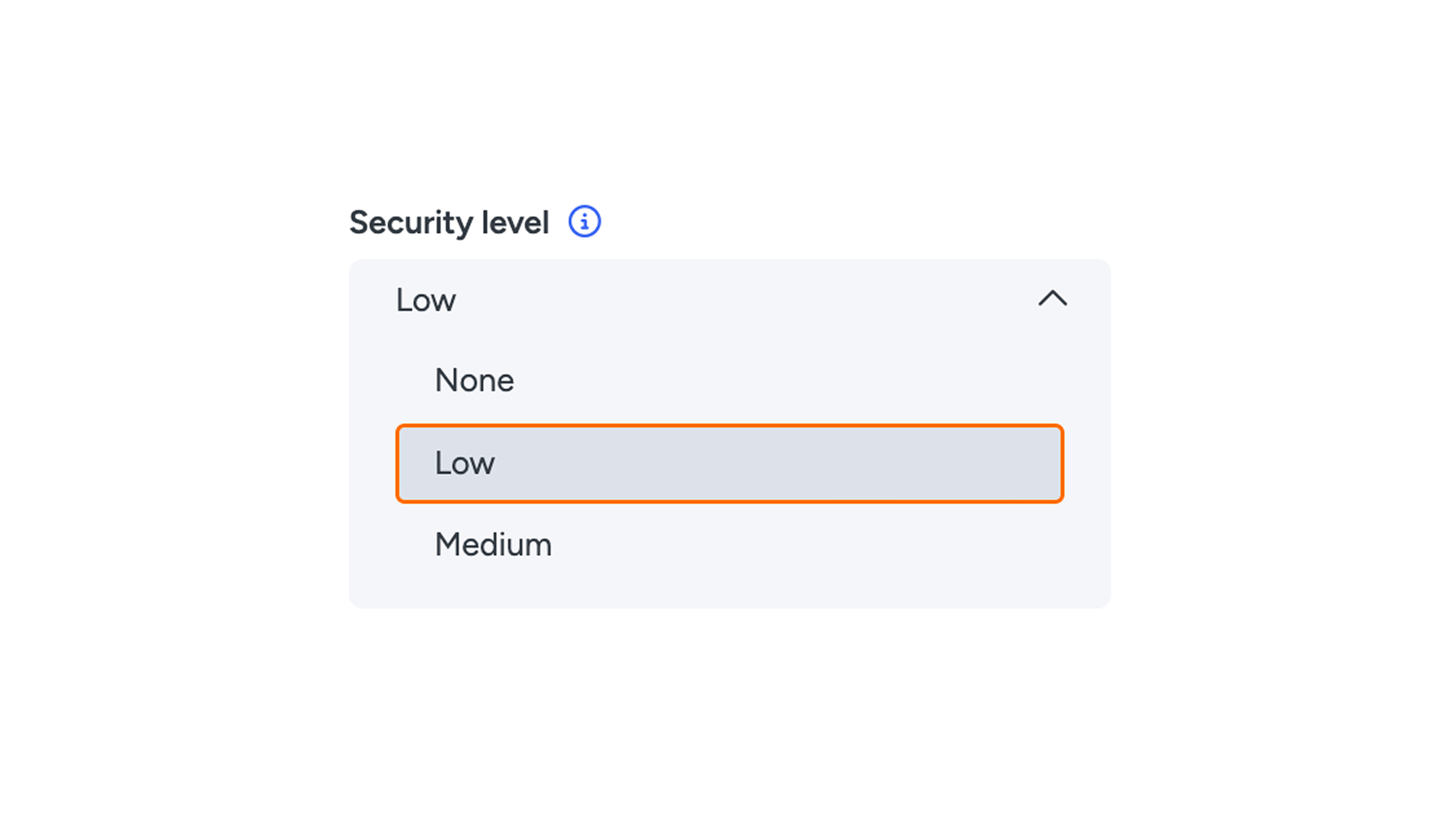
The security level determines how strictly the data is protected:
- None: No protection; all data is directly visible.
- Low: Data is protected, but a user can request access themselves. Access is granted immediately. The purpose of this is logging: every request records who views the data, when, and for what reason.
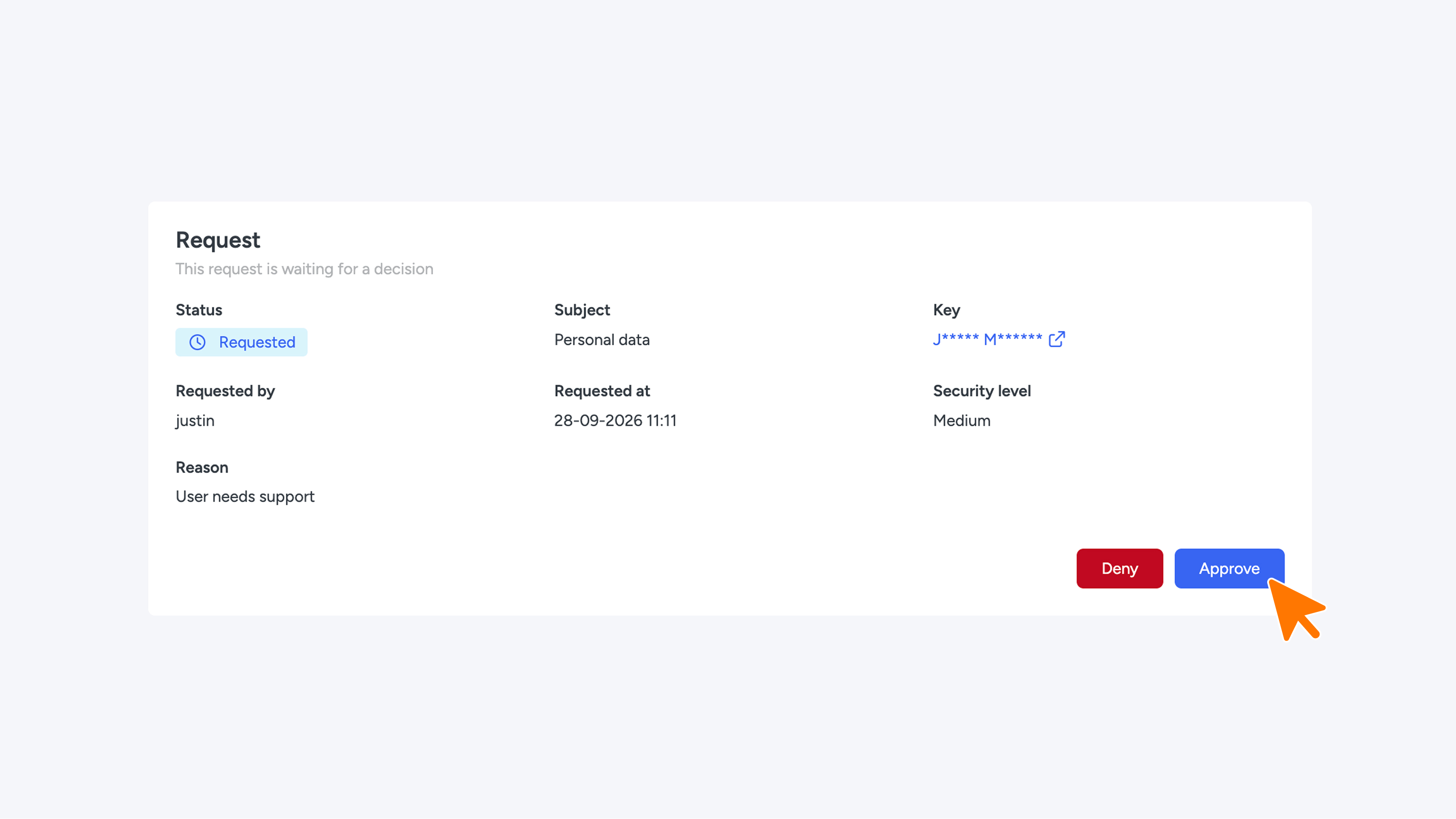
- Medium: Access must be explicitly approved by an Admin of the policy. The data remains hidden until approval.
User status flow:
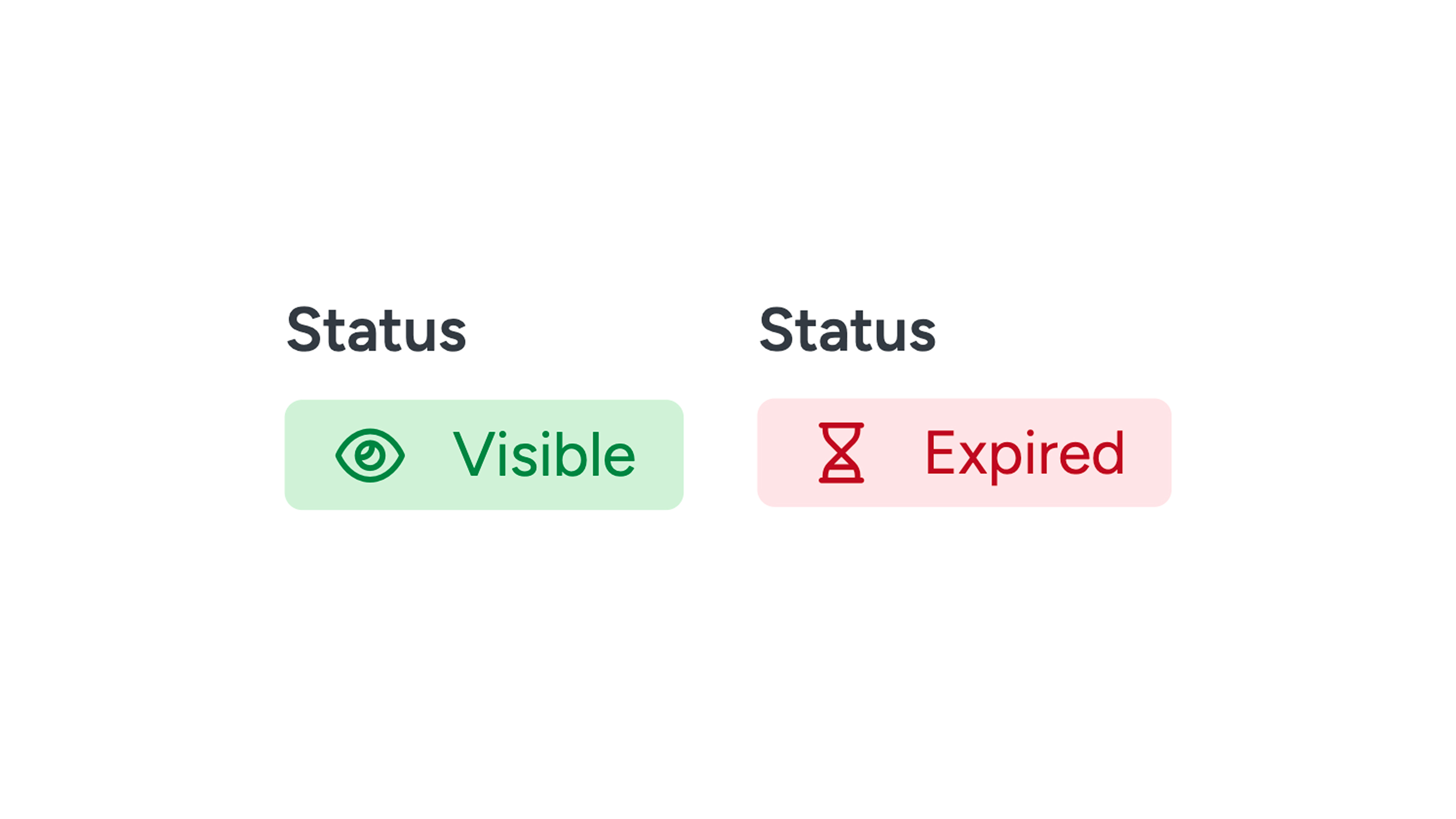
Hidden > Requested > Visible > Expired
How does hidden data look?
Hidden personal data is displayed masked. This keeps the record recognizable without making the data fully readable (for example, the domain remains visible in an email address, and the country code in a phone number).
Extra options
- Require reason: Requires the user to provide a reason when requesting access.
- Admin decisions: Also gives Connect admins the authority to approve or reject requests.
- Exception: Data created by the user themselves is always directly visible, regardless of the set security level.
3. Reactivation time
Validity period of a request
Once a request is approved, it remains valid for the set Reactivation Time. After this period expires, the status automatically changes to Expired.
Settings
This window determines how long a user retains access after it has been granted.
- Setting: Can be set in days, hours, or minutes (default: 1 hour, minimum: 1 minute).
- Start moment: The timer starts at the moment of approval (not when submitting the request).
- Expiration: As soon as the time expires, the status changes to Expired and the data is automatically hidden again.
- Repeat requests: To regain access after expiration, the user must submit a new request (and have it approved again for Medium). Upon a new approval, the validity timer starts completely over.
4. Admins
Selectable users are those linked to that company with the role ROLE_COMPANY, ROLE_RESELLER_SUB, or ROLE_RESELLER.
A Policy Admin has the following responsibilities:
- View incoming requests: You view requests for this policy.
- Approve or reject: Upon a decision, the reactivation window starts immediately.
- Restrictions: You cannot decide on your own request or on a request that has already been processed.
If you select no one, requests will not be processed and a Medium policy remains permanently closed. Platform admins (ROLE_ADMIN) can always view requests, but may only decide on them if Admin decisions is enabled.
Please note: You cannot change the subject of a policy while there are still pending requests.