10. Photo (slider)
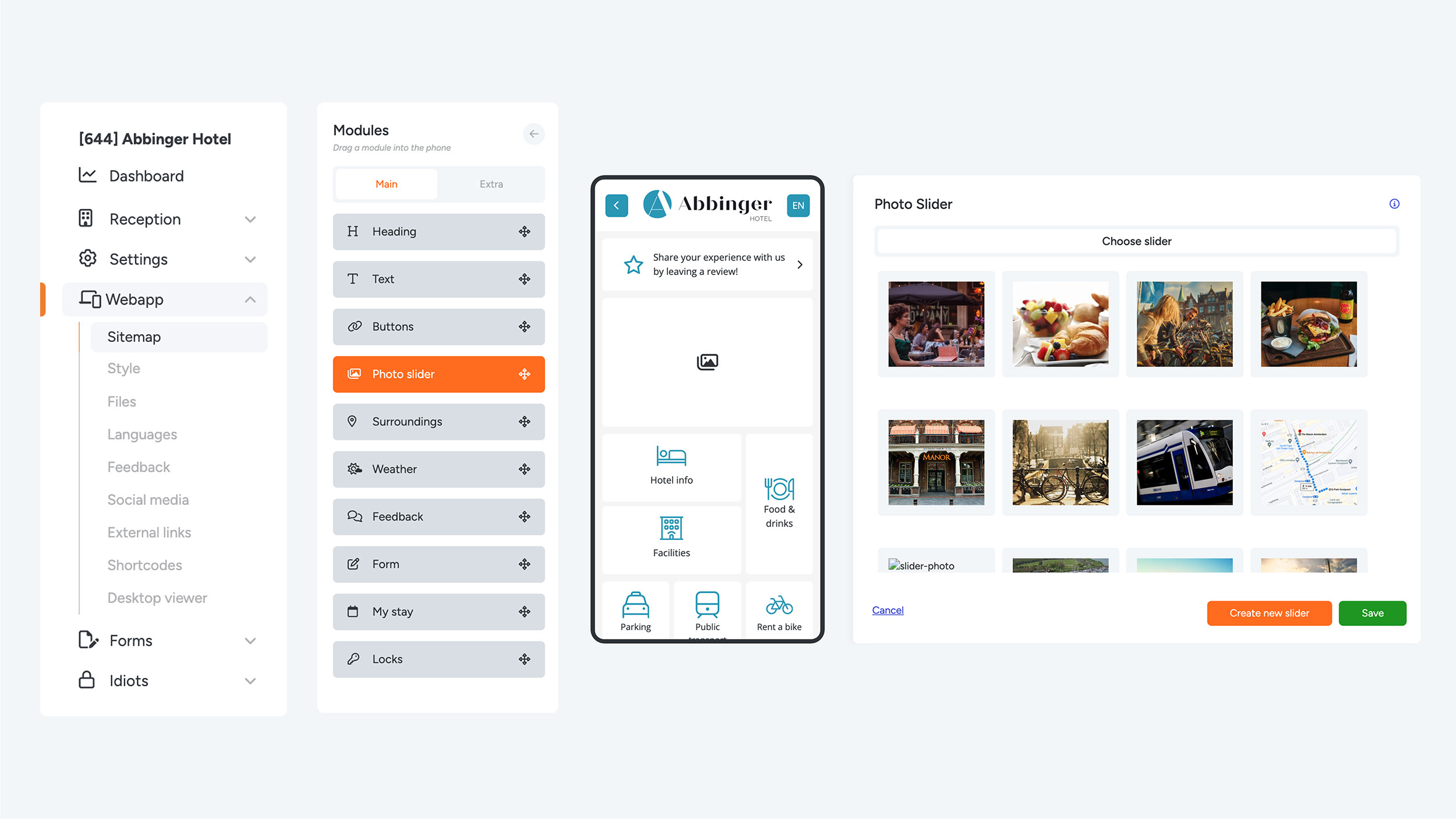
Would you like to add a single image, an image slider, or a clickable advertisement to your (Web)App? Simply drag the Photo Slider module into the phone preview. A settings page will appear where you can select an existing slider or create a new one by clicking “Create new slider.”
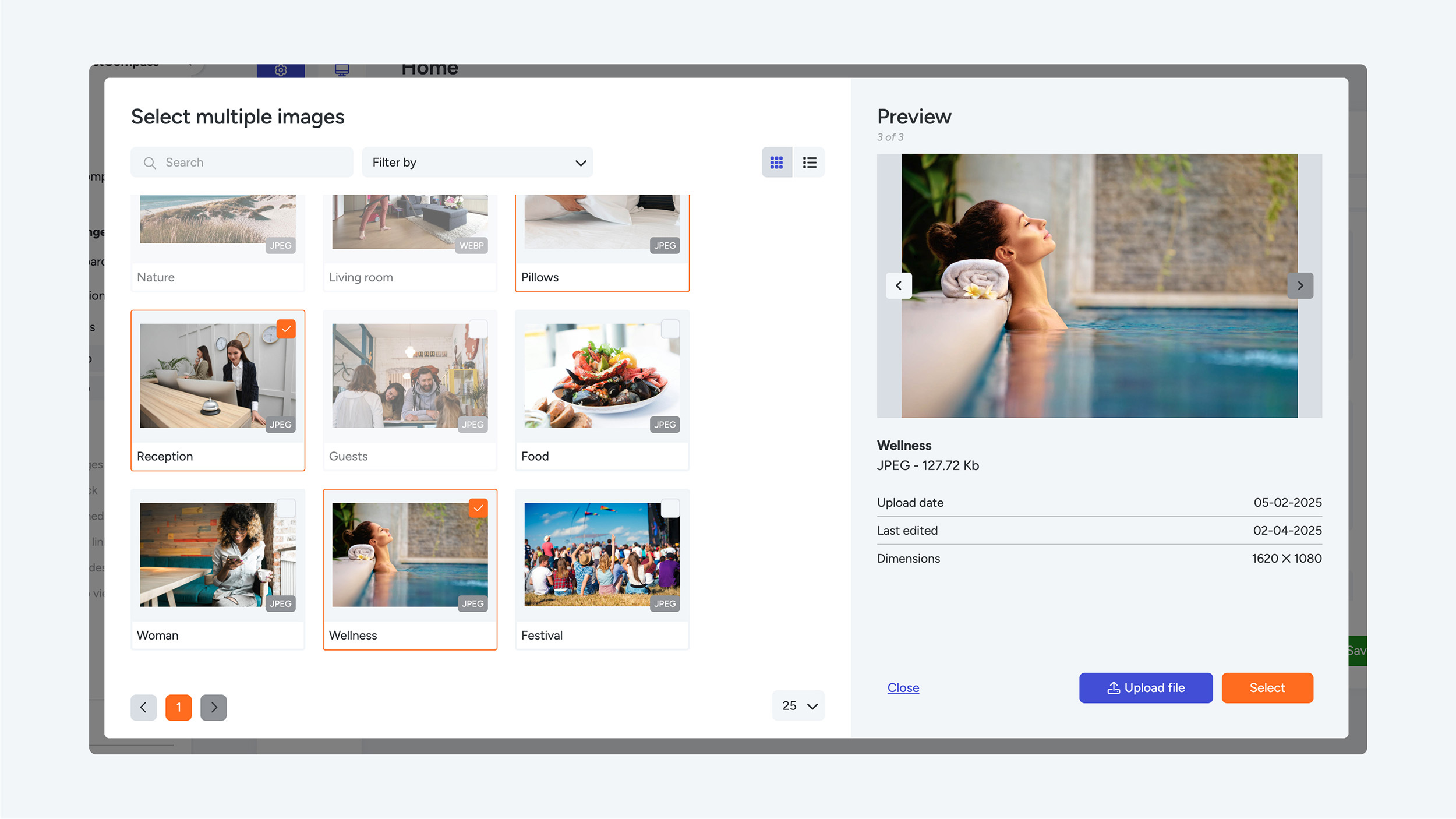
If you choose to create a new slider, you can select or upload up to 5 images. After uploading, you can crop the images. For the Photo Slider, the default aspect ratio is 4:3.
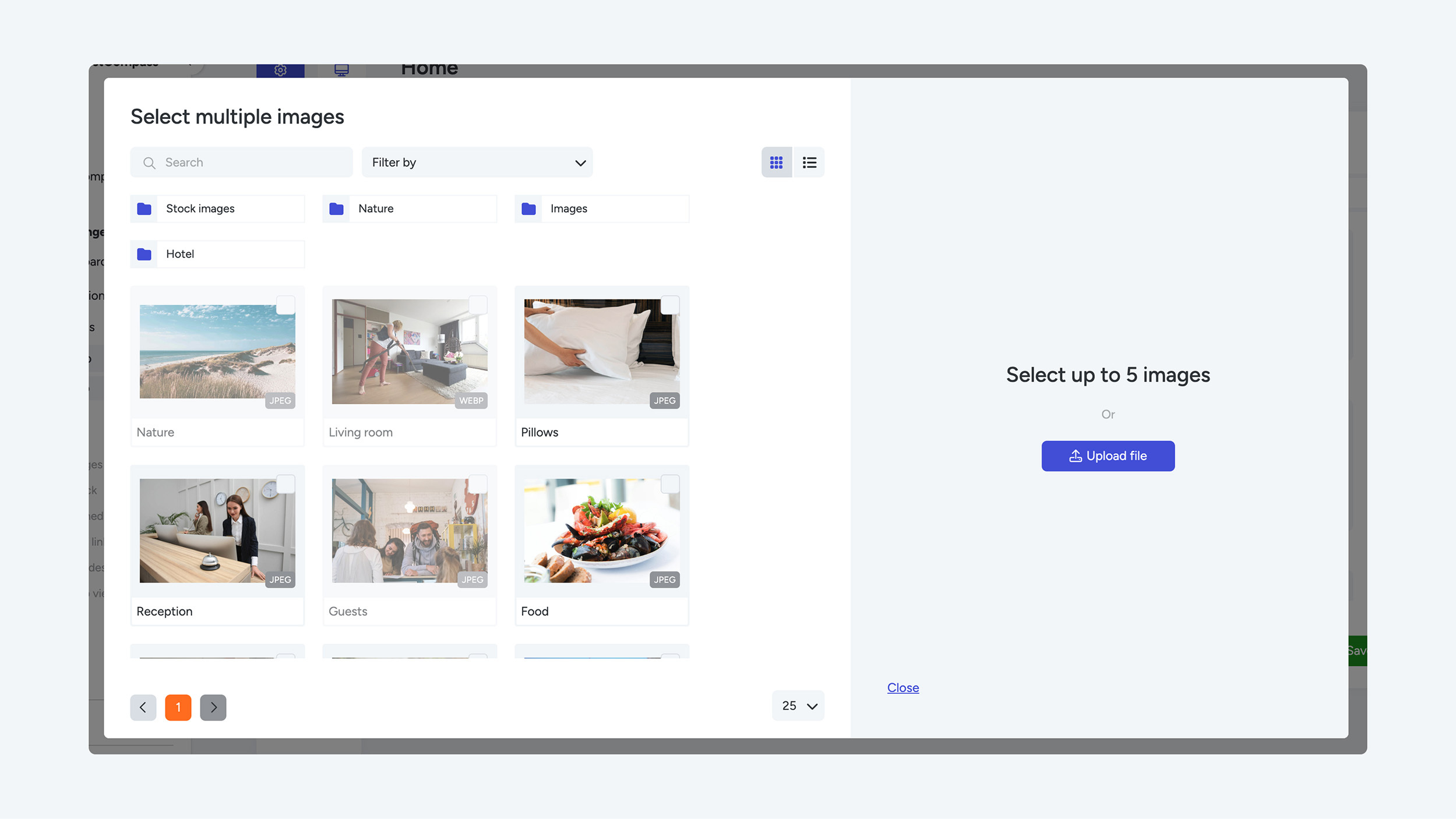
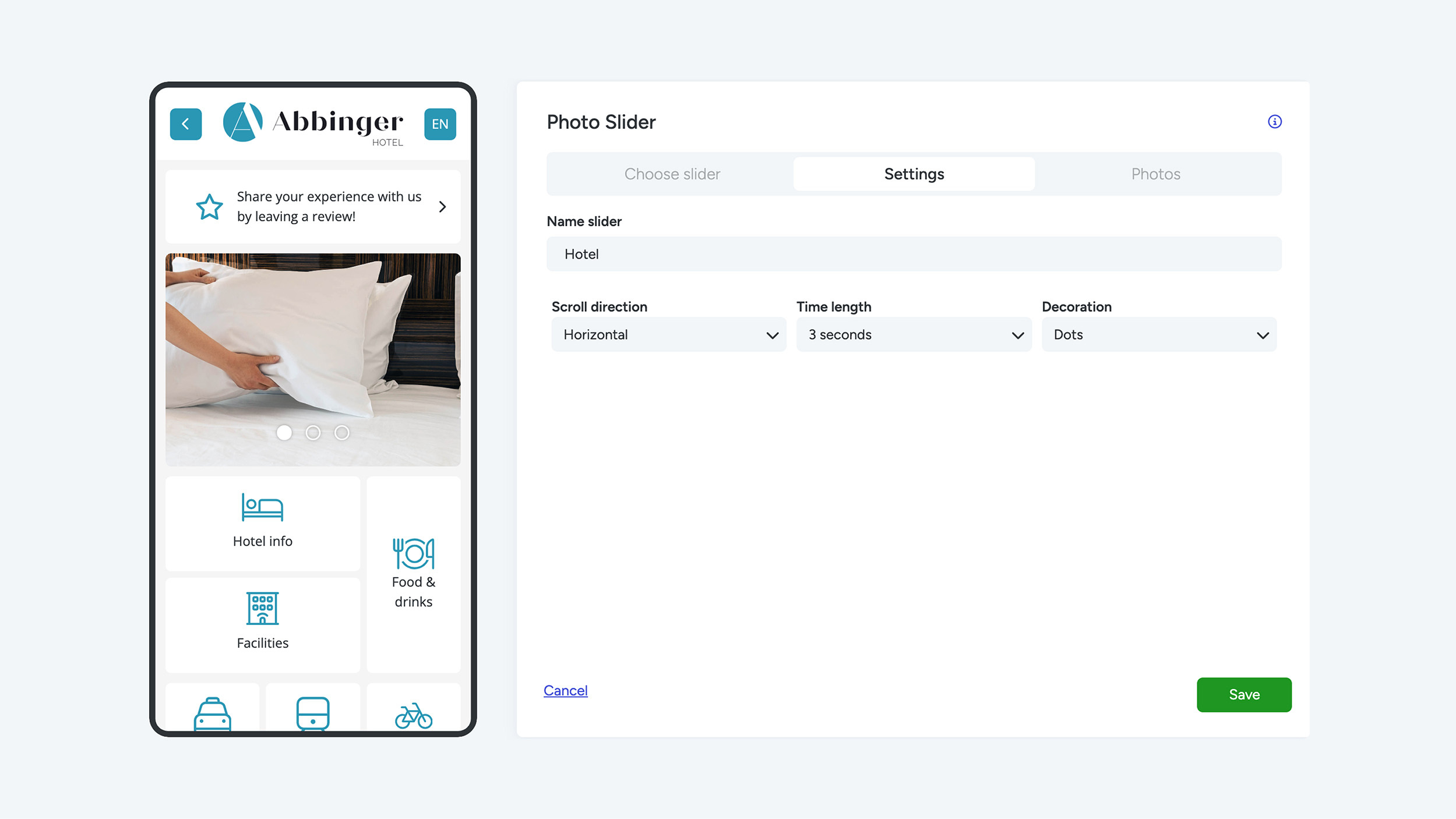
Once you have selected your images, click Select. The images will appear as a slider in the phone preview, and you will be taken to the Settings tab. Here, you can configure the following options:
- Slider name:
Give your slider a name so you can easily find it later while editing your (Web)App.
- Scroll direction:
Choose the direction in which the slider moves: horizontal or vertical.
- Time length:
Set the time interval between image transitions. You can choose no autoplay or an interval between 1 and 10 seconds.
- Decoration:
Choose how the slider is displayed. Options include no decoration, dots & arrows, or both dots and arrows.
Would you like the photo slider to be visible only at specific moments in the (Web)App? You can hide the module by clicking the eye icon (“disable”) when hovering your mouse over the module.