Change language
Changing the language of Connect
You can use Connect in English, Dutch, German, Norwegian or French. If you haven’t chosen a language yet, Connect is shown in English. This also applies to new users. Once you set a language, it’s saved for future sessions. Note: the login page, the info icons and the chat widget are always shown in English.
How to set your language
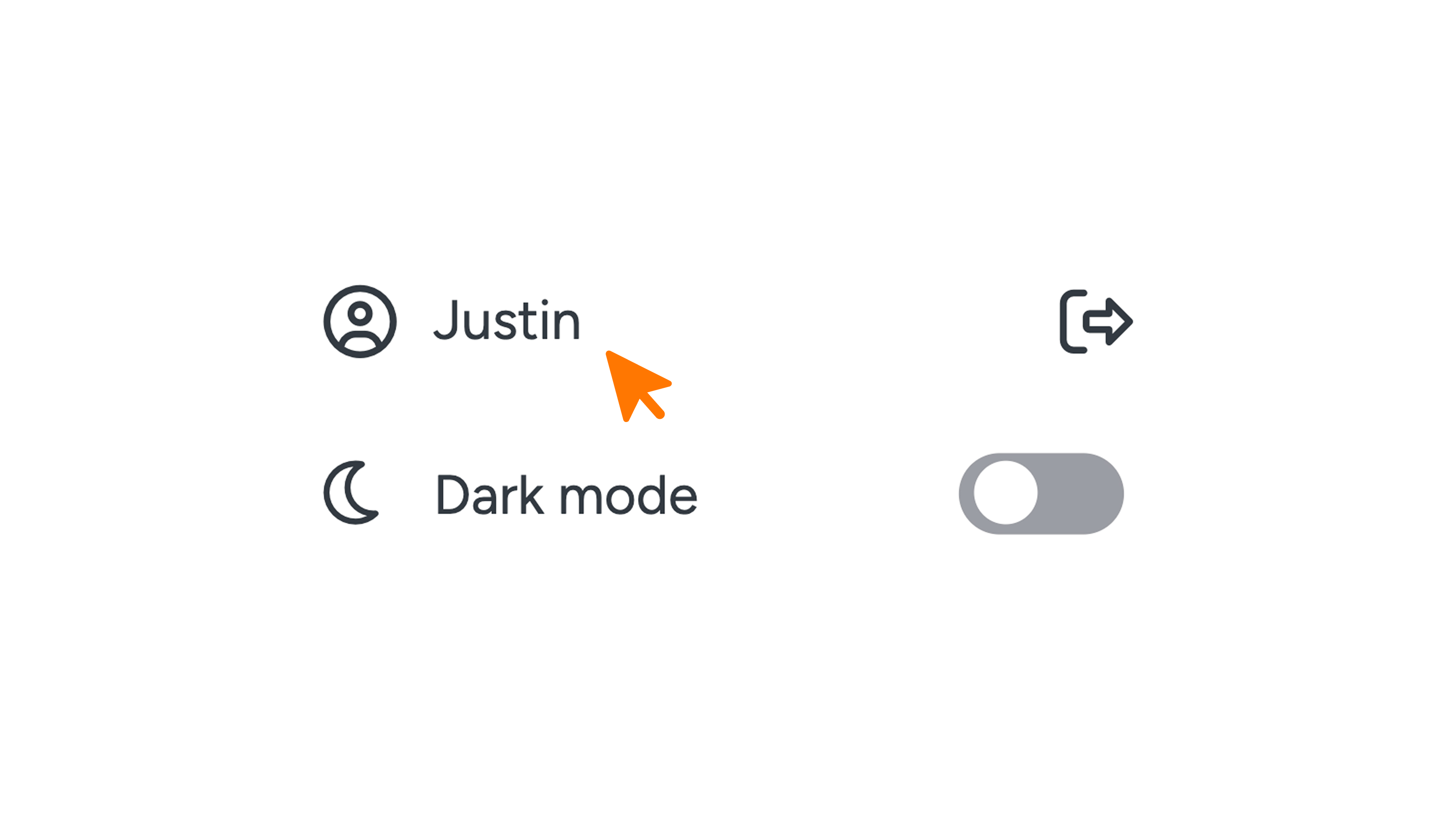
- Click your username at the bottom of the left menu. Your profile page opens.
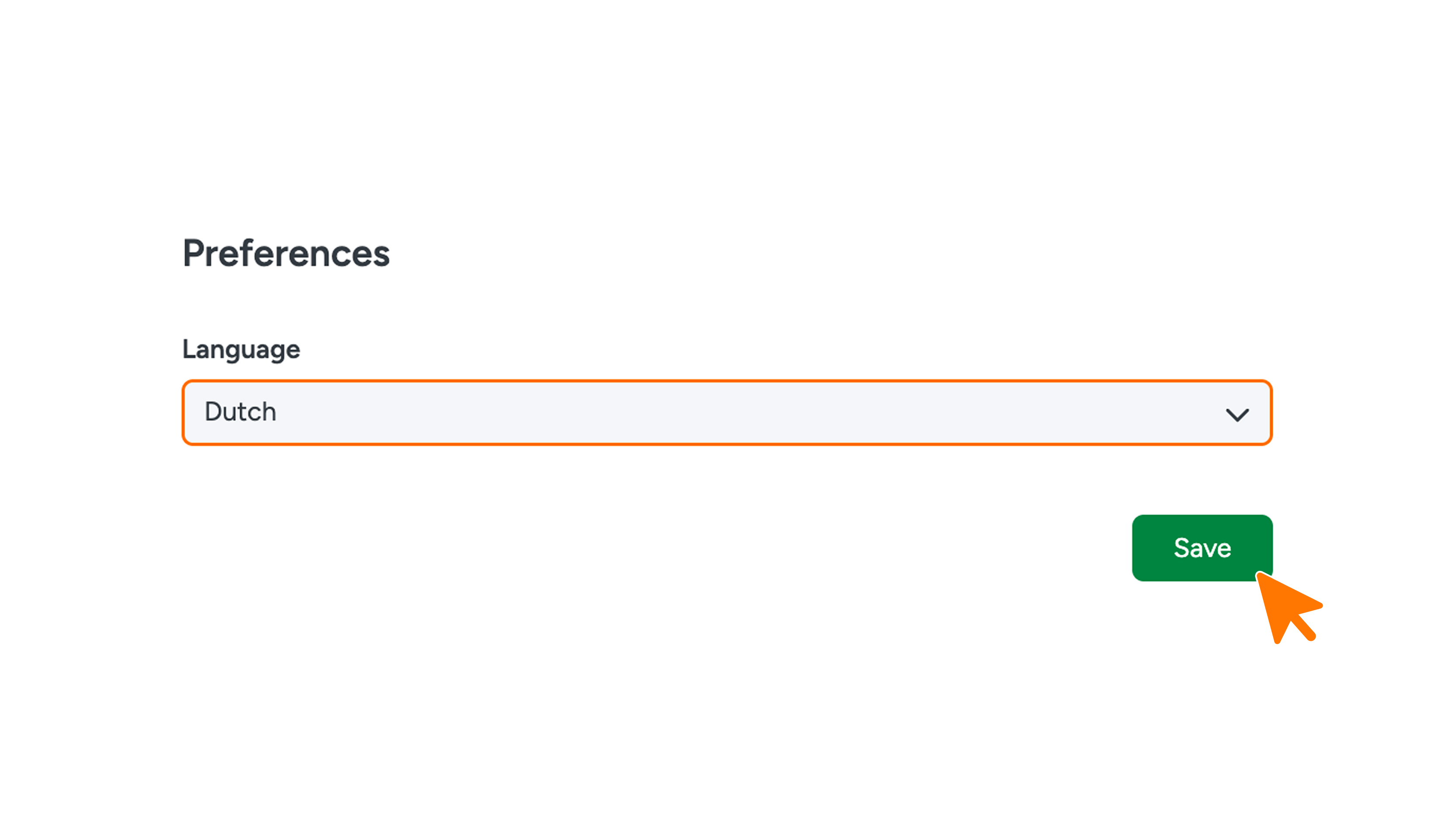
- Under Preferences, choose a language from the Language dropdown.
- Click Save.
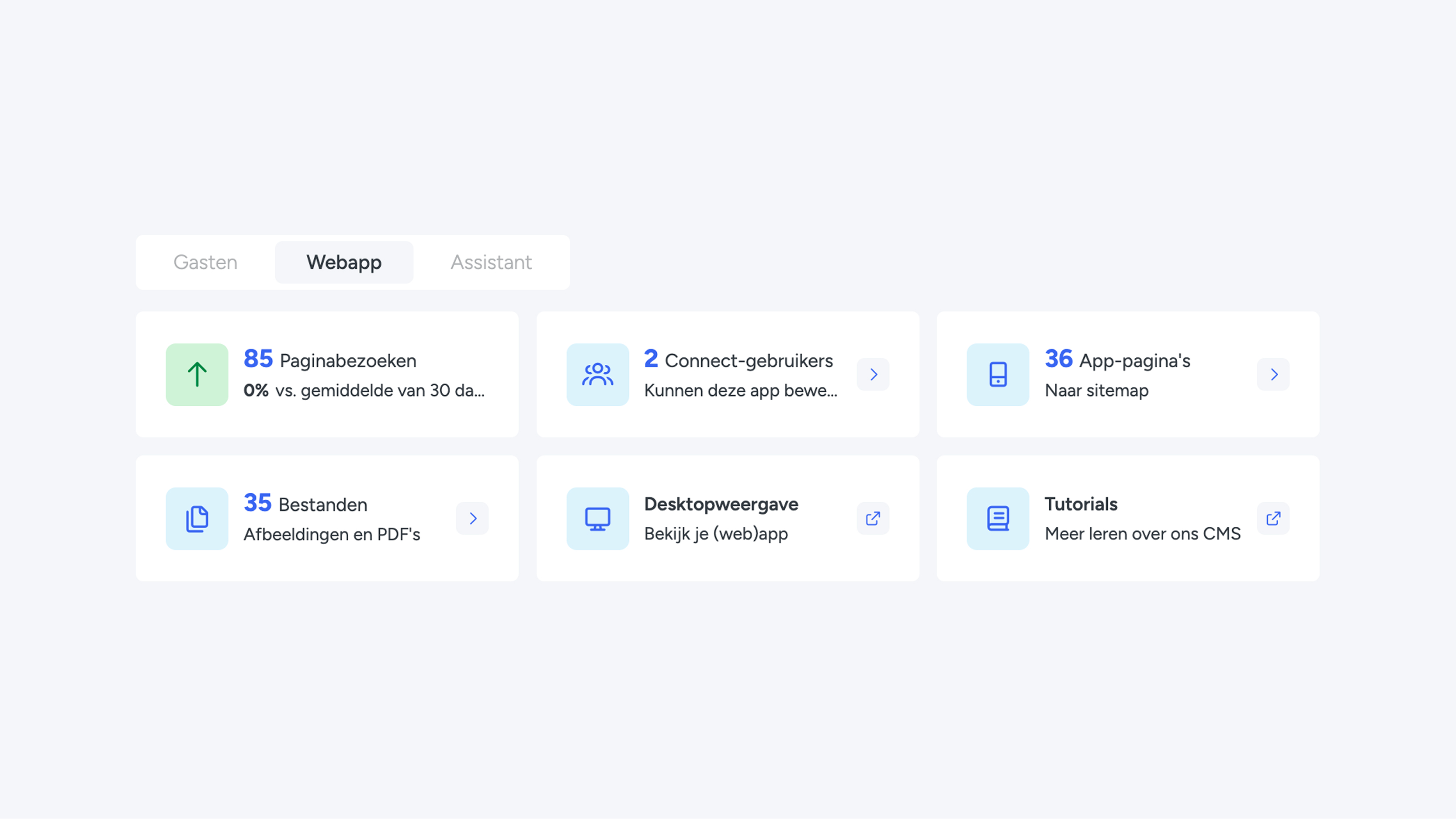
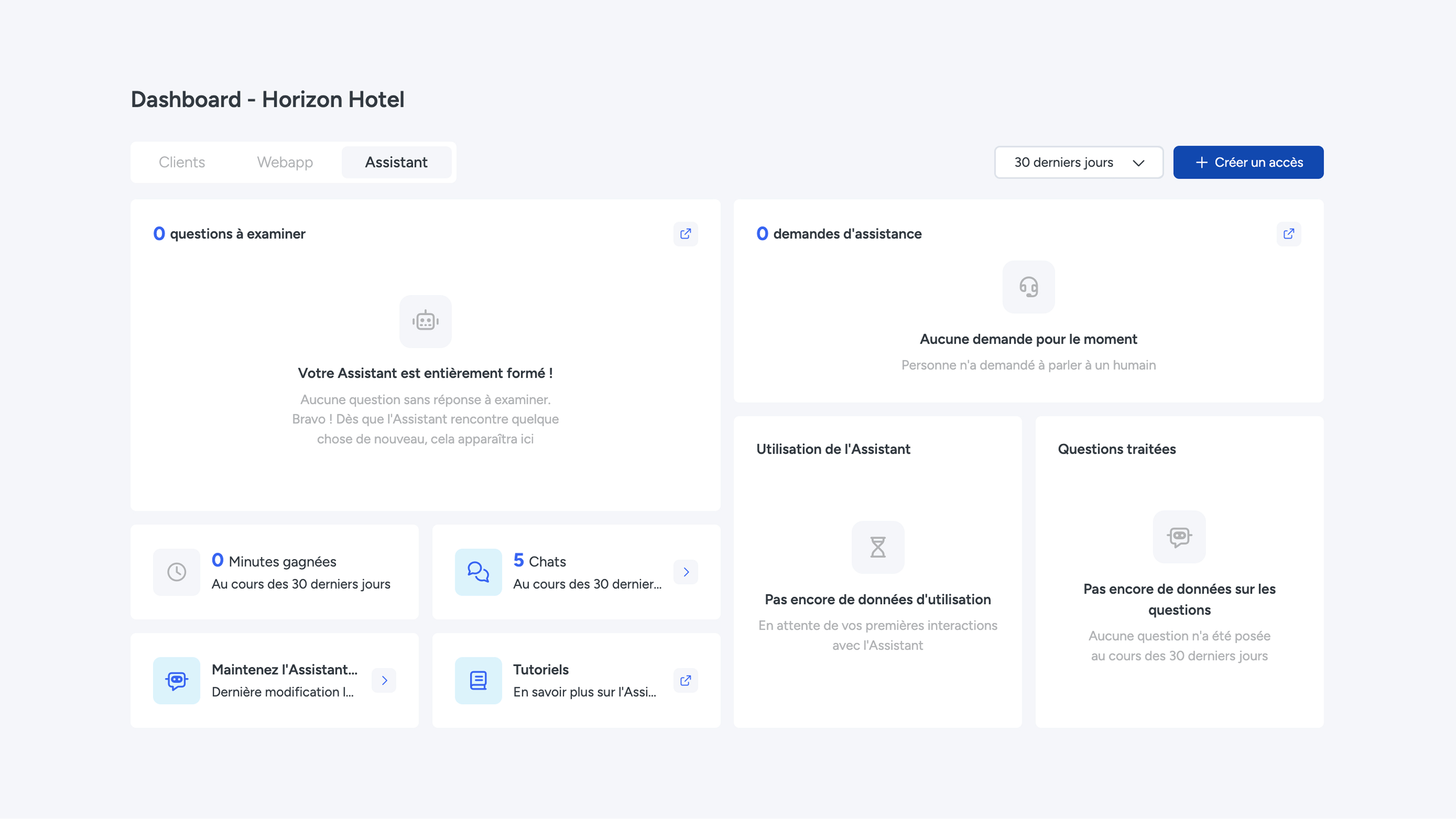
Menus, pages, tables and notifications now appear in the language you chose. This also applies to your organisation’s own terms, such as the name you use for Switch lists.
Only for your own account
The language you choose only applies to you, so each colleague can set their own language.
The language of the web app
This setting doesn’t change the language of the web app your guests, residents or employees see. To find out how to set that, see the Languages page.
Is a translation wrong?
Spot a missing or odd translation? Let us know at support@guestcompass.nl and we’ll fix it.
